.webp)




.svg)

Key Takeaways (TL;DR)
Conversation intelligence software records and analyzes sales calls. The right tool depends on what you need after the call: notes, coaching, CRM updates or a forecast you can defend.
- Gong: the most complete coaching platform for 50+ reps, with the highest cost (about $26,500 to $55,000 in year one for 10 reps).
- MaxIQ: its conversation intelligence, EchoIQ, connects calls to deal reviews and forecasting.
- Chorus and Salesloft: best when you already use ZoomInfo or Salesloft.
- HubSpot Sales Hub: call analysis already included in Professional and Enterprise.
- Avoma and Jiminny: coaching for mid-size teams at published prices ($48 and $83 per seat a month).
- Fireflies.ai, Granola and Grain: low-cost notes, bot-free capture and shareable clips.
Every tool below includes its CRM integrations, real pricing and when to pick something else.
Every tool in this guide records and transcribes sales calls. That part is cheap now and works about the same everywhere. What separates them is what happens after the call: whether the next step lands in your CRM, whether managers coach from it, and whether the forecast changes when a buyer says they’re pausing. That’s also where prices jump, from $14 a seat for a note-taker to tens of thousands of dollars a year for an enterprise platform.
This guide compares ten conversation intelligence software tools on exactly that: what each one does with a call afterward, which CRMs it connects to, what it really costs, and when to pick something else. If you mainly need transcripts and summaries, start with our comparison of AI note takers for sales.
A quick disclosure: this guide is published by MaxIQ, one of the tools below, and EchoIQ is part of the MaxIQ platform. It gets the same treatment as every other tool here, including a section on when you should choose something else. Prices and integrations were checked on October 16, 2026.
Best conversation intelligence software compared
Most teams are deciding between three things: how much of the call review happens automatically, how much reaches CRM without a rep typing it, and what the tool costs before a sales conversation starts.
How we evaluated these tools
We compared each platform from a sales team’s point of view. Recording a call is only the starting point. The useful question is what the tool helps your team do with the conversation afterward.
We looked at:
- Call capture and analysis: How the tool records, transcribes, and identifies topics, objections, competitors, and next steps.
- Coaching and scoring: Whether managers can use scorecards, review rep performance, and give structured feedback.
- Live guidance: Whether the tool can surface battlecards, prompts, or recommendations during a call.
- Conversation search: How easily teams can find important moments across their call library.
- CRM and revenue workflows: What the tool sends to Salesforce, HubSpot, or another system, and how much manual work remains.
- Pricing and team fit: What the required plans, seats, add-ons, and setup costs mean for different types of sales teams.
Prices, plans and CRM integrations come from each vendor’s own pricing pages, integration pages and help docs, checked on October 16, 2026. Gong doesn’t publish prices, so its figures are third-party estimates and labeled that way. Gong, Chorus and Salesloft don’t offer self-serve trials, so we assessed them from documentation and from what buyers tell us on sales calls, not hands-on use. When a feature or price depends on a plan, add-on or contract, we say so in the review.
What is conversation intelligence software?
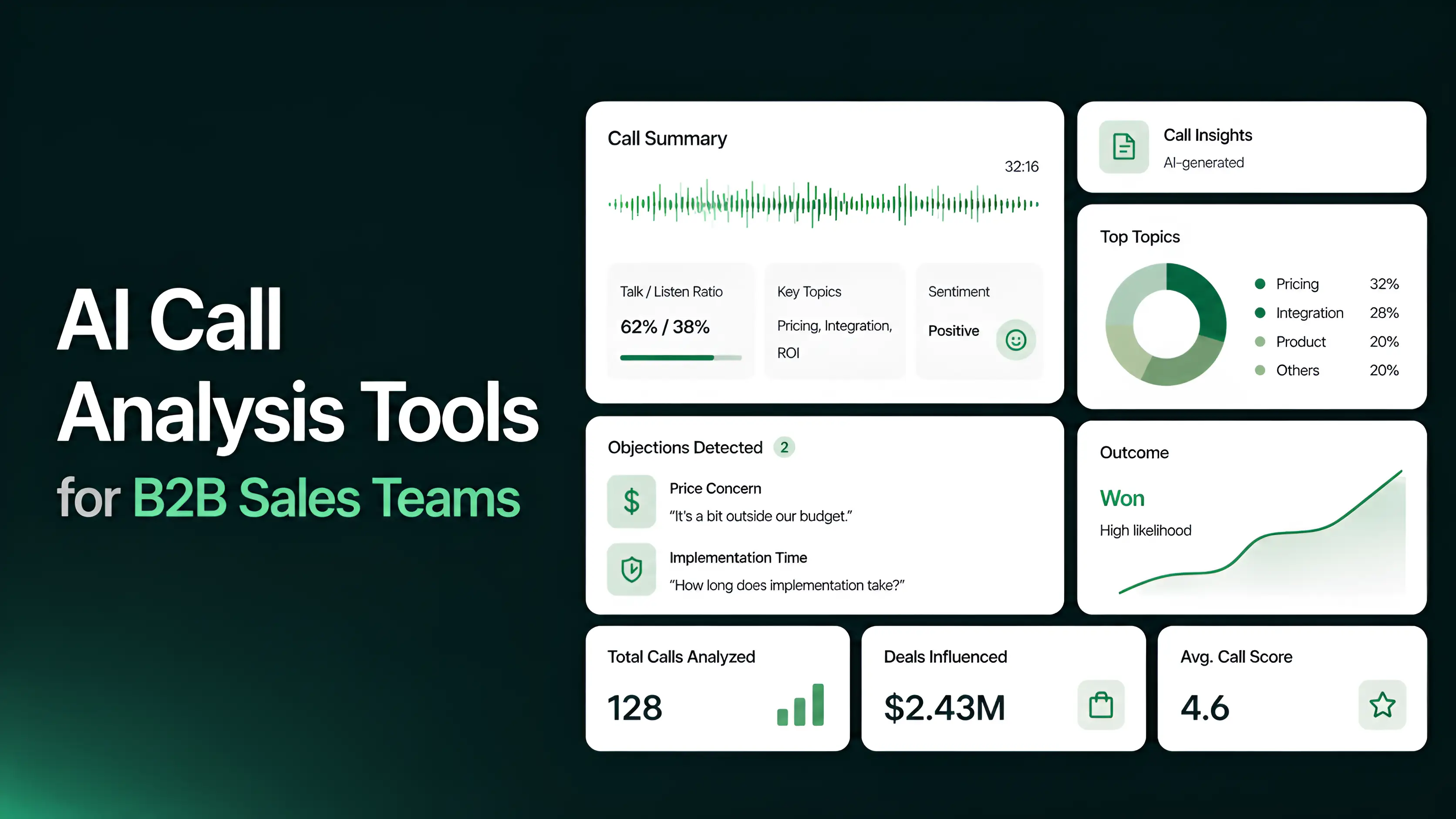
Conversation intelligence software records and transcribes sales calls, then analyzes the discussion for information your team can act on. It can identify objections, competitor mentions, pricing questions, next steps, buying signals, and coaching opportunities.
The transcript is only the starting point. The useful part is the context around the conversation. A manager can see whether the buyer confirmed the budget, whether the rep followed the sales process, and whether both sides agreed on the next step.
Depending on the platform, those insights can update CRM fields, create follow-up tasks, flag deal risk, recommend coaching, or support a forecast review.
Basic call recording stores a meeting for later. Conversation intelligence software helps your team understand what happened and decide what to do next.
How conversation intelligence software works
Conversation intelligence usually follows four steps:
- Capture the conversation
The platform records calls from Zoom, Google Meet, Microsoft Teams, dialers, or other supported sources. - Transcribe the call
The audio is converted into text, with speakers identified and important moments time-stamped. Accuracy can vary with accents, industry terms, background noise, and people speaking over one another. - Analyze the discussion
AI looks for objections, competitor mentions, pricing, questions, next steps, buying signals, and sales-methodology patterns. Some platforms also score calls or flag deal risks. - Send insights into the workflow
The output can become a CRM update, follow-up task, coaching activity, deal-review note, or forecast signal. This is where tools differ most: some mainly store transcripts, while others connect conversation insights to revenue workflows.
Where conversation intelligence tools differ
Conversation intelligence platforms can look similar in a feature list, but they are built for different jobs.
- Conversation-first tools focus on recording, transcription, search, call libraries, and coaching.
- Coaching-first tools add scorecards, methodology checks, rep comparisons, and manager feedback. For tools focused purely on analyzing calls, see our list of AI call analysis tools.
- Live-assistance tools help reps during the call with battlecards, prompts, and suggested responses.
- Revenue-connected tools connect conversation signals to deal inspection, CRM updates, forecasting, and post-sale workflows. Here’s what a forecast built on conversation data looks like in practice.
- Meeting-note tools focus on capturing notes and summaries with less setup, but may offer fewer coaching or revenue features.
The right choice depends on where your team loses information. If managers cannot review calls consistently, coaching and scorecards may matter most. If CRM data is incomplete, look for automatic updates and activity capture. That gap is common: sellers never log 44% of the contacts they talk to in the CRM (statistics on missing CRM data). If forecasts change without clear evidence, choose a platform that connects customer conversations to deal and forecast workflows.
Conversation intelligence vs. revenue intelligence vs. call recording
These terms are related, but they describe different levels of work.
A call recording tells you what was said. Conversation intelligence helps explain what mattered in the conversation. Revenue intelligence connects those signals to the deal, forecast, and customer relationship.
If your team mostly needs good notes in the CRM, you may not need conversation intelligence at all. A note-taker at $10 to $20 a seat is often enough. If you need the broader revenue view, our revenue intelligence platform guide covers that category in depth.
Questions to ask before choosing a conversation intelligence tool
A demo should show how the platform works with your conversations and CRM, not just a list of features. Ask each vendor:
- Which meetings and phone calls can the platform capture automatically?
- How accurate is transcription with accents, industry terms, and people speaking over one another?
- Can managers create custom scorecards based on our sales methodology?
- Can the tool score calls automatically and show evidence for each score?
- Which CRM fields, notes, tasks, and activities can it update?
- Are coaching, live guidance, forecasting, or deal-risk features included or sold as add-ons?
- How are recording seats, viewer seats, AI credits, storage, and usage billed?
- What implementation, onboarding, support, and data-export options are included?
- Can we test the platform with our own calls before signing a contract?
Use the same calls and the same evaluation criteria with every vendor. That makes it easier to compare transcription quality, coaching depth, CRM updates, and the amount of work your team still has to do manually.
Top 10 Conversation Intelligence Tools for 2026
Each review starts with who it’s for, then covers what it does, which CRMs it connects to, what to watch out for and what it costs.
1) Gong
Pick it if: you have 50+ reps and managers or an enablement team whose job includes reviewing calls every week.
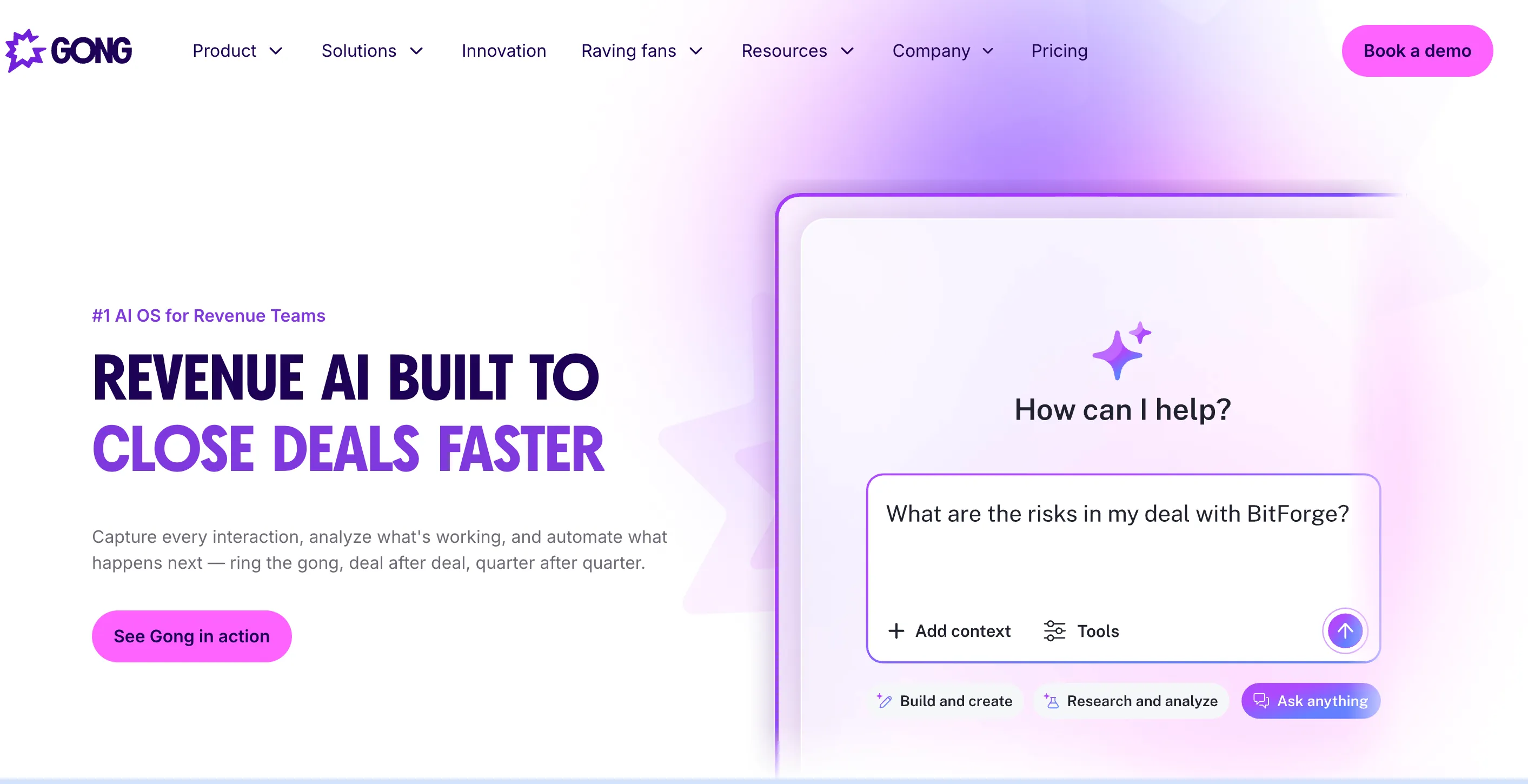
Gong is the platform the rest of this list gets compared against. Its strength is turning thousands of recorded calls into a coaching system. Managers build scorecards, review calls against them, compare reps side by side, and search every call for a competitor’s name or a pricing objection. Gong also sells engagement and forecasting modules, so large teams can fold several tools into one contract.
CRM: native integrations with Salesforce, HubSpot and Microsoft Dynamics. Other CRMs connect through Gong’s CRM API, which only imports data, and Gong connects to one CRM at a time (Gong help center).
Watch out for: cost and commitment. Under about 20 reps, or when managers also carry a quota, the platform fee rarely pays off. Avoma or Jiminny cover core coaching at published prices, and teams on HubSpot Sales Hub Professional or Enterprise should try its built-in call analysis first.
Price: Gong doesn’t publish prices. A May 2026 roundup by Sybill (a Gong competitor) puts it at roughly $1,400 to $3,000 per user per year depending on modules, plus a platform fee of about $5,000 to $50,000 a year and one-time implementation fees. Contracts are usually annual or multi-year. See our Gong pricing guide, our Gong vs. MaxIQ comparison, or how to choose between Clari, Gong and an all-in-one platform.
2) MaxIQ
.png)
Pick it if: your deal reviews and forecast calls keep missing things buyers already said on calls, and your team runs on Salesforce or HubSpot.
This is MaxIQ’s conversation intelligence, called EchoIQ, so weigh this section with that in mind. It records Zoom and Teams calls and writes a one-page summary of decisions, risks and next steps. Instead of leaving that in a separate call library, it writes it to the deal: opportunity notes, MEDDIC fields and activity logs fill in automatically, and deals that stall, slip or go single-threaded get flagged for deal inspection before the forecast call. The same signals carry into post-sale workflows. It also supports PII redaction. See what’s new in MaxIQ Conversation Intelligence for the full walkthrough.
CRM: Salesforce and HubSpot.
Watch out for: if you want a mature coaching program today, with large call libraries and enablement workflows, Gong is further along. If you only need meeting notes, Fireflies.ai or Granola cost less. And if you run a support team or contact center, a contact-center platform fits better than any sales tool here.
Price: usage-based rather than per seat. Eligible startups can get 12 months free through the MaxIQ Startup Program, and typically stay until they add an 11th sales rep, raise a Series B, or reach 24 months. For how usage-based pricing changes the math, see usage-based pricing for revenue teams.
3) ZoomInfo Chorus
.webp)
Pick it if: ZoomInfo is already in your stack and you’d rather add conversation intelligence to an existing contract than run a new vendor evaluation.
Chorus records, transcribes and analyzes calls, with coaching highlights, topic tracking and deal views similar to Gong’s. Its real edge isn’t a feature. It’s sold alongside ZoomInfo’s contact and company data, so a manager can review a call next to who was on it and what the account looks like.
CRM: Salesforce, HubSpot and Microsoft Dynamics, cloud versions only. Chorus doesn’t integrate with on-premises CRMs (ZoomInfo integrations guide).
Watch out for: if you don’t already pay for ZoomInfo, the bundle advantage disappears. Compare it with Gong for coaching depth or Jiminny for price, and ask ZoomInfo whether Chorus can be bought on its own.
Price: custom quote. Confirm what’s bundled with your ZoomInfo products, which seats are included, and whether implementation costs extra.
4) HubSpot Sales Hub
Pick it if: you already pay for Sales Hub Professional or Enterprise, make calls through HubSpot, and mainly need searchable, analyzed calls on the contact and deal record.
This is the option most buyers forget to check, and it may cost nothing extra. On Professional and Enterprise, HubSpot transcribes and analyzes recorded calls, shows speaker stats, and links each call to the right contacts and deals automatically. Tracked terms, such as an alert whenever a competitor is mentioned, need Enterprise (HubSpot knowledge base).
CRM: it is the CRM, so there’s nothing to sync or map.
Watch out for: it won’t match Gong on structured coaching or trends across hundreds of calls, and it doesn’t tie calls to a forecast.
Price: included in Sales Hub and Service Hub Professional and Enterprise.
5) Avoma
Pick it if: you’re a small or mid-size team that wants notes, scheduling and coaching in one tool, with published prices.
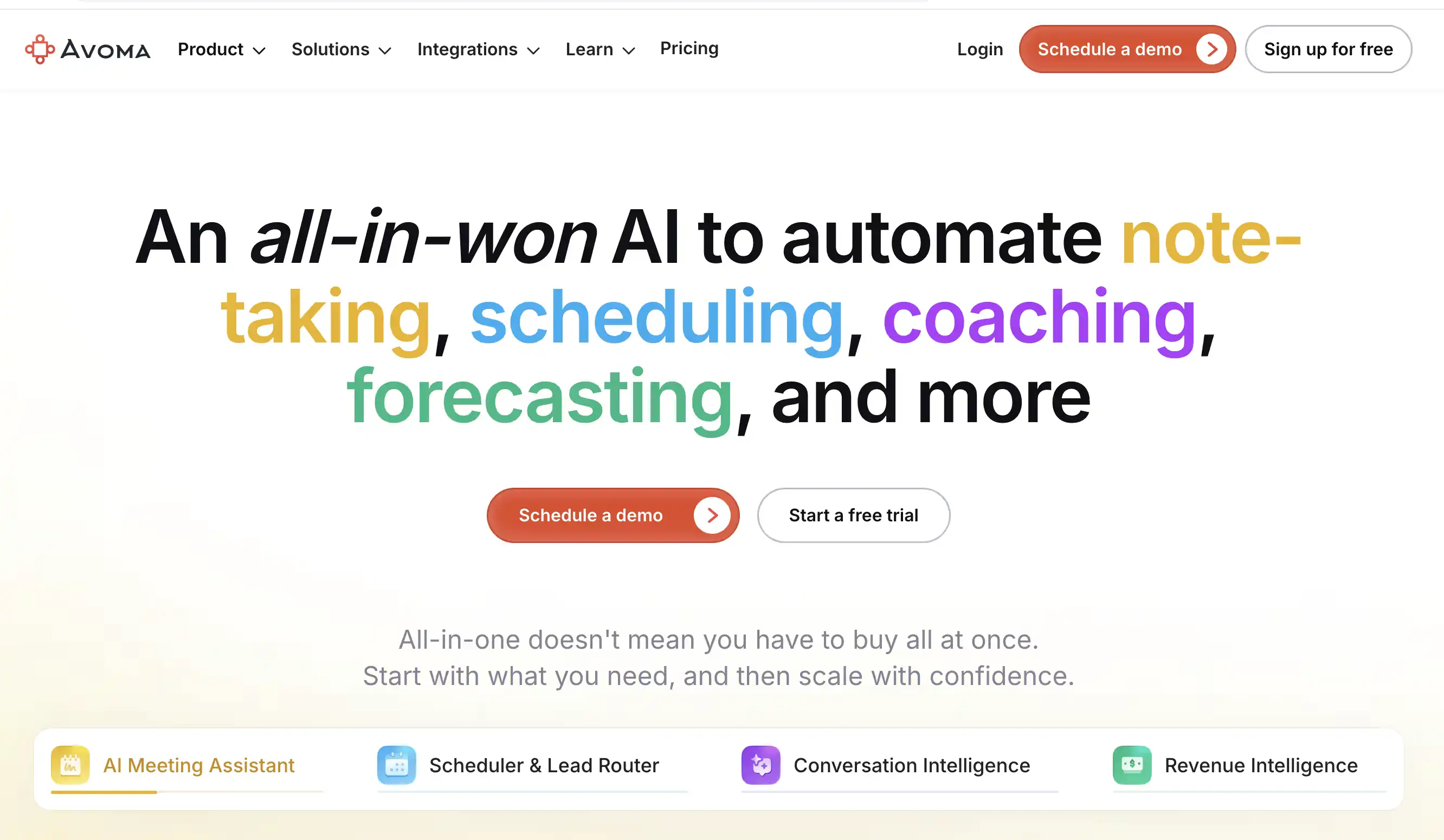
Avoma sits between a note-taker and a coaching platform. The base plan covers recording, notes, summaries and scheduling. The Conversation Intelligence add-on brings call scoring, customizable scorecards, topic tracking and live help during calls. Viewers are free, so managers and other teams can watch calls without a paid seat.
CRM: Salesforce, HubSpot, Pipedrive, Zoho CRM, Copper and Zendesk Sell (Avoma integrations). That’s the widest CRM list in this guide, which matters if you’re not on Salesforce or HubSpot.
Watch out for: plan limits. Startup allows up to 25 paid seats and Organization up to 100, and large sales orgs with dedicated enablement teams usually move to Gong. If you only want transcripts and summaries, you may not need the add-on. See our MaxIQ vs. Avoma comparison for more.
Price: Startup plan $19 per recorder seat a month billed annually, plus $29 for the Conversation Intelligence add-on, so about $48 a seat. 14-day free trial.
6) Fireflies.ai
Pick it if: your main problem is finding what was said across lots of meetings, not coaching how it was said.
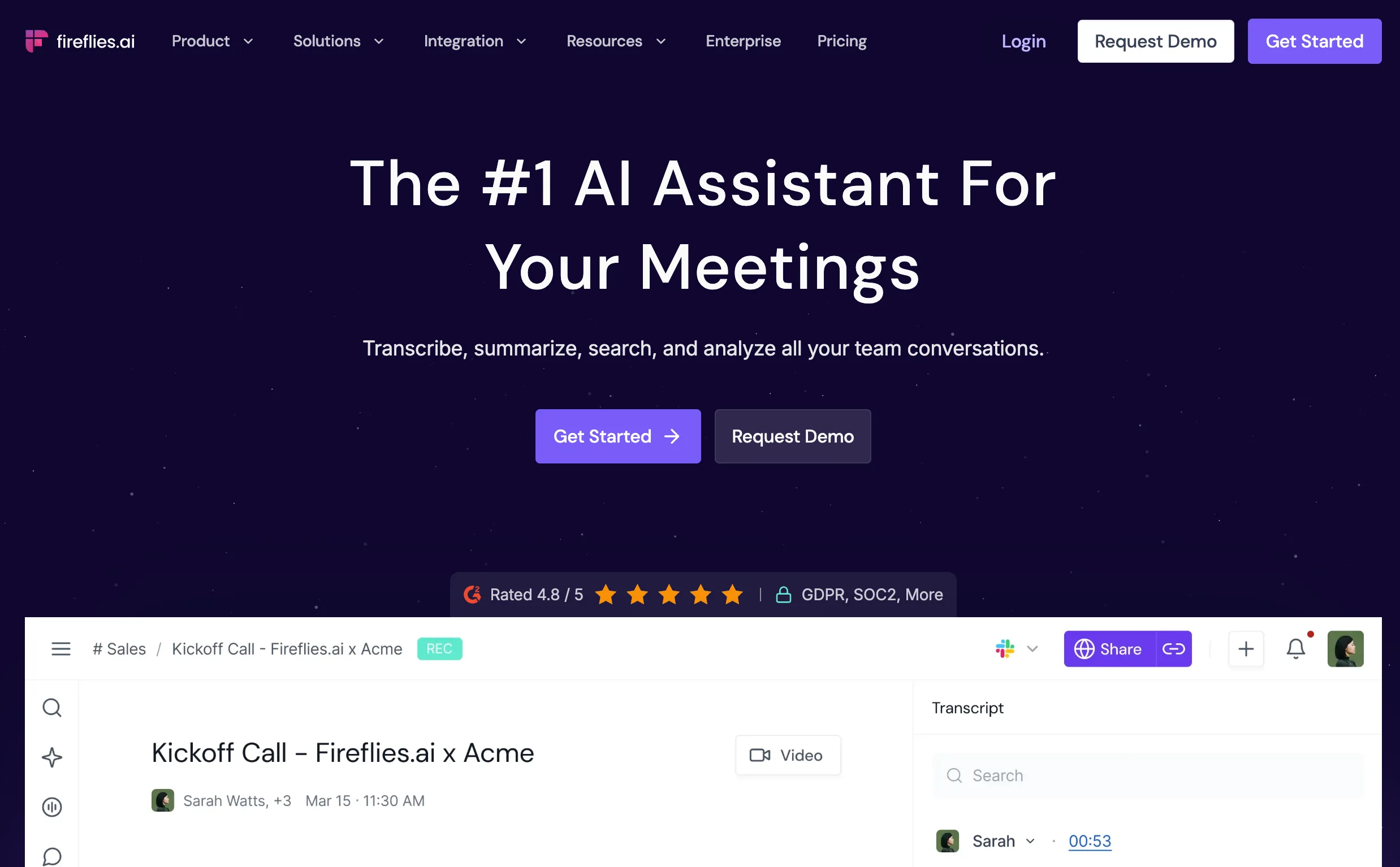
Fireflies joins your meetings, transcribes and summarizes them, and makes everything searchable across the team. It tracks topics, speakers, talk patterns and competitor mentions, so you can see how conversations change over time without anyone taking notes.
CRM: Salesforce and HubSpot, plus monday CRM, GoHighLevel, ActiveCampaign and Redtail (Fireflies integrations).
Watch out for: it isn’t built for structured coaching. If managers need scorecards, Avoma with its add-on or Jiminny are closer fits. Check how AI credits are billed before comparing totals.
Price: free plan. Pro is $10 and Business $19 per seat a month, billed annually. Business includes conversation intelligence and team analytics.
7) Salesloft Conversation Intelligence (formerly Clari Copilot)
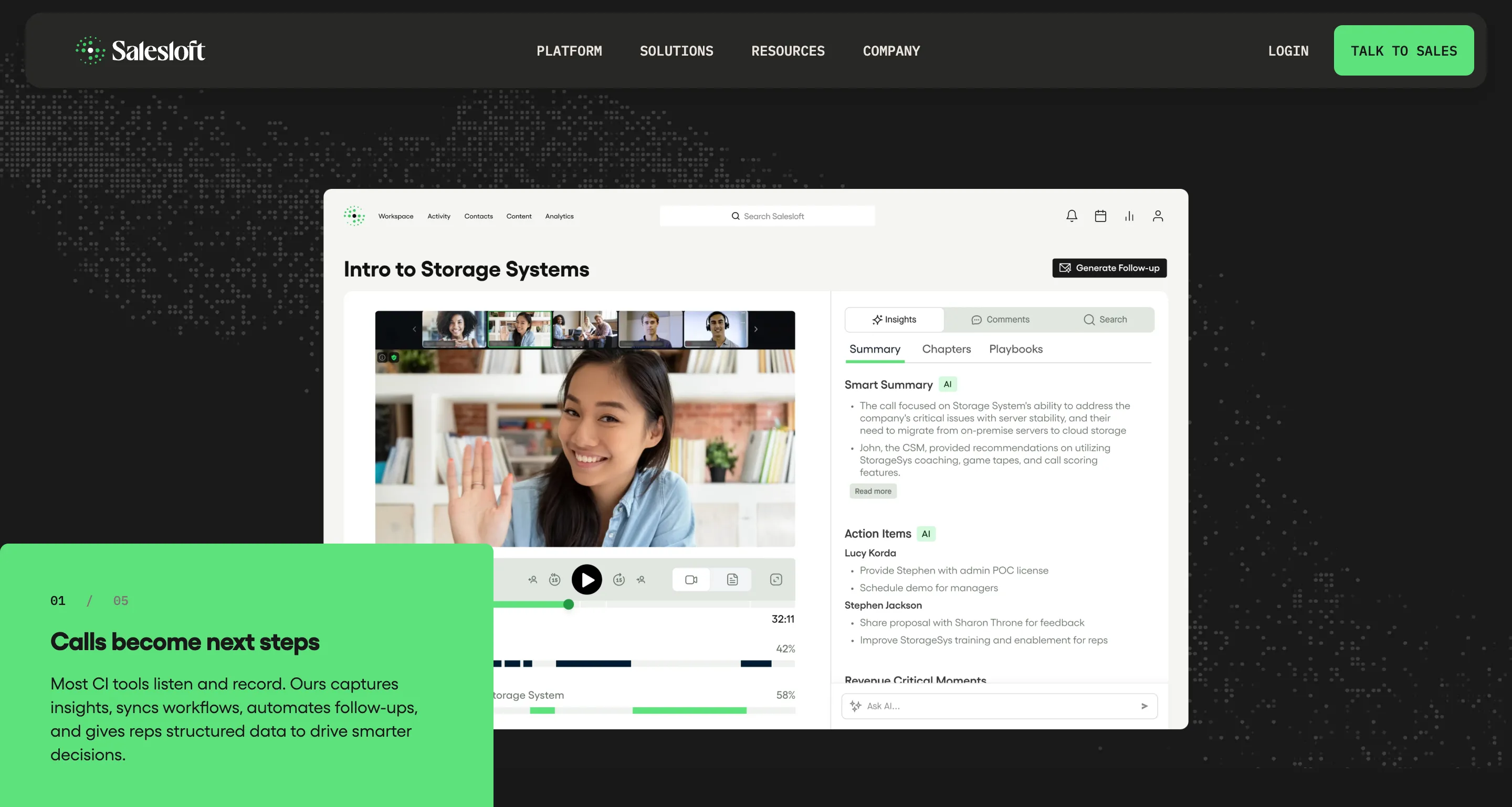
Pick it if: your reps already run their day in Salesloft cadences and you want call insights to turn into follow-ups and tasks in the same place.
This is the product previously sold as Clari Copilot, now part of Salesloft after the two companies merged in December 2025 (see what the Clari and Salesloft merger means for your stack). It records and analyzes calls, serves live battlecards during calls, tracks objections and buyer signals, and turns what was said into follow-up emails and seller tasks inside Salesloft.
CRM: Salesforce, Microsoft Dynamics 365 and HubSpot (Salesloft).
Watch out for: if your reps run sequences in Outreach or HubSpot instead, most of the advantage disappears. Use your own platform’s call features, or a standalone tool like Avoma or Gong.
Price: custom quote. Confirm which engagement, coaching, forecasting and AI features are included.
8) Jiminny
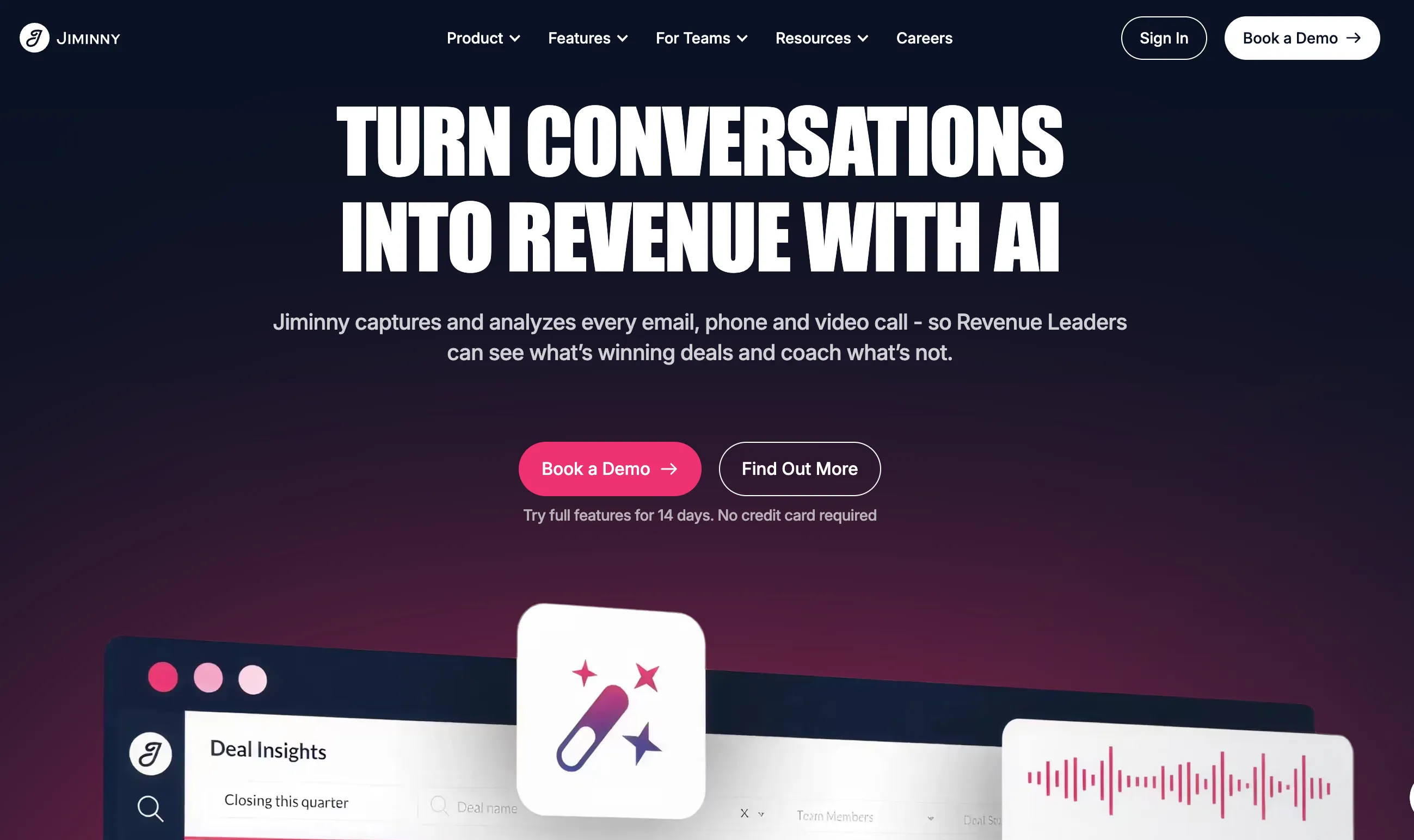
Pick it if: you have a growing team on Salesforce or HubSpot, want structured coaching without Gong’s platform fee, and can commit to a 12-month contract.
Jiminny is where many mid-market teams look once a Gong quote lands. It covers the coaching core: call scoring, manager feedback, and playlists of your best calls for onboarding. Its dialer logs calls and notes straight to the CRM, and its seat model separates people who record calls from people who only review them.
CRM: a Salesforce app installed in your org, a HubSpot integration (Jiminny recommends Sales Hub Professional or Enterprise), plus Close, Copper and Bullhorn (Jiminny integrations).
Watch out for: the 12-month contract and one-time setup fee. If you’d rather pilot with a few reps on monthly billing, Avoma makes that easier.
Price: Recording seats from $83 per user a month, Insights seats from $42, Listener seats free. No platform fee.
9) Granola
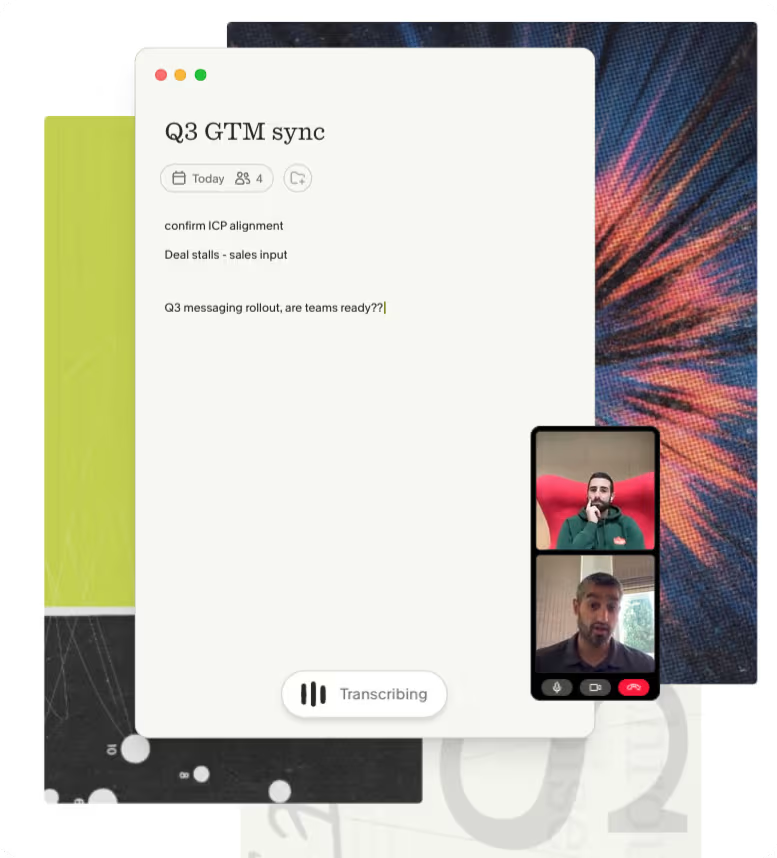
Pick it if: you’re a founder, rep or small team that wants better personal meeting notes without a bot joining calls, including in-person meetings.
Granola works like a notepad. You take notes as usual while it captures audio on your own device and fills in what you missed with summaries and action items. Nothing joins the meeting as a visible participant.
CRM: built-in integrations with HubSpot, Attio and Affinity. Salesforce and Pipedrive connect through Zapier (Granola integrations), so test that step before rolling it out on Salesforce.
Watch out for: notes belong to the person who took them, so managers can’t review a team’s calls the way they can in Fireflies.ai or Avoma. For more options, see our AI note takers for sales comparison.
Price: free plan. Business is $14 per user a month, Enterprise $35.
10) Grain
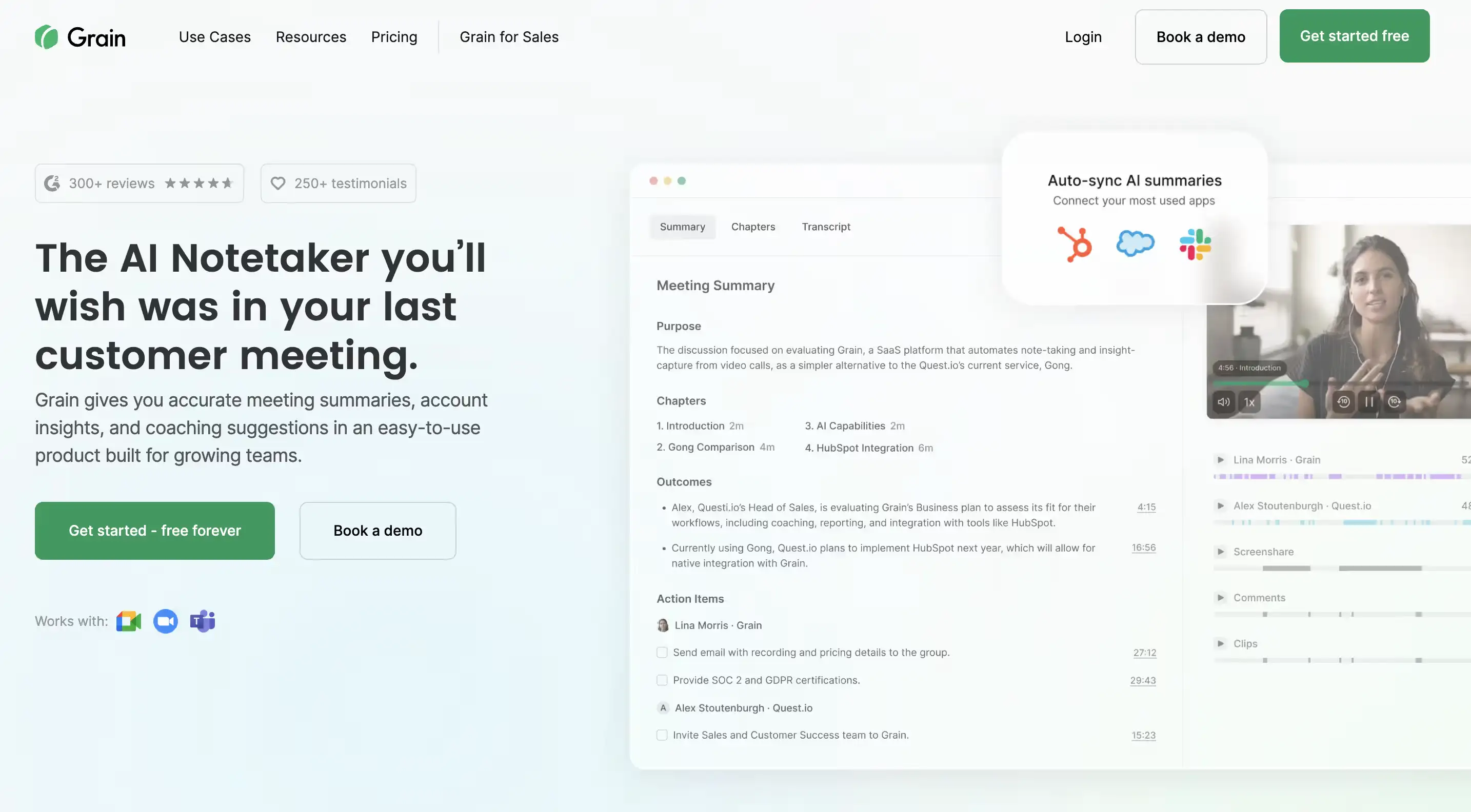
Pick it if: your team regularly shares customer moments with product, marketing or customer success, and short clips matter more than a full coaching program.
Grain is built around the clip. Record the call, cut the 40 seconds where a customer explains the problem in their own words, and share it with the rest of the company. It also offers summaries, custom scorecards and AI call scoring for lighter coaching.
CRM: HubSpot (syncs meetings with contacts, companies and deals) and Salesforce (logs calls and enriches lead data), per Grain’s integrations page.
Watch out for: for a structured coaching program across a large team, Gong or Jiminny go further. If you only need notes and search, Fireflies.ai costs less.
Price: free plan, and paid plans start at $19 per seat a month (Grain pricing). Advanced coaching features may need a higher plan.
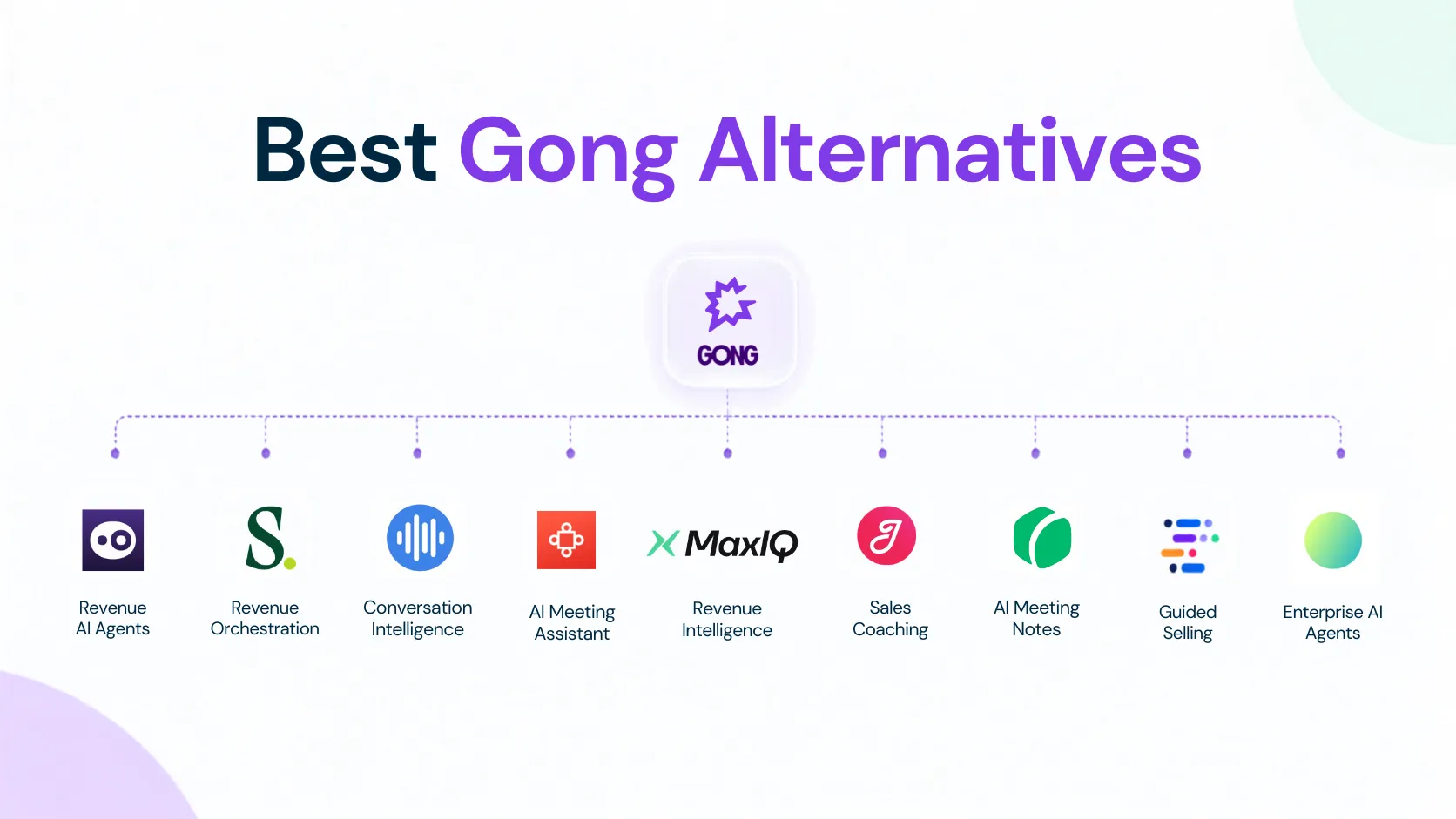
Is there anything better than Gong?
For a specific need, often yes. It depends on what Gong isn’t doing for you:
Before you switch, export your call library, check your renewal notice period, and run the new tool alongside Gong for a few weeks. For a deeper comparison, see our guide to Gong alternatives.
Running support or a contact center?
Sales conversation intelligence is built for a manager reviewing a handful of calls per rep each week. A support team or contact center with thousands of conversations needs different things:
- Every interaction scored for quality automatically, not a sample
- Calls, chat, email and tickets analyzed together
- Recurring customer issues and sentiment trends spotted at scale
- Help for agents while the call is live
- Redaction, retention controls and audit trails your regulators will accept
Platforms built for contact centers, such as Observe.AI, CallMiner, NICE and Level AI, are a better starting point than any tool on this list.
Compliance: six questions to ask before you record
In healthcare, insurance, financial services or collections, recording calls creates obligations. Get these answers from every vendor in writing:
- Consent: can it announce recording or collect consent automatically, in every country you sell into?
- Redaction: what is removed automatically (card numbers, ID numbers, health details), and is it removed from the audio as well as the transcript?
- Retention: can you set how long recordings and transcripts are kept, and delete them on request?
- Data location: where are recordings stored and processed?
- Audit trail: is there a searchable log of who viewed, shared or exported each call?
- AI training: is your call data used to train the vendor’s models, and can you opt out?
If a vendor can’t answer all six clearly, treat that as your answer.
How much does conversation intelligence software cost?
Conversation intelligence pricing usually follows one of four models:
The advertised plan is rarely the full cost. Check whether the price includes recording seats, viewer seats, AI credits, CRM sync, coaching, forecasting, implementation, onboarding, and support.
For example, Avoma combines a recorder plan with a Conversation Intelligence add-on, while Gong and Chorus use custom pricing. Jiminny separates recording, insights, and listener seats. EchoIQ, MaxIQ’s conversation intelligence, is priced on usage, so cost follows recorded hours rather than headcount.
Here’s what that means for a 10-rep team in year one, billed annually, using published prices (and third-party estimates for Gong):
At 10 reps, Gong costs roughly 5 to 10 times what Avoma does in year one, mostly because of fixed fees that don’t shrink with team size. And moving from notes to coaching only pays off if a manager reviews calls every week.
Before choosing a tool, estimate your expected number of recordings, users who need access, integrations, and advanced AI features. Then compare the total annual cost instead of comparing only the lowest advertised plan.
Which conversation intelligence tool fits your team?
The best tool depends on what your team needs to improve after a conversation.
Before choosing, decide whether you need a call library, a coaching system, or a revenue workflow. A tool that is excellent for recording and transcription may not support forecasting, deal inspection, or post-sale work.
Also check who will use the product. Reps may need live guidance and automatic notes, managers may need scorecards and coaching queues, and RevOps may need CRM sync, reporting, and access controls.
Common mistakes when choosing conversation intelligence software
Choosing the longest feature list
More features do not automatically mean better results. Start with the workflow you need to improve, such as coaching, CRM updates, deal reviews, or forecasting.
Comparing only the advertised price
The base price may not include recording seats, manager access, AI credits, storage, integrations, onboarding, or implementation. Compare the total annual cost.
Ignoring adoption
A platform only helps if reps record calls, managers review them, and insights reach the systems your team already uses. Ask how much work is required after each meeting.
Treating transcription as the outcome
A transcript is useful, but it is not the same as an action. Check whether the tool can create follow-ups, update CRM fields, identify risk, or guide coaching.
Testing only a perfect demo call
Use real calls with different accents, speakers, objections, technical terms, and deal stages. This gives you a more realistic view of transcription quality and insight accuracy.
Failing to define success
Before signing, decide what improvement you expect. It could be faster coaching, better CRM completeness, fewer missed next steps, improved forecast confidence, or less manual note-taking.
Which conversation intelligence software should you choose?
Start with the problem you want to fix after the call: rep coaching, CRM updates, deal reviews or notes. Shortlist two or three tools from the table above, run the same five of your own calls through each, and compare the total yearly cost, not the starting price. The best conversation intelligence software is the one your managers and reps will still be using six months from now.
Every capability walked through one by one, with screenshots from real calls.
Every capability walked through one by one, with screenshots from real calls.
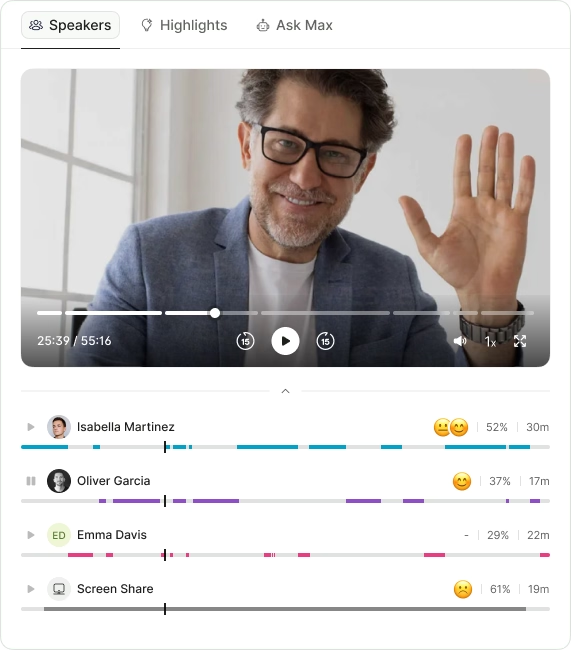
- Call summaries
- Sentiment analysis
- Next steps
- Search any call in seconds
.avif)