.webp)




.svg)

Key Takeaways (TL;DR)
The best AI note taker for sales isn't the one with the nicest recap. It's the one that fixes what your team keeps dropping after calls: CRM updates, deal context, and the conversations that happen off Zoom.
- EchoIQ (MaxIQ): connects calls to deals, pipeline, and forecast
- Gong: enterprise coaching at enterprise cost
- Granola: clean botless notes for individual reps
- Fireflies / Otter: broadest capture, including in-person
- Chorus: best inside the ZoomInfo ecosystem
- Avoma: mid-market sweet spot
- Grain: shareable clips, HubSpot-friendly
- tl;dv: the budget starting poin
The best AI note taker for sales really comes down to what your team keeps missing after calls.
For some teams, that’s just the notes. For others, it’s the CRM update that never happens, the next step that gets forgotten, or the buyer concern that only comes up again when the deal has already slowed down.
That matters because reps already spend 60% of their week on non-selling work. Post-call admin is usually one of the first things to get rushed.
AI note takers have moved well beyond transcripts and summaries. The better ones can push notes into Salesforce or HubSpot, pull out action items and objections, capture in-person conversations, and give managers more context before the next deal review. If you need coaching, deal inspection, and forecasting on top of that, you’re probably looking at broader conversation intelligence software.
We compared 10 tools, including EchoIQ, Gong, Fathom, Granola, Fireflies, Otter, Chorus, Avoma, Grain, and tl;dv, based on what actually matters for a sales team: what they capture, what gets into the CRM, how much context they give you after the call, and what they cost.
Table of Content:
- The 10 tools at a glance
- What is an AI note taker?
- Why sales teams need AI notetakers for sales calls
- How we evaluated these AI note takers
- 10 best AI note takers for sales teams
- What about in-person sales calls, field visits, and trade shows?
- How AI note takers fill CRM fields
- How to choose the right AI note taker for sales?
- Turn every sales call into revenue intelligence
The 10 tools at a glance
Here’s how they compare on the factors that matter most to sales teams: CRM automation, in-person and mobile capture, and pricing. You’ll find a closer look at each tool below.
What is an AI note taker?
An AI note taker is the thing that stops your sales call from turning into a half-remembered CRM update.
It listens to the conversation, whether that happens on Zoom, over the phone, or across a table, and turns it into a transcript, a summary, and the updates your CRM has been waiting for. The good ones go further and fill the actual fields: next step, stage, contacts, blockers.
But if you've ever looked at a rep's post-call notes, you know the transcript is not the hard part.
The hard part is catching the bit that mattered. The buyer said procurement would "probably be fine," but didn't sound very sure. The VP asked about implementation twice. The champion promised to send over security requirements, then nobody wrote that down. Someone mentioned a competitor, but it didn't feel important until the deal slowed down two weeks later.
That is where AI note takers earn their place.
They let reps stay in the conversation instead of typing through it. They also give the rest of the team a cleaner trail to follow after the call. What was agreed? What still feels shaky? What needs to go into the CRM before everyone forgets the details? What should the manager know before the next forecast review?
That is the real job.
Not just "record, transcribe, summarize." Those are table stakes now. For sales teams, the question is whether the tool helps you keep the deal honest after the call is over.
{{startup-banner}}
Why sales teams need AI notetakers for sales calls
When reps take notes manually, they split attention between listening and writing. That divided focus means missed buying signals, incomplete context, and deals that stall because someone forgot a critical detail.
The downstream effects add up fast. CRM data decays when reps skip updates after calls. Handoffs between AEs, SEs, and CS lack the context needed to maintain momentum. Managers coach reactively because they only hear about calls secondhand. And nobody even pretends to write notes after a trade show. Those conversations just disappear.
- Manual note-taking splits attention: Reps miss buyer signals while writing
- CRM updates get skipped: Reps deprioritize admin work after calls
- Deal context disappears: Handoffs between AEs, SEs, and CS lack detail
- Coaching stays reactive: Managers only hear about calls secondhand
- In-person meetings leave no trail: Nobody writes up the booth chat or the site visit. Those deals run on memory.
An AI notetaker takes all of this off the rep's plate. The rep talks. The tool captures, summarizes, and pushes it to the CRM. That's it.
How we evaluated these AI note takers
We looked at each tool from a sales team's point of view, not just how well it transcribes a meeting. Full disclosure: MaxIQ builds EchoIQ, which is included on this list.
We compared:
- CRM automation: What actually gets pushed into Salesforce or HubSpot.
- Meeting capture: Zoom, Meet, Teams, mobile, and in-person conversations.
- Sales context: Objections, next steps, deal risks, and coaching insights.
- Integrations: How well it fits into the rest of the sales stack.
- Ease of use: How much setup and rep effort it takes.
- Pricing: What teams need to pay for the features that matter.
We also looked at where each tool works well and where it falls short. We didn't rank on transcription accuracy because, with clean English audio, it isn't a meaningful difference between these tools anymore.
10 Best AI Note Takers for Sales Teams
Here's a closer look at each tool.
1. EchoIQ by MaxIQ
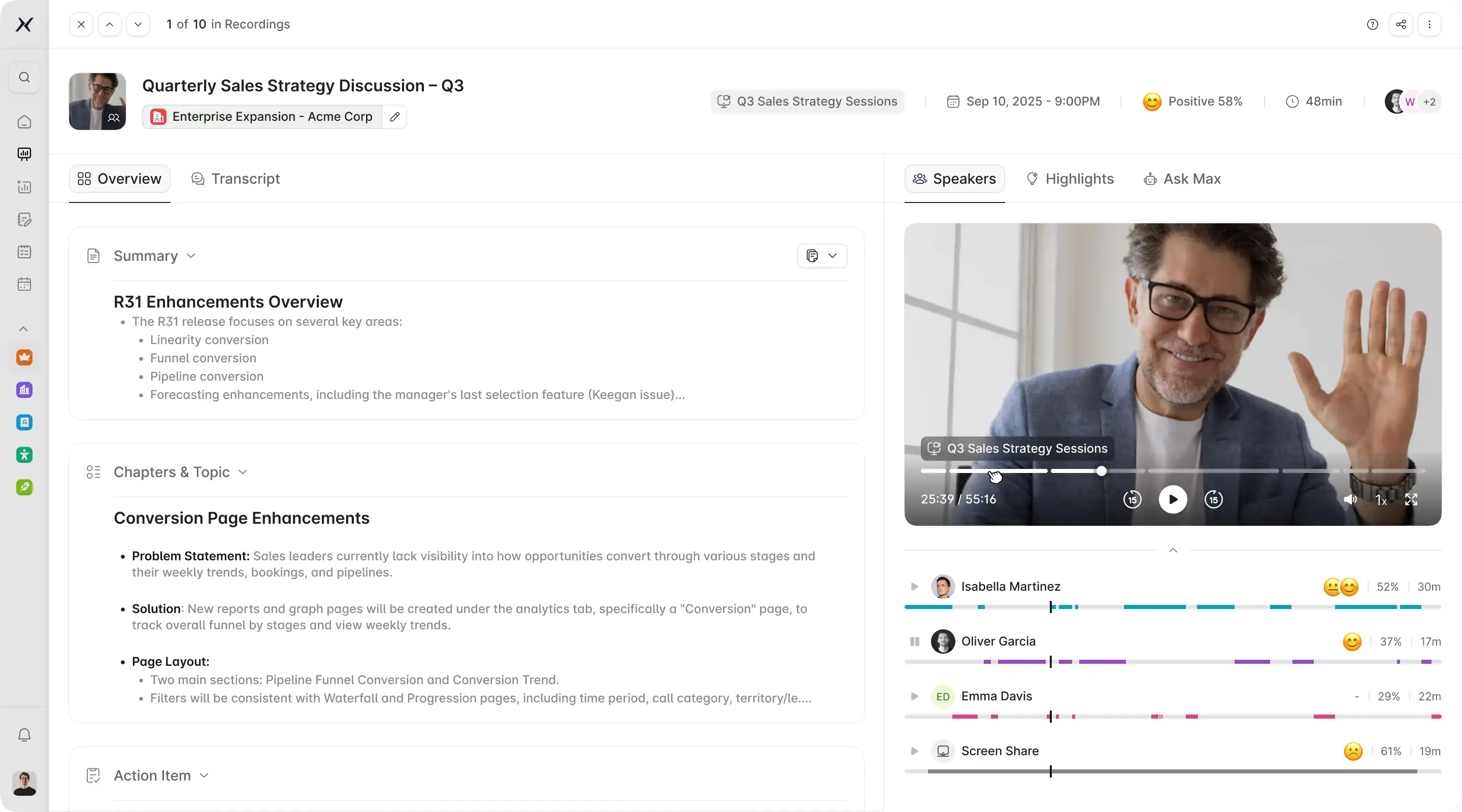
EchoIQ is built for sales teams that want meeting intelligence connected to the rest of the deal. It captures conversations, updates CRM fields and activity, surfaces risks and next steps, and connects those signals to pipeline and forecasting.
Pricing: Usage-based rather than per-seat.
Trade-off: It makes the most sense when conversations need to feed deal execution and forecasting. If you only need personal notes and summaries, a simpler note-taking tool may be enough.
2. Gong
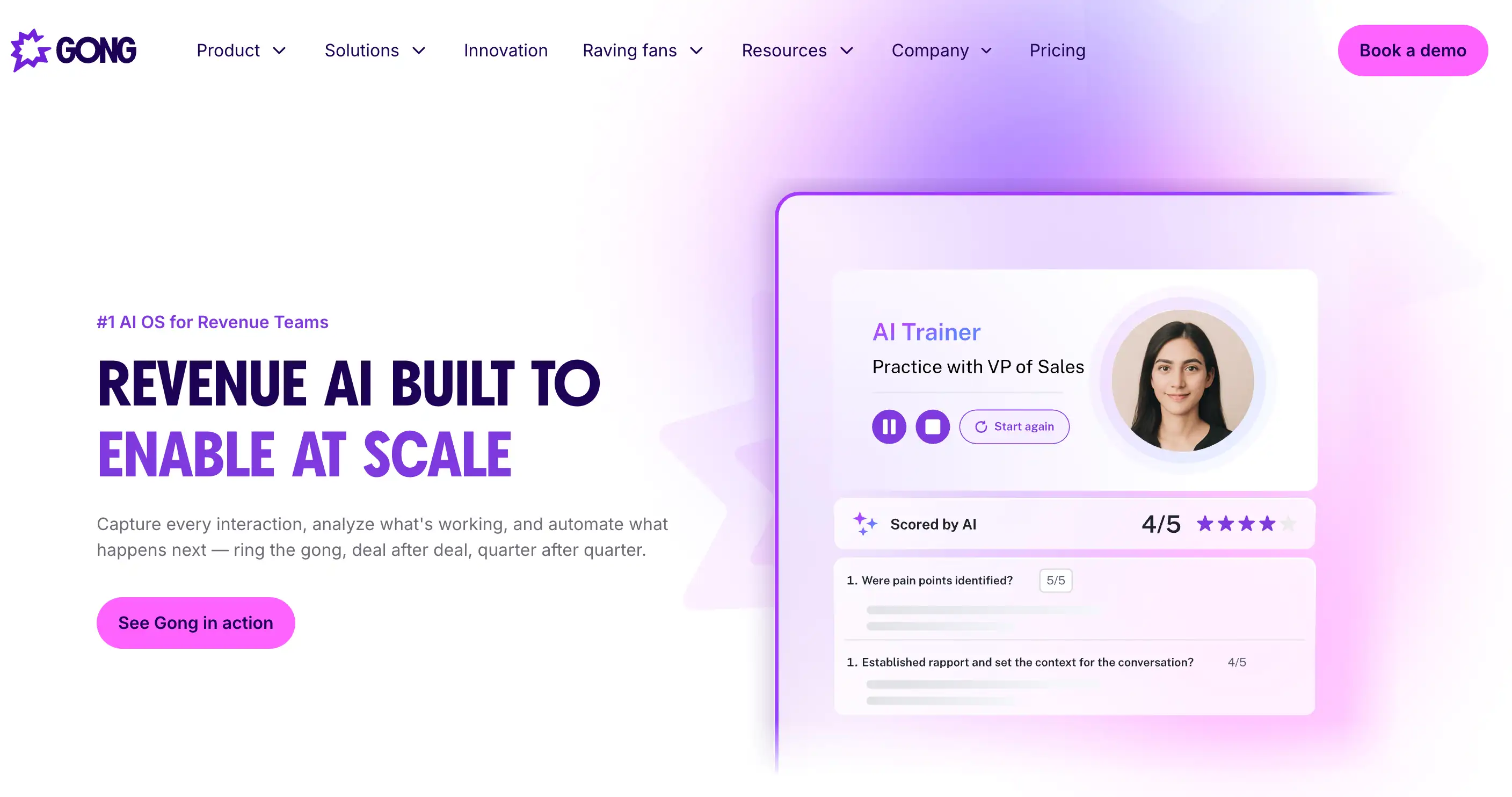
Gong is built for larger revenue teams that want conversation intelligence, coaching, deal visibility, and analysis across a large call library. Its platform can also be extended with products for forecasting and enablement.
Pricing: Custom. Gong prices licenses per user and also charges a platform fee based on the number of users supported.
Trade-off: It is a broader enterprise platform, so teams that mainly need recording, notes, and CRM updates may not need the full product footprint.
3. Fathom
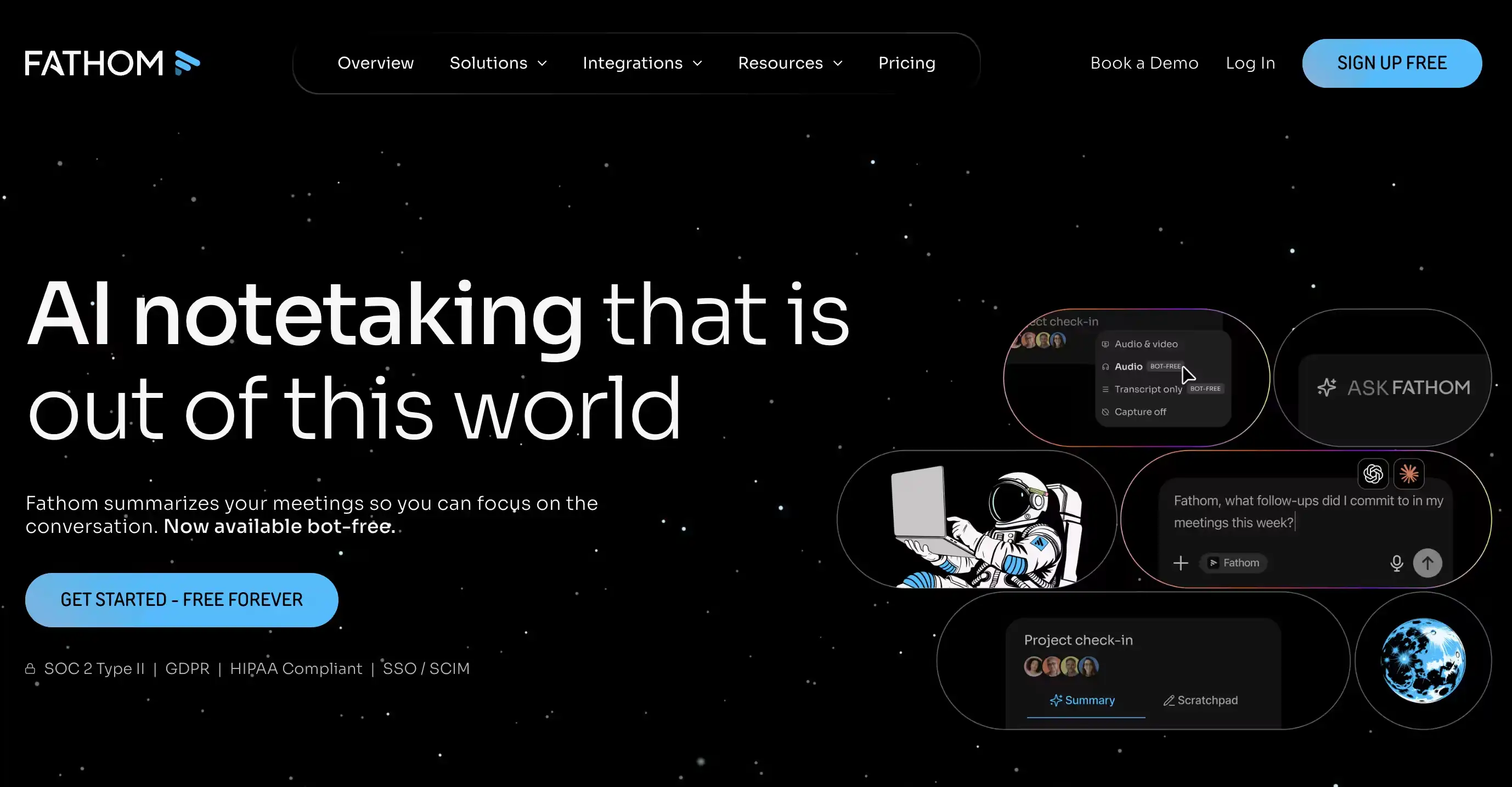
Fathom is a strong option for individual reps who want useful meeting notes without paying upfront. Its free plan includes unlimited recordings, transcription, and storage, plus CRM sync for Salesforce, HubSpot, and Close for limited users.
Business adds Deal View and field mapping, so teams can connect call insights directly to Salesforce or HubSpot deal fields.
Pricing: Free plan available; paid plans add advanced AI and team sales workflows.
Trade-off: Strong for meeting notes and CRM hygiene, but it does not go as far into forecasting or broader revenue intelligence.
3. Granola
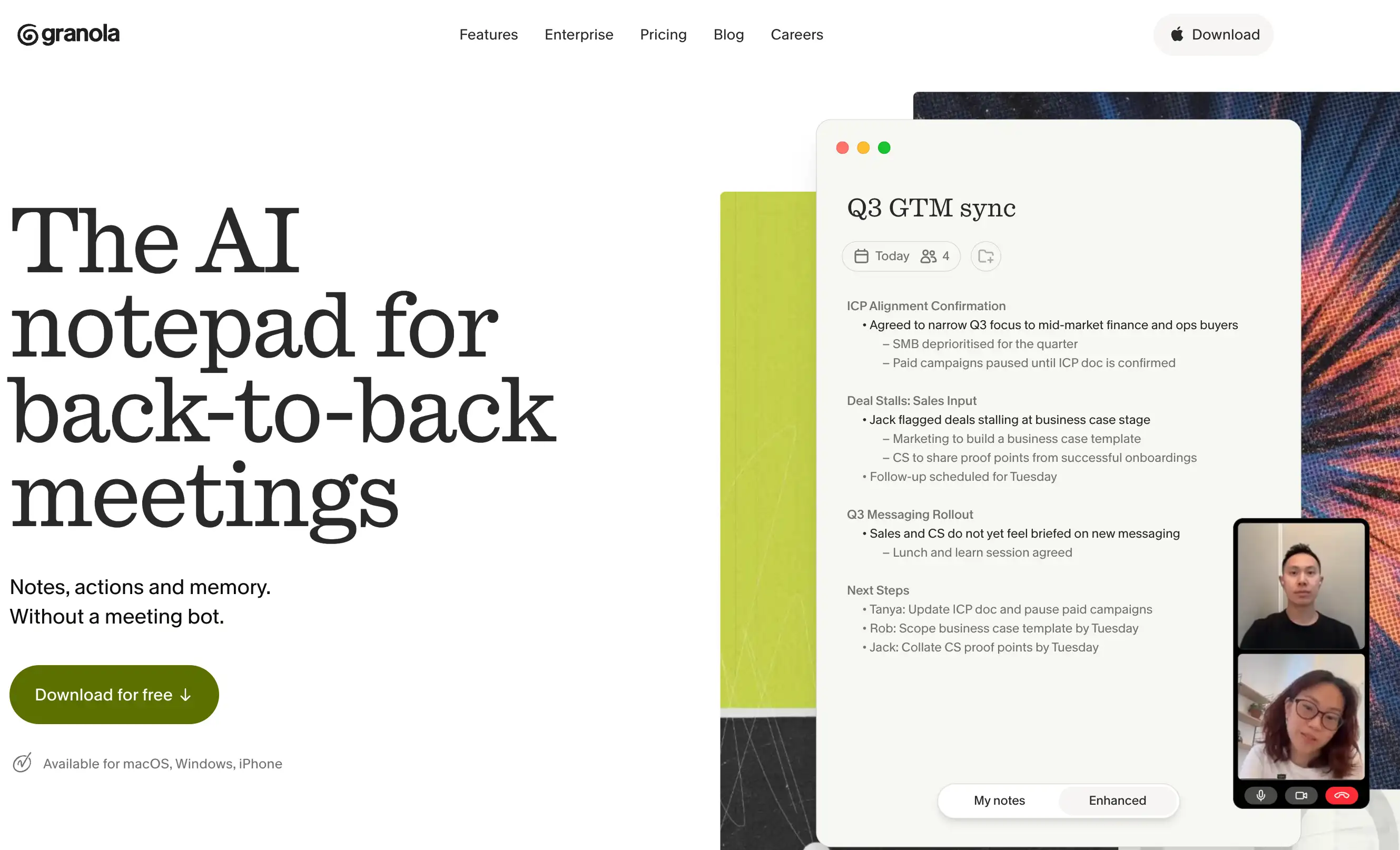
Granola is built around bot-free note-taking. It captures meetings from the user’s device and turns them into structured notes without adding a visible participant to the call.
Its Business plan adds integrations with HubSpot, Zapier, Slack, Attio, and others. Salesforce currently works through Zapier, while Granola is rolling out a native connector in early access.
Pricing: Free; Business is $14/user/month.
Trade-off: Best for personal and team note-taking rather than coaching, pipeline inspection, or forecasting.
4. Fireflies.ai
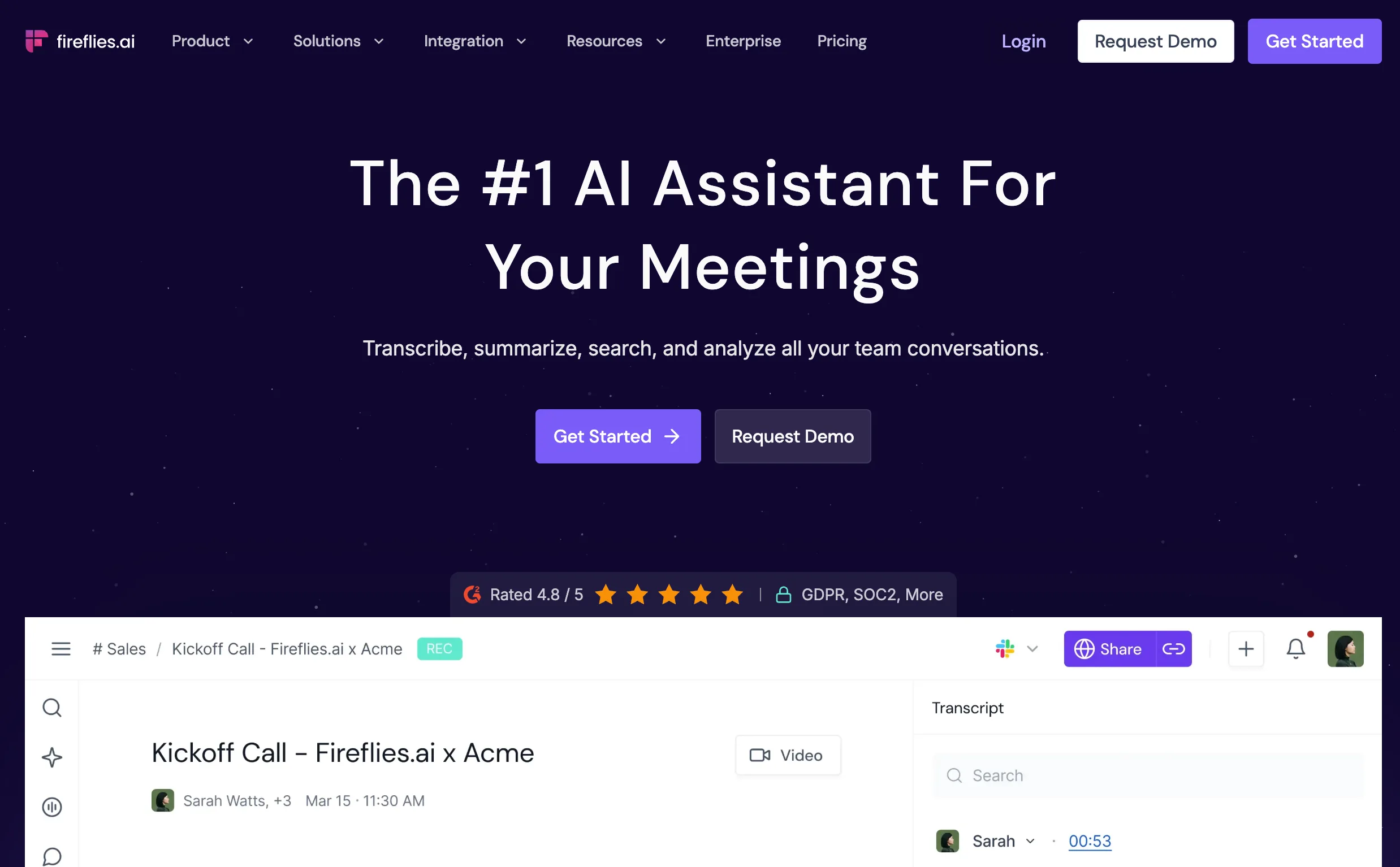
Fireflies combines meeting capture, summaries, search, and a broad integration ecosystem. Its Business plan adds conversation intelligence and Autofill CRM, which can turn information from calls into CRM updates and sales methodology fields.
It also supports bot-based meetings, browser capture, desktop, and mobile workflows.
Pricing: Free; Pro is $10/user/month annually and Business is $19.
Trade-off: Some advanced AI actions use separate AI credits, and the product is broader meeting intelligence rather than a forecasting-first platform.
5. Otter.ai
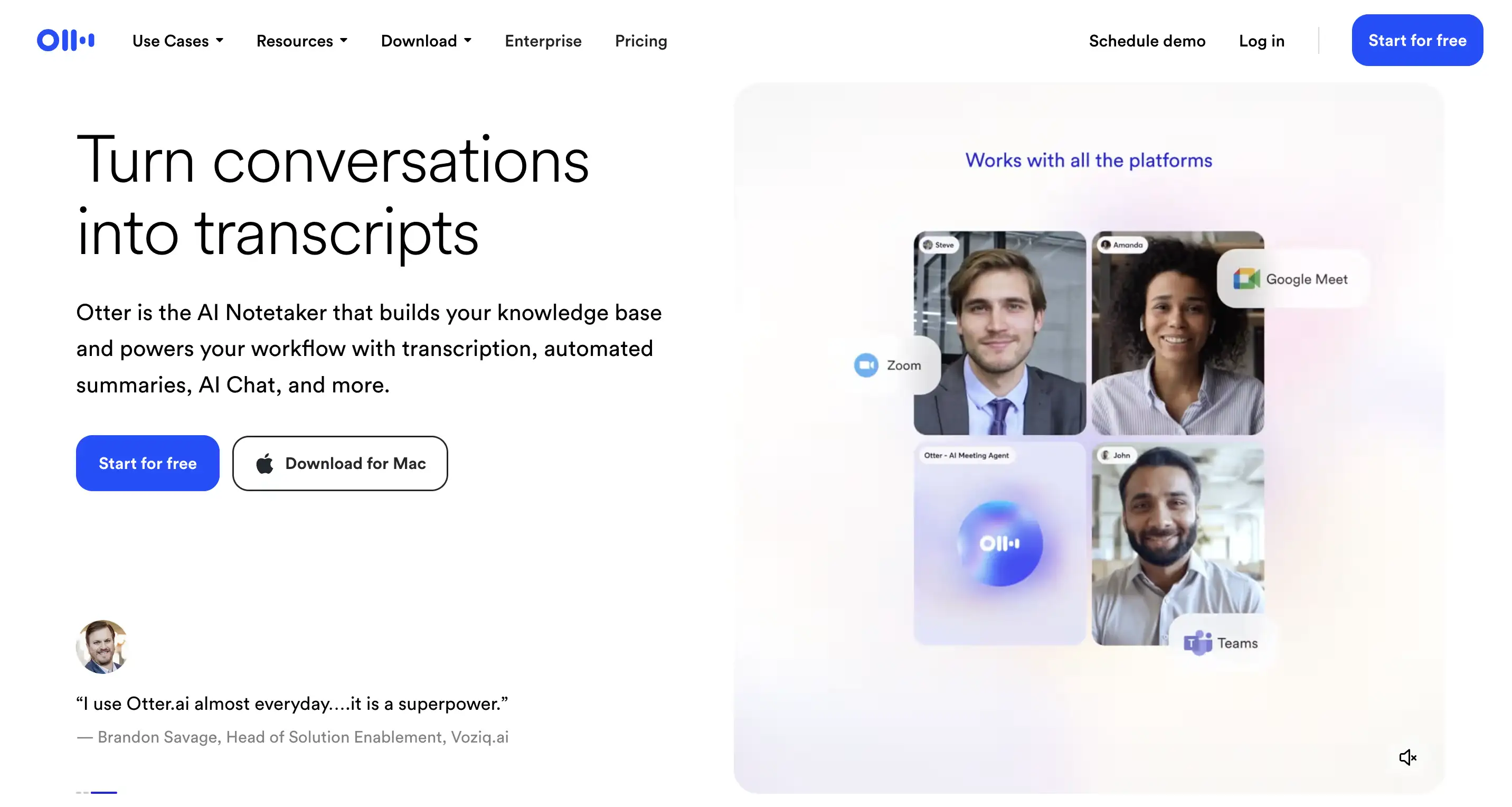
Otter is a strong fit for teams that prioritize live transcription and straightforward meeting workflows. Its free plan covers Zoom, Teams, Google Meet, live transcription, and mobile recording.
Paid plans add Salesforce, HubSpot, and Zapier integrations, and meeting insights can sync into CRM records.
Pricing: Free; Pro starts at $8.33/user/month annually and Business at $19.99.
Trade-off: Better suited to transcription and meeting productivity than deeper deal inspection or forecasting.
6. Chorus by ZoomInfo
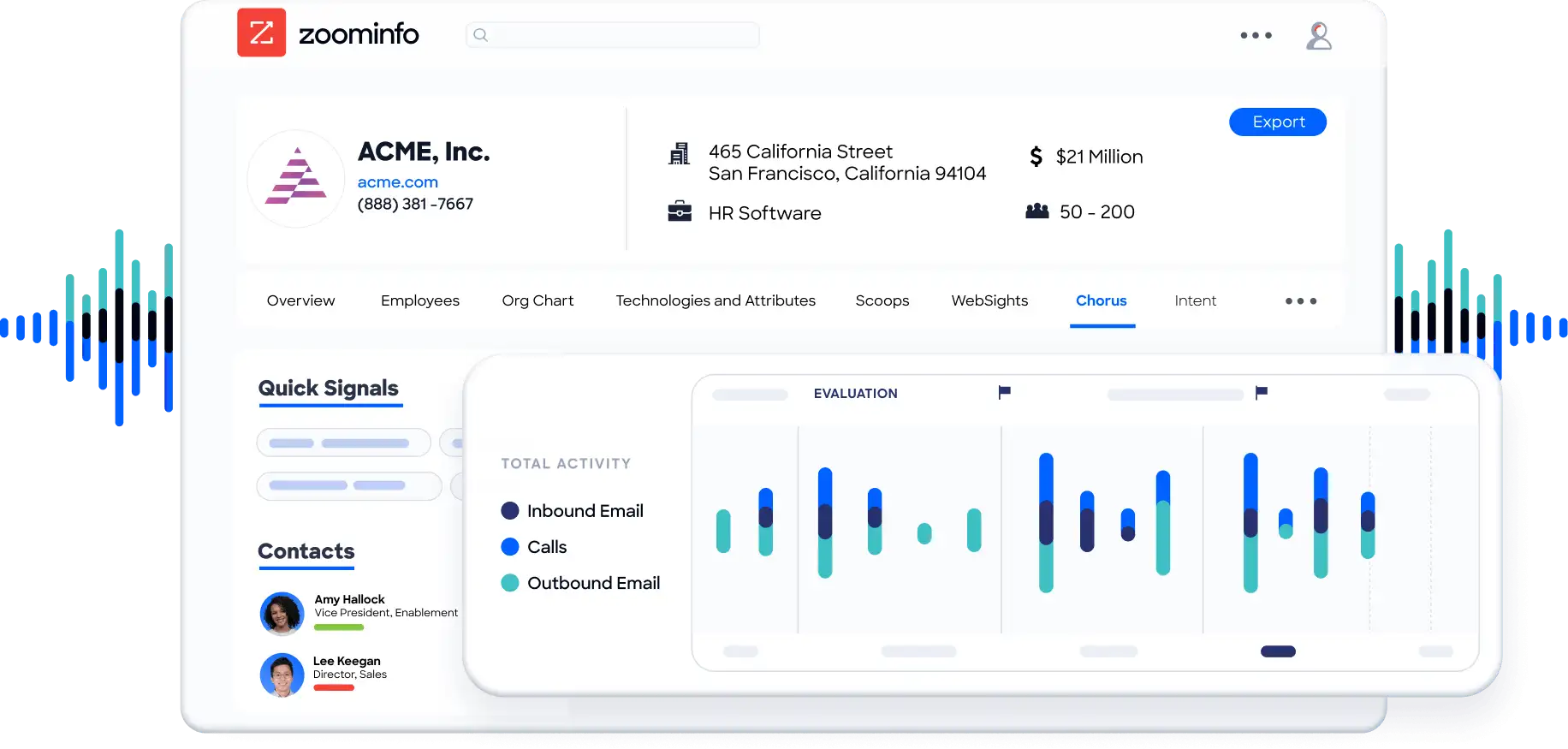
Chorus is ZoomInfo’s conversation intelligence product, built around call recording, analysis, coaching, and deal visibility. Its clearest fit is for teams already using the wider ZoomInfo platform.
Pricing: Custom.
Trade-off: Its value is strongest inside the ZoomInfo ecosystem. Teams looking only for a standalone AI note taker should compare simpler options as well.
7. Avoma
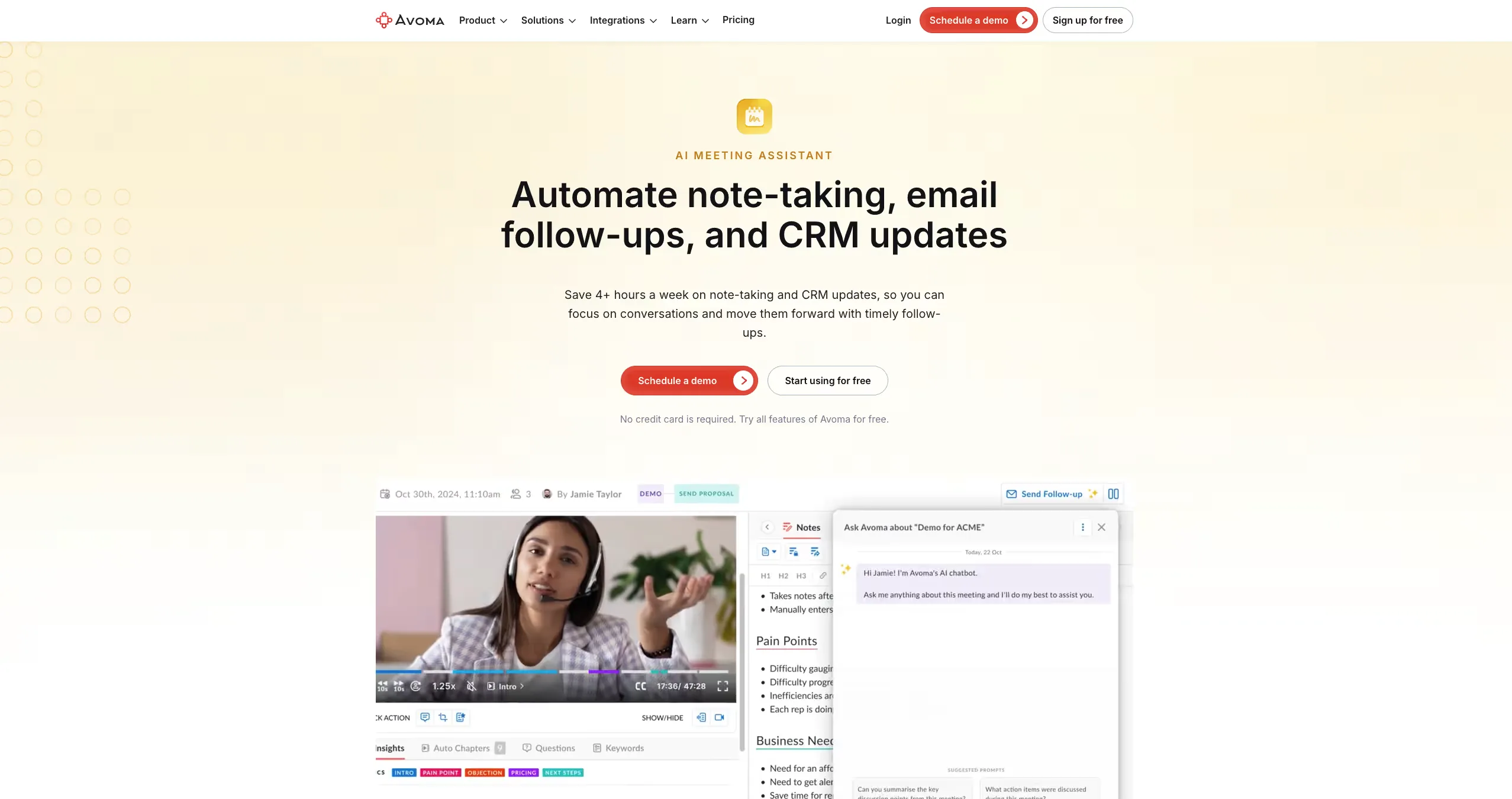
Avoma covers more of the meeting lifecycle than a basic note taker, with meeting assistance, conversation intelligence, CRM workflows, deal inspection, and forecasting.
Native CRM integrations are available across systems including Salesforce and HubSpot, while its Revenue Intelligence add-on includes two-way CRM field updates, deal risk alerts, pipeline reviews, and forecasting.
Pricing: Meeting Assistant plans start at $19/seat/month annually; Conversation Intelligence and Revenue Intelligence are separate add-ons.
Trade-off: The entry price is attractive, but teams needing the deeper sales intelligence features need to account for add-ons.
8. Grain
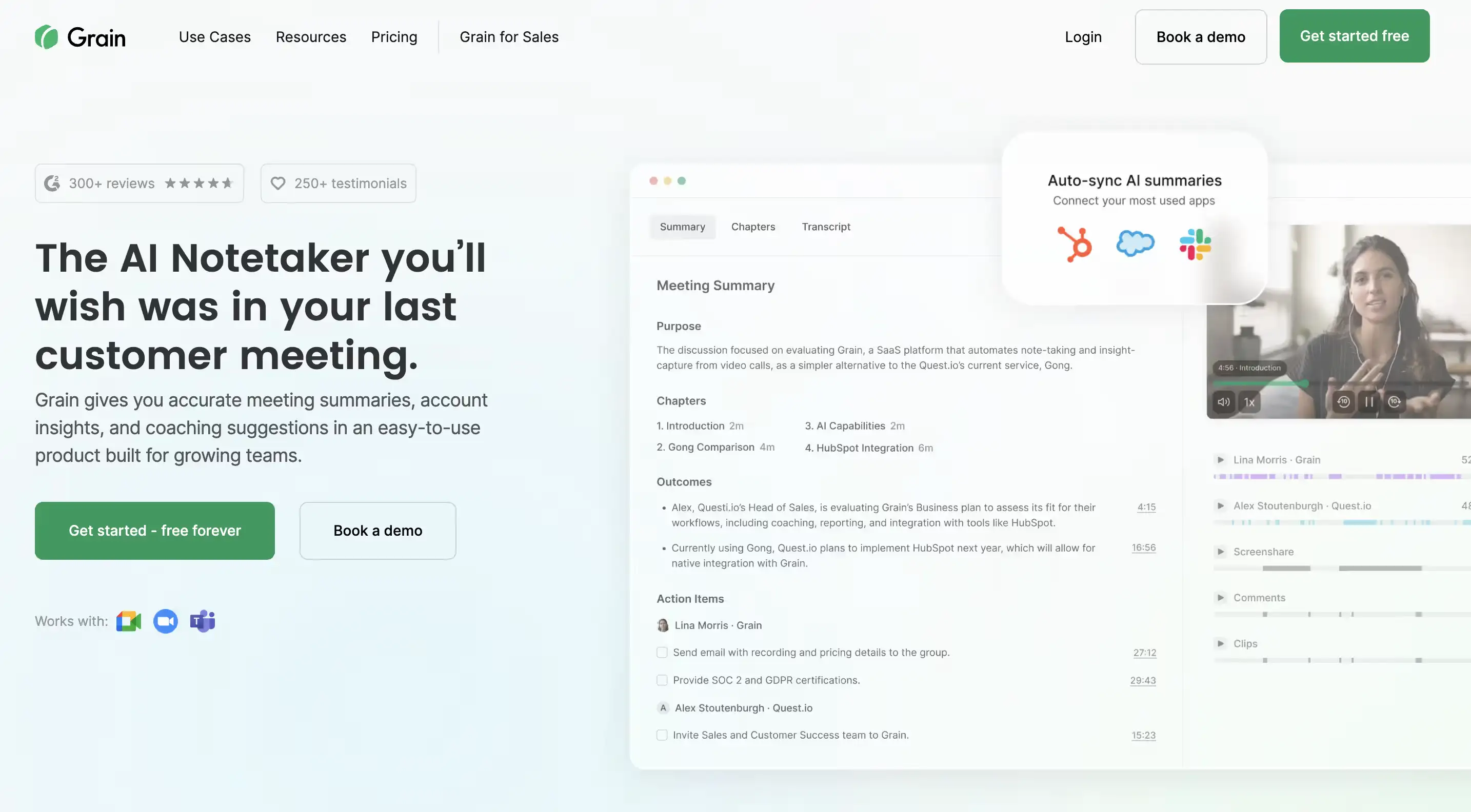
Grain is strong for turning customer conversations into clips, summaries, and shareable moments. It also supports CRM workflows that automatically send meeting notes, action items, and deal information into HubSpot.
Its CRM integrations are aimed at teams that want call context available directly inside their sales workflow rather than sitting in a separate meeting library.
Pricing: Free plan available; HubSpot integration requires Business or Enterprise.
Trade-off: Stronger on conversation sharing and CRM workflows than on forecasting or broader revenue intelligence.
9. tl;dv
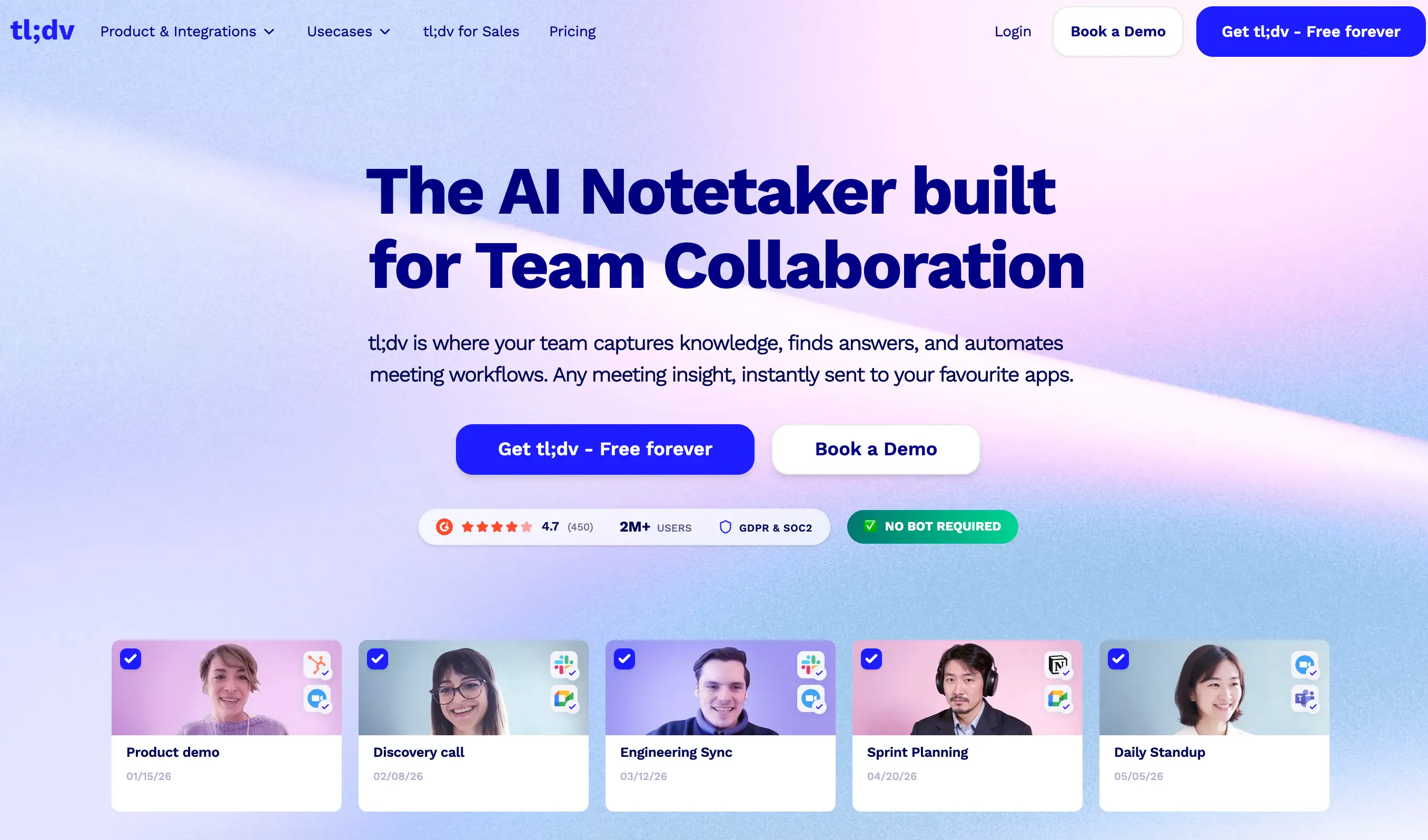
tl;dv combines meeting recording and summaries with CRM automation for sales teams. Its paid workflows can push meeting information into CRM fields and support structured post-call updates.
It is particularly appealing to teams that want more automation than a basic note taker without moving immediately to a large enterprise platform.
Pricing: Free; Pro is $18/seat/month annually and Business is $29.
Trade-off: Strong for meeting intelligence and CRM workflows, but less focused on forecasting and full revenue lifecycle intelligence.
What about in-person sales calls, field visits, and trade shows?
Most AI note takers were built for scheduled Zoom, Meet, or Teams calls. That works for inside sales, but not for the booth conversation, site visit, or customer lunch. Those are often some of the least documented conversations in the sales cycle.
Two common ways to capture them:
Mobile recording. Fireflies and Otter can record from a phone and keep in-person conversations alongside virtual meetings.
Botless capture. Granola records through the user's device instead of joining as a visible bot. The same approach can work for conversations happening in the room.
Whichever route you choose, two things matter: consent and where the notes end up. The harder test is whether the conversation reaches the CRM with the summary, follow-up tasks, and connection to the deal.
For teams that sell heavily in the field, in-person capture should be part of the buying criteria.
How AI note takers fill CRM fields
Almost every tool says it integrates with Salesforce or HubSpot. What that integration actually does varies a lot.
Level 1: Attach the meeting. The CRM gets a transcript link or summary.
Level 2: Log notes and tasks. Participants match to contacts, notes land on the right record, and action items become tasks.
Level 3: Update deal fields. The tool extracts next steps, budget, blockers, competitor mentions, or stage information and writes them into the fields your pipeline runs on.
Level 3 is where teams save the most manual work. It is also where plan restrictions, custom-field support, and review controls start to matter. A wrong close date written into Salesforce can be worse than an empty one.
Before buying, ask: Which fields can it update? Can it write to custom fields? Can reps review changes before they land? And which plan includes all of that?
The bigger value comes when those conversation signals also explain why a deal is moving, slipping, or getting harder to forecast.
How to choose the right AI note taker for sales
The right tool depends less on the longest feature list and more on how your team actually sells.
Start with the problem you need to solve
If reps mainly need transcripts and summaries, a lightweight note taker may be enough. If CRM hygiene is the problem, prioritize automatic field updates and task creation. If managers need coaching, deal risk, or forecasting context, look at broader conversation intelligence platforms.
Check how meetings are captured
Make sure the tool covers the conversations your team actually has:
- Zoom, Teams, and Google Meet
- phone or dialer calls
- mobile recording
- in-person meetings
- bot or botless capture
A tool that misses a major sales channel leaves gaps in the account history.
Look beyond the CRM integration logo
Salesforce or HubSpot support alone tells you very little. Check whether the integration can:
- write to opportunity and custom fields
- create and assign follow-up tasks
- match meetings to the right account or deal
- sync automatically without rep intervention
Consider coaching and sales context
Basic note takers tell you what was said. More advanced tools surface objections, competitor mentions, next steps, coaching opportunities, and deal risks across multiple conversations.
Check security and recording controls
For larger teams, look at SOC 2, SSO, data retention, data residency, PII controls, and recording consent. Botless recording may make meetings feel less intrusive, but it does not remove recording requirements.
Compare the price you will actually pay
Free plans are useful for testing, but CRM automation, coaching, security, and advanced intelligence often sit on higher tiers. Compare the plan that includes what your team actually needs, not just the advertised starting price.
The short version
- CRM hygiene is the main problem → Fireflies, Fathom, or EchoIQ
- Reps sell in the field → EchoIQ or Fireflies
- You don't want a meeting bot → Granola
- You need enterprise coaching → Gong
- You're already in the ZoomInfo ecosystem → Chorus
- Calls need to connect to pipeline and forecast → EchoIQ
Turn every sales call into useful deal context
The best AI note taker is not the one with the longest transcript or nicest summary. For sales teams, the value is what happens next: the CRM gets updated, follow-ups are clear, managers understand the deal, and buyer context does not disappear between calls.
If you only need meeting notes, several tools on this list do that well. If those conversations also need to influence pipeline, deal inspection, and forecasting, broader revenue intelligence becomes more useful.
{{ci-card}}
Every capability walked through one by one, with screenshots from real calls.
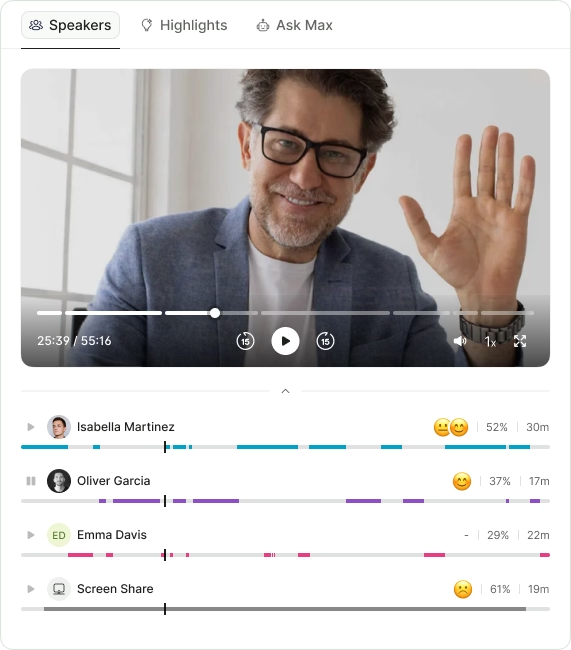
- Call summaries
- Action items
- Next steps
- Sentiment
- Call summaries
- Action items
- Next steps
- Sentiment
.avif)