.webp)




.svg)

Key Takeaways (TL;DR)
The best AI meeting prep tools in 2026 aren't the ones with the cleanest transcript. They're the ones that carry context from one conversation into the next. Recording a call is easy now; the hard part is making sure the pricing concern, the renewal risk, or the next step actually lands in the CRM instead of dying in a recording. So don't pick by summary quality. Pick by what the meeting needs to change once it's over:
EchoIQ (MaxIQ): when the call has to move the deal: CRM updates, pipeline, forecast, and handoffs
Fireflies: when you need a searchable memory of every meeting to dig back through later
Avoma: when sales and CS want notes, coaching, and CRM updates in one loop
Fathom: when you just want a fast, clean recap with no heavy rollout
Otter: when you want notes forming live on screen as people talk
tl;dv: when the team is async and needs clips and highlights, not full replays
Fellow: when the meeting itself needs structure: agendas, decisions, follow-through
Granola: when one person wants better personal notes without a bot in the call
Meeting prep does not break because reps are lazy. It breaks because the context is scattered before the call even starts.
One detail is buried in Salesforce. Another lives in the last call recording. Someone mentioned pricing in Slack, but it never made it back to the opportunity. That is usually how the miss happens. The rep is not unprepared. They just prepared from whatever they could find.
A few years ago, a meeting tool could help by recording the call and sending a summary afterward. That was useful. It still is. But it no longer solves the bigger problem.
The hard part is everything around the call. Did the pricing concern make it onto the opportunity? Was the renewal risk flagged before the QBR, or did everyone find out during it? That is where these tools separate. Plenty can capture what was said. Far fewer carry the context into the systems revenue teams actually run on.
Teams that need that context to extend beyond meeting prep into coaching, call analysis, CRM updates, pipeline, and forecasting should compare broader conversation intelligence platforms
And for revenue teams, that gap is expensive. A discovery call, a renewal, a pricing conversation, a handoff, a forecast review. Each one can change what happens next in the pipeline. A transcript does not.
So this is not another roundup of note takers. It is a guide to the AI meeting prep tools that help revenue teams walk in with real context and walk out with follow-through that sticks.
{{startup-banner}}
What “Meeting Prep” Actually Means in 2026
AI meeting prep in 2026 is less about having better notes and more about making sure the right context survives from one conversation to the next.
The problem was never a lack of notes. Most teams have notes everywhere. The problem is that nobody knows which note matters before the next call.
A rep might have the CRM open, but it only says the deal is in evaluation. The last call summary says the buyer asked about pricing. Slack says legal is waiting on security answers. The manager remembers the champion sounded less sure last week. None of it is wrong. It is just not pulled together anywhere.
That is what prep has quietly turned into. Less “skim the notes beforehand,” more knowing what changed since the last conversation, what the customer expects next, and what the team should do if the call goes well.
The same problem shows up after the meeting. A summary feels like progress, but it does not mean the work moved. Leave the pricing concern in the transcript and the forecast is still guessing. Let the renewal risk skip the account owner and customer success is already behind.
That is why transcription quality is no longer the bar. The real test is whether a tool carries context from one conversation to the next without making reps copy and paste it by hand.
AI note taker vs. AI meeting assistant vs. conversation intelligence
Most vendors in this space now use the same words. One calls itself an AI note taker, the next a meeting assistant, the next conversation intelligence. Then you open the product pages and they all promise recording, transcripts, summaries, action items, and integrations.
It looks like ten versions of one tool. It is not.
An AI note taker is really a memory tool. It solves the "wait, what did they say?" problem. You get a transcript, and afterward a summary that's actually searchable when you need to go back to it with the action items already pulled out. For a founder, consultant, or manager who just wants clean notes after a call, that's usually plenty.
An AI meeting assistant reaches further into the work around those notes. Depending on the tool, it'll prep the agenda before the call and draft the follow-up after it, then make sure the summary reaches whoever missed it and the right updates land in Slack, Notion, or your CRM. The point isn't sales judgment it's making sure a meeting doesn't end by handing someone a fresh pile of admin.
Conversation intelligence is where things turn sales-specific. These tools are built to inspect calls, coach reps, track objections, and read patterns across hundreds of conversations. The manager's question changes from "what happened on this call?" to "what keeps happening across all of them?"
Revenue teams have one more layer to worry about. A customer call is not valuable because the transcript is clean. It is valuable because it changes the account, the opportunity, the renewal, or the forecast. Capture the call but leave the one detail that matters buried in a recording, and the team still has work to do.
The labels matter less than the job each tool does. A note taker helps you remember a meeting. An assistant helps you manage the work around it. Conversation intelligence helps leaders see the patterns. A revenue meeting prep tool goes one step further and carries the context back into the places the business actually runs: CRM records, pipeline reviews, handoffs, renewal plans, and forecast calls.
The useful question before you choose is not "which one has the best summary?" It is "what do we need this meeting to change once it is over?"
Quick comparison: best AI meeting prep tools in 2026
Best AI Meeting Prep Tools in 2026
Below are tools that consistently show up in real workflows sales, customer success, leadership, and internal collaboration.
Quick Comparison
1. EchoIQ by MaxIQ Best for Revenue Meeting Prep
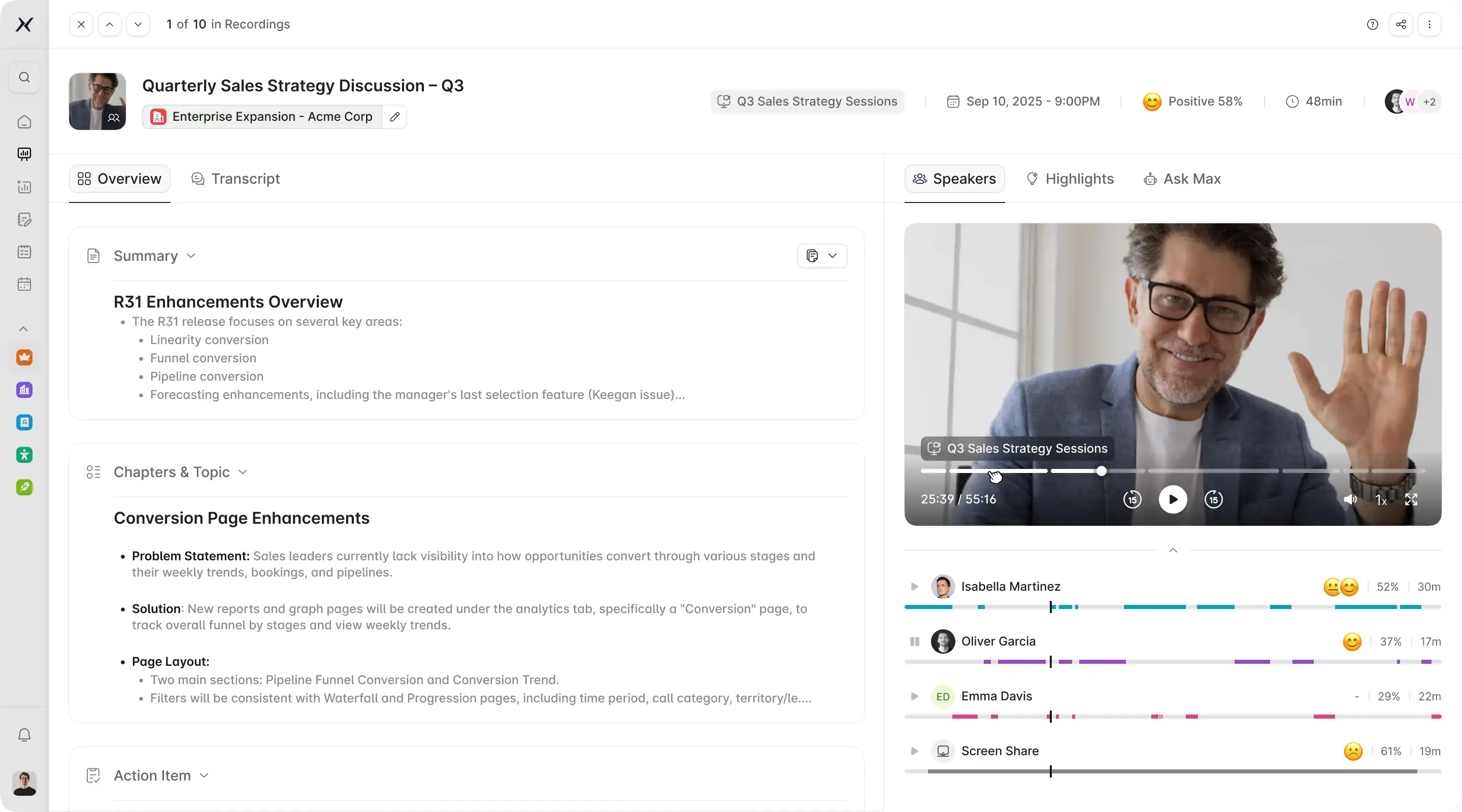
Best for: Sales and revenue teams that need meeting prep tied to CRM, pipeline, forecast, renewals, and handoffs.
EchoIQ is the tool to look at when a customer conversation should not get buried inside a transcript.
MaxIQ positions EchoIQ as conversational intelligence built for the revenue journey. That distinction matters. The recording is the easy part. What EchoIQ is really built for is turning a conversation into something the deal, the forecast, and the next owner can act on.
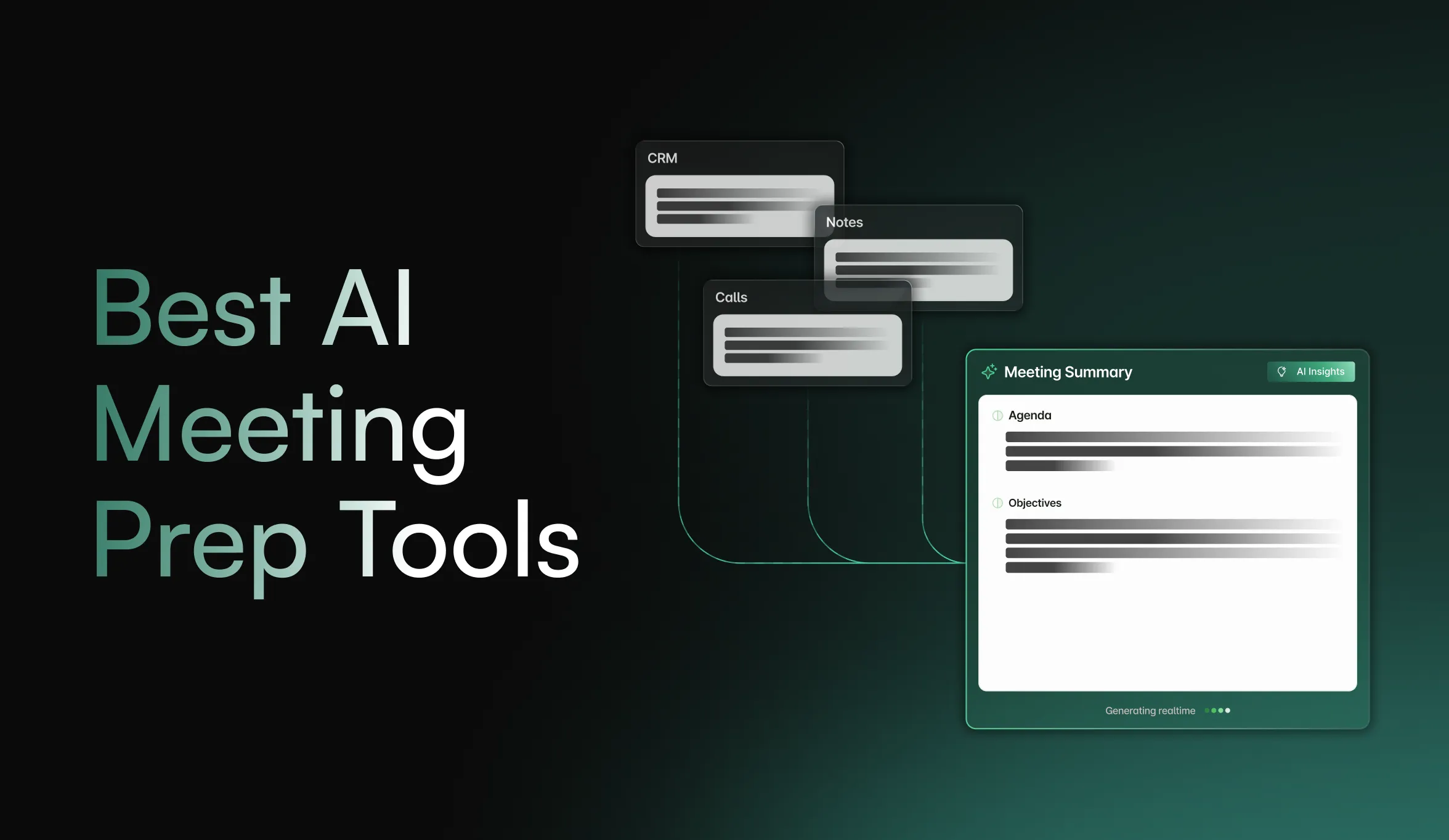
Before the call, EchoIQ builds an AI meeting brief from recent deal history, key contacts, account context, and past conversations. A rep can also ask Maximus, MaxIQ’s AI assistant, for talking points, next steps, or a quick rundown of what has already been discussed. That is the part most reps usually piece together manually before a customer call.
During the meeting, EchoIQ transcribes and summarizes in the background while tracking goals, blockers, and next steps. It can also surface deal context, previous notes, or suggested actions mid-call, so the rep is not switching between listening, typing, and searching old records.
After the meeting is where EchoIQ starts to feel different from a plain note taker. It can draft the recap, create follow-up items, assign tasks, and update the CRM without the rep retyping everything. For teams using MEDDIC, that includes helping fill methodology fields, opportunity notes, and activity logs from the actual conversation.
The useful features are not just the AI meeting brief, live transcription, CRM autofill, Search Copilot, or task management on their own. They matter because they reduce the usual handoff problem: the call happened, the rep remembers part of it, the CRM says something else, and the manager has to ask again in the next pipeline review.
Search Copilot is especially useful for the moments when someone asks, “What did this customer say about pricing last quarter?” Instead of digging through recordings, emails, and notes manually, teams can search across past customer context and pull the answer faster.
EchoIQ connects with Zoom, Microsoft Teams, Salesforce, HubSpot, and Slack, so meeting notes, follow-ups, CRM updates, and revenue context can move into the tools your team already uses. It also supports Zapier, webhooks, and custom APIs for teams that want to extend EchoIQ into custom workflows.
EchoIQ is more than you need if you only want personal notes for internal calls. But if your meetings move revenue, this is where those conversations finally have somewhere useful to go.
Pricing / trial: Usage-based pricing. Eligible startups can get 12 months free through the MaxIQ Startup Program.
{{ci-card}}
2. Fireflies Best All-Around Meeting Memory
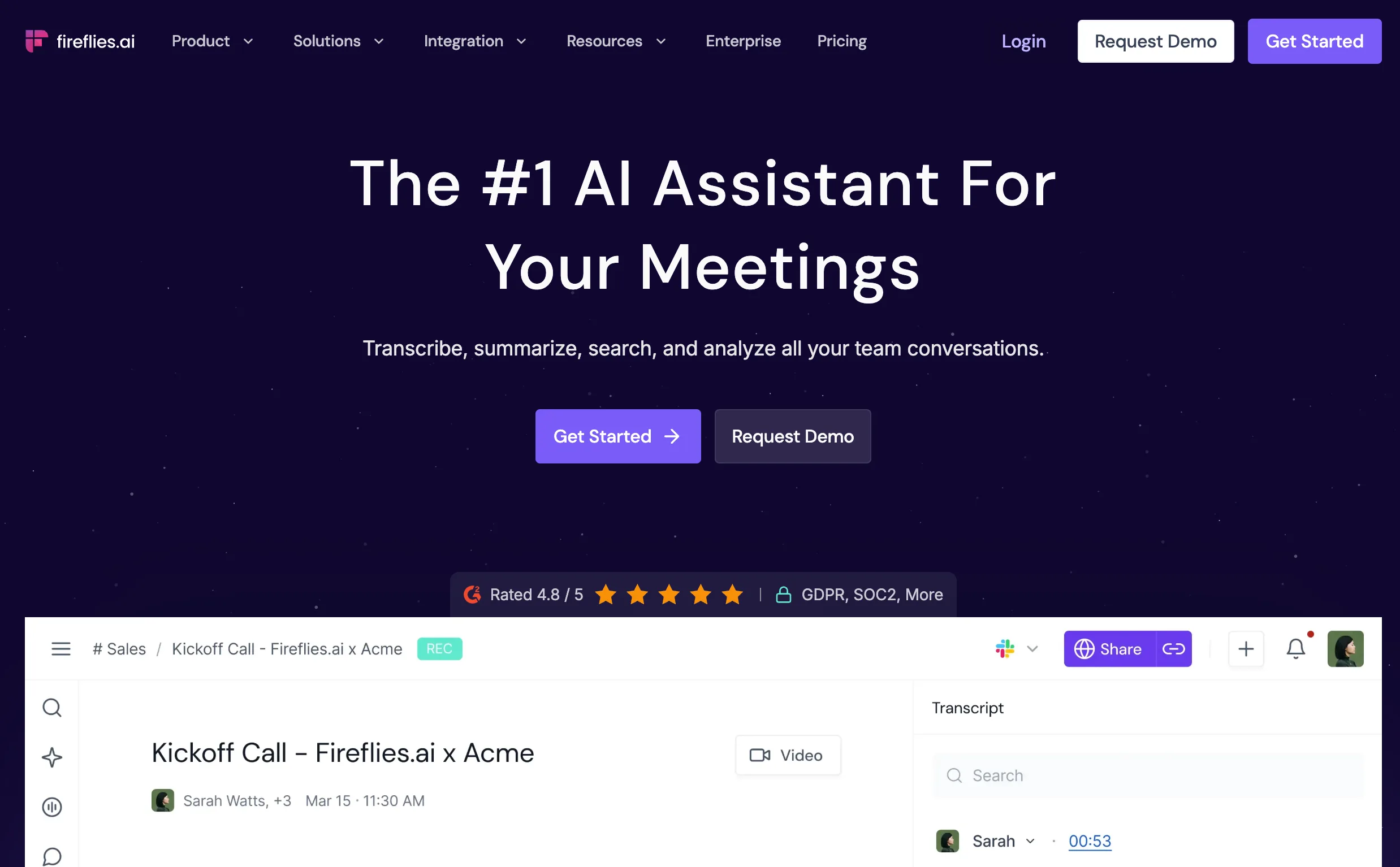
Best for: Teams that need a searchable memory of meetings.
Fireflies is useful when the problem is not one bad set of notes. It is the slow pileup of calls nobody wants to dig through later.
Every team has some version of this. A customer mentioned a feature request three weeks ago. A hiring panel discussed a candidate concern and forgot where it came up. A manager remembers a pricing comment but cannot remember which call it was on. Fireflies is built for that kind of retrieval problem.
It records, transcribes, summarizes, and gives teams a meeting library they can search instead of replaying old calls. AskFred lets you ask questions about a meeting, topic trackers help pull out repeated themes, and soundbites make it easier to share a useful moment without sending someone a full recording. Fireflies also has a wide integration list, including Slack and CRM tools, so notes and recaps can move into places where the team is already working.
Where it can feel light is not capture. Fireflies captures plenty. The question is what happens after that.
For a sales team, it can tell you where pricing came up, who mentioned a competitor, or what action items were discussed. That is helpful. But it is still mostly a meeting-memory system. It will not replace the judgment a manager needs in a forecast call, and it is not built as the revenue layer that connects call context deeply to pipeline movement, renewal risk, or handoff quality.
That does not make it weak. It just means Fireflies is best when your main problem is finding, sharing, and organizing meeting knowledge. If the bigger problem is whether a call changed the deal, you may need something more revenue-specific on top.
Pricing / trial: Free plan available. Paid plans start at $10/user/month when billed annually. Some advanced AI features use AI credits.
3. Avoma Best for Prep + Conversation Analytics
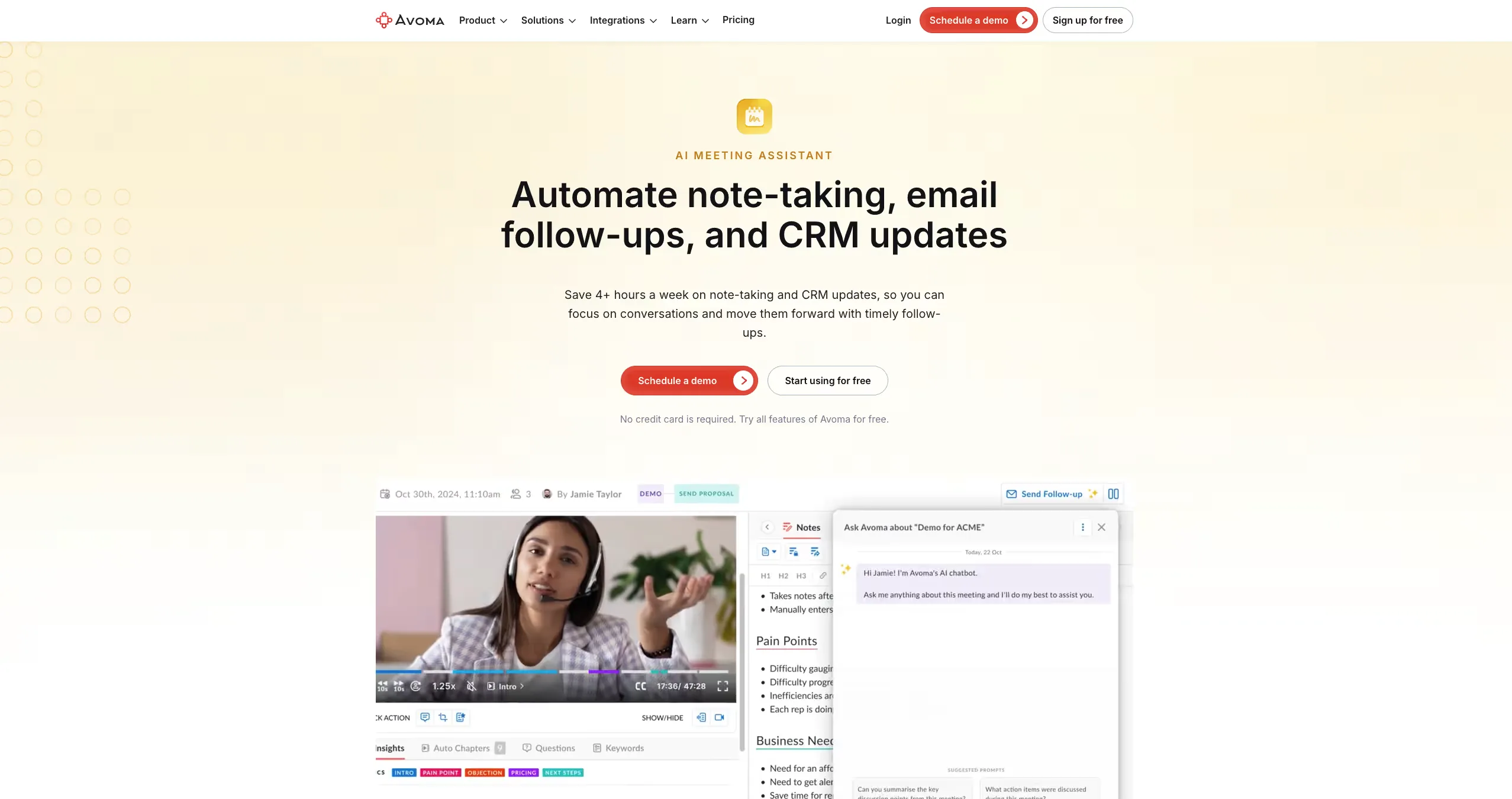
Best for: Sales and CS teams that want notes, coaching, and CRM updates in one workflow.
Avoma sits between a meeting assistant and a sales coaching tool, and that's the thing to know before you line it up against something lighter like Fathom or Granola. It isn't the quiet personal note app you forget is running. It's built for teams that want real structure around customer calls recording and transcription at the base, then AI notes, follow-up drafts, CRM updates, scorecards, and coaching layered on top.
What it's good at is the messy middle that trips up a lot of sales teams. A call wraps, the rep has notes, the manager wants to coach off it, the CRM needs updating, and a follow-up still has to go out and normally that's five separate chores nobody quite finishes. Avoma tries to keep the whole loop in one place.
The notes themselves are more structured than a flat summary. Templates and smart chapters break a call into sections you can actually navigate, instead of one long wall of recap. For managers, the conversation-intelligence side adds scorecards, talk patterns, and coaching signals, and it'll update CRM fields for methodologies like MEDDIC, SPICED, and BANT. That combination is the appeal: discipline around calls without bolting together a separate note taker, scheduler, logger, and coaching tool.
The tradeoff is weight. Next to the lightweight tools here, Avoma is a lot of product more than one person wants for quick notes after internal calls. And if your real need is revenue context across forecast, renewals, and handoffs, read the plan tiers closely, because the deeper conversation and revenue-intelligence features sit above the basic meeting-assistant layer.
Pricing / trial: 14-day free trial. AI Meeting Assistant plans start at $19/recorder/month billed annually. Conversation Intelligence and Revenue Intelligence are paid add-ons.
4. Fathom Best Lightweight Instant Recaps
Best for: Fast meeting recaps when you do not want a heavy rollout.
Fathom is usually the first tool people try when they are tired of taking notes during calls.
That is not a bad thing. A lot of teams do not need a giant conversation intelligence rollout on day one. They just want the call recorded, the summary to show up quickly, and the important moments easy to share. Fathom does that with very little ceremony.
The free plan is a big reason it gets adopted. A founder can use it. An AE can use it. A manager can test it for a week without asking procurement for a new budget line. You get recordings, transcripts, summaries, action items, and searchable calls without turning “we need better notes” into a six-week software evaluation.
It also works well for simple sales follow-up. You can clip a useful customer moment, send a recap to Slack, and push notes into HubSpot or Salesforce. On the paid team plans, Fathom adds more sales-friendly pieces like CRM field sync, Deal View, coaching metrics, and AI scorecards.
The limit is not speed. Fathom is fast.
The limit is depth.
If the meeting only needs to become a clean recap, Fathom is a strong choice. If the meeting needs to change the forecast, expose renewal risk, improve a handoff, or give managers a deeper read on pipeline movement, it may not go far enough on its own.
That makes Fathom a good first step for teams that want AI notes without friction. It is less of a fit when meeting data needs to become part of the revenue operating rhythm.
Pricing / trial: Free plan available. Team plans start at $15/user/month when billed annually. Business plans start at $25/user/month when billed annually.
5. Otter Best Real-Time Transcription + Live Notes
Best for: Live transcription and quick meeting recall.
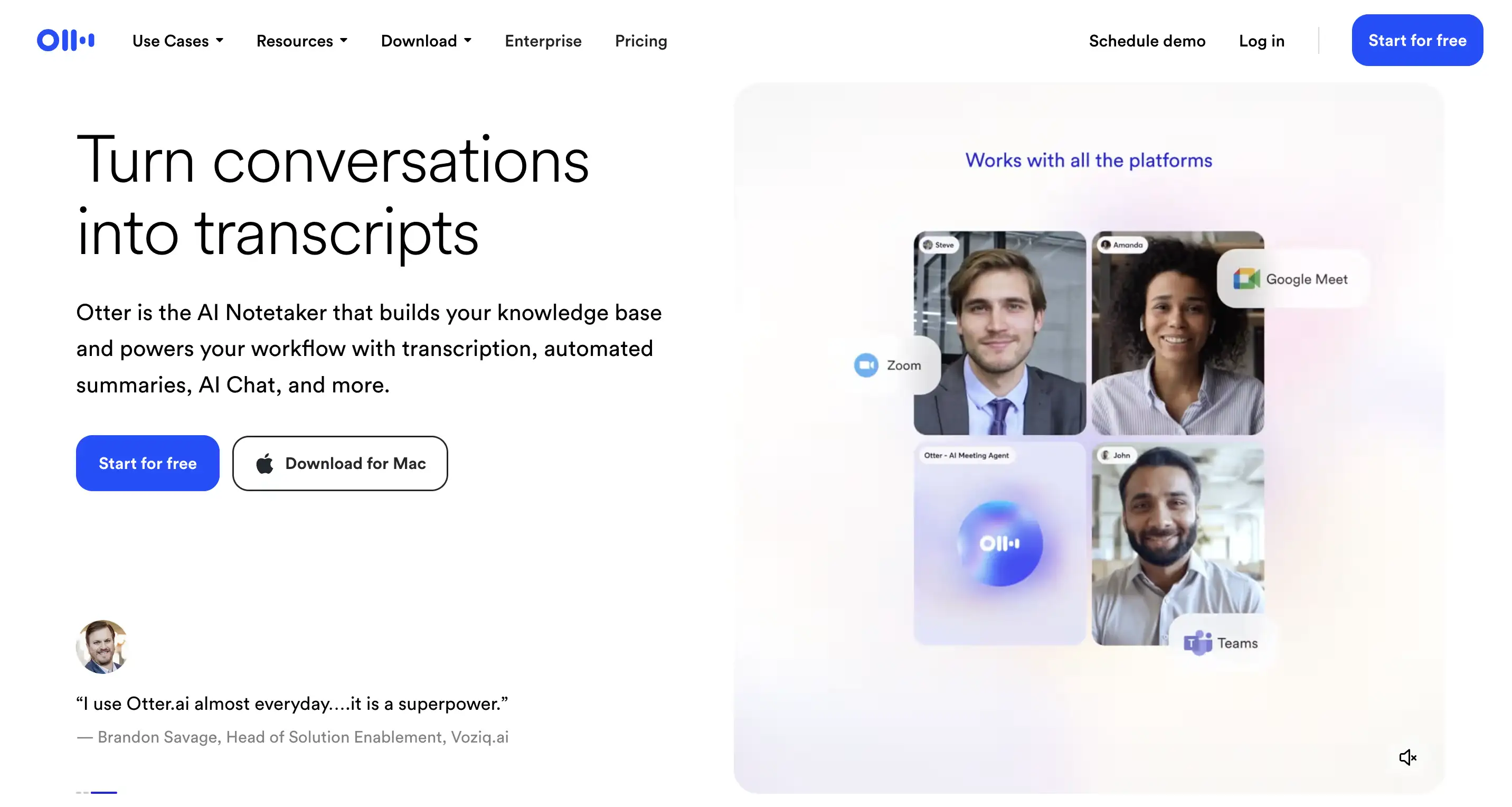
Otter is one of those tools people already know before they start comparing options. It's been around long enough that its place is settled: if you want notes forming on screen while the meeting is still happening, Otter is the obvious, easy answer.
That live layer is still the draw. You watch the transcript build as people talk, search it afterward, and lean on Otter AI Chat for the quick questions "what did we actually decide?" or "did anything get assigned to me?" It's handy anywhere the fear is missing something while the conversation moves on without you: interviews, recruiting calls, a fast-moving team discussion.
It's also good when a group just needs a shared record. You get the transcript, speaker labels, a summary, and the audio to fall back on so no single person has to volunteer as the official note-taker every time. For a manager or a small team, that's often the whole need met.
Where I'd slow down is sales. Otter will capture the call and make it searchable, but it isn't built around deal inspection or whether the forecast actually moved. If a buyer pushes back on pricing, Otter can help you find that moment later it just won't turn it into a sharper pipeline review on its own.
And the usual transcription caveat applies: test it on your real calls before you commit. Product names, jargon, accents, people talking over each other all of it changes how good the output feels. A clean transcript in a demo is not the same thing as a messy customer call on a Friday afternoon.
So Otter makes the most sense when the job is straightforward: catch the conversation live, make it findable, let people ask quick questions about it. For deeper revenue work, it's the note layer not the whole system.
Pricing: Free plan with 300 transcription minutes a month; paid plans from $8.33/user/month billed annually.
6. tl;dv Best for Async Collaboration
Best for: Teams that want meeting search, clips, and async follow-up.
tl;dv makes the most sense when your team has too many calls and not everyone needs to sit through all of them. That's the part it does better than a basic note taker.
Think about who actually needs a meeting after it ends. A PM wants the exact customer quote, word for word. A sales manager wants to scan the calls where a competitor came up. A teammate who missed it just needs the two useful minutes, not the full forty. tl;dv is built for that kind of catch-up.
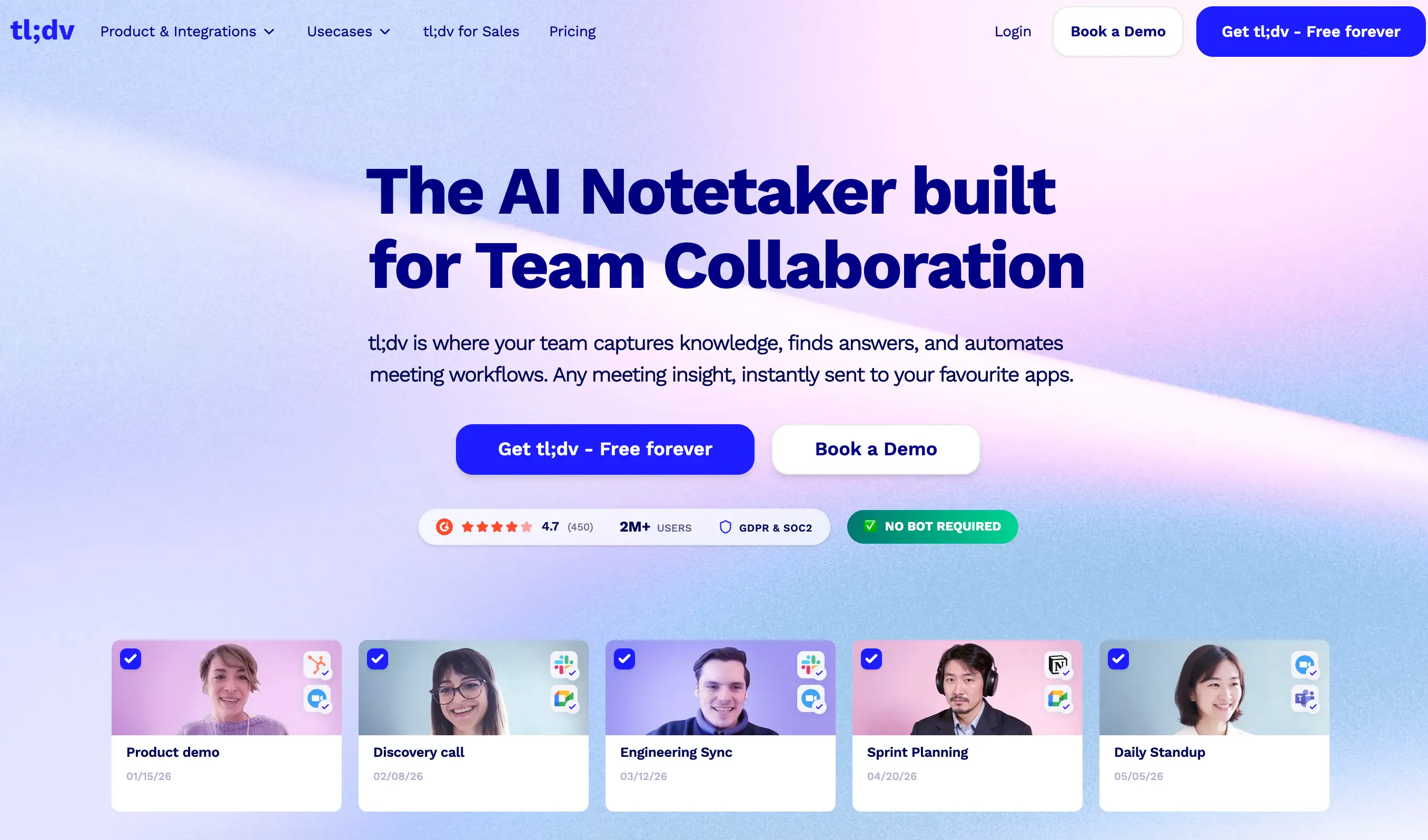
It records and transcribes across Zoom, Google Meet, and Teams, then turns each call into a summary, a set of clips, and searchable history. The clips are the standout. Rather than forwarding a recording with "watch from 23:40," you pull out the exact moment and send that to the person who needs it.
The search and reporting layer earns its keep when you're hunting for patterns. If the same objection keeps surfacing, or three customers flag the same missing feature, tl;dv can surface it without anyone re-watching every call by hand. And it pushes notes and insights into the usual places HubSpot, Salesforce, Slack, Notion with Zapier and an API for anything custom.
Where I'd be careful is revenue depth. tl;dv is genuinely good at making meetings easy to search, share, and review. That's a different thing from knowing whether a deal moved or a renewal quietly turned risky. For remote teams, product feedback loops, and async work, it's a strong pick. For deeper revenue execution, you'll likely want another layer underneath it.
So reach for tl;dv when the answer to a meeting isn't "invite more people" it's better highlights, better search, and a faster way to catch up without watching the whole thing.
Pricing: Free plan available; paid plans from around $18/user/month billed annually.
7. Fellow Best for Agenda-Driven Meetings
Best for: Managers who want cleaner recurring meetings, agendas, and follow-through.
Fellow doesn't try to record everything and let you sort it out later. It tries to make the meeting itself run better.
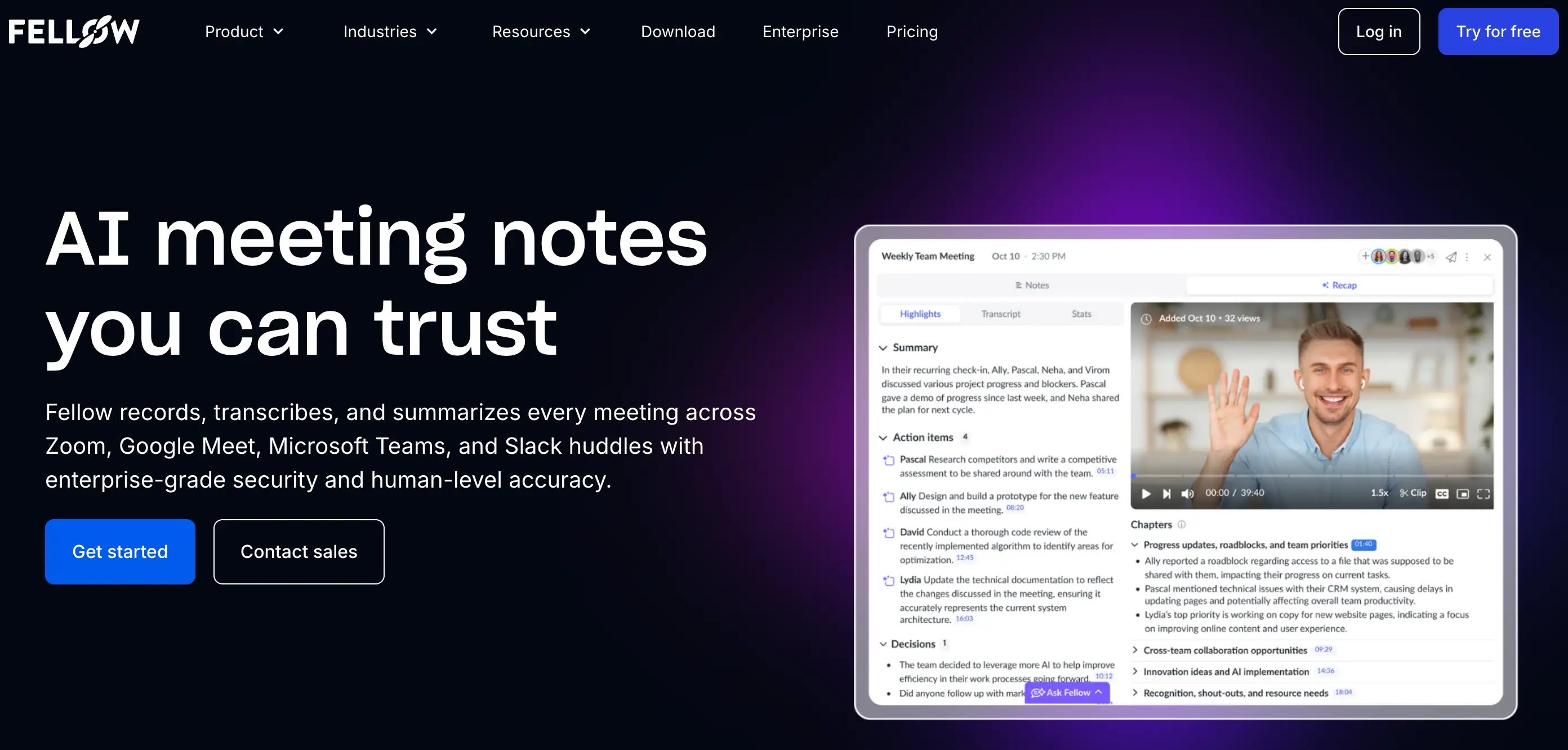
That's where it fits best. A lot of meetings are already a mess before anyone joins. Fellow's answer is structure up front: an agenda everyone can see, a template so the same meeting runs the same way, and somewhere sensible for the notes to live afterward. It's most at home with recurring meetings the ones that fail the same way over and over. A 1:1 nobody set an agenda for. A team sync where no one walked away owning anything. Action items from last week's review that quietly disappeared.
There's AI note-taking under all that, of course. It'll record and transcribe your calls on Zoom, Meet, Teams, and Slack huddles, and lift out the action items on its own. AskFellow answers questions about meetings you have access to, and everything sits in one library instead of scattering across calendars and docs.
But the recording isn't what makes Fellow worth it. The before-and-after is. It nudges people to actually prep, gets decisions written down as they happen, and sends everyone off with action items already assigned no after-the-fact doc cleanup. For a manager, that's often worth more than another transcript.
It also takes privacy and access control seriously, which matters for regulated industries or any team careful about who can open a recording.
The tradeoff is that Fellow isn't really a revenue-intelligence tool. It can support sales meetings and CRM updates, but its center of gravity is running the meeting, not reading the deal. If your real issue is pipeline risk or a renewal quietly slipping, Fellow will help you organize the call it won't be the revenue layer underneath it.
Use Fellow when the meeting itself needs more structure. Use something deeper when the meeting needs to change the deal.
Pricing / trial: Free plan available, but AI recordings are limited. Team plans start at $7/user/month when billed annually.
8. Granola Best Personal AI Notes
Best for: People who want personal meeting notes without adding a visible bot to every call.
Granola feels different from most meeting tools because it does not try to take over the meeting.
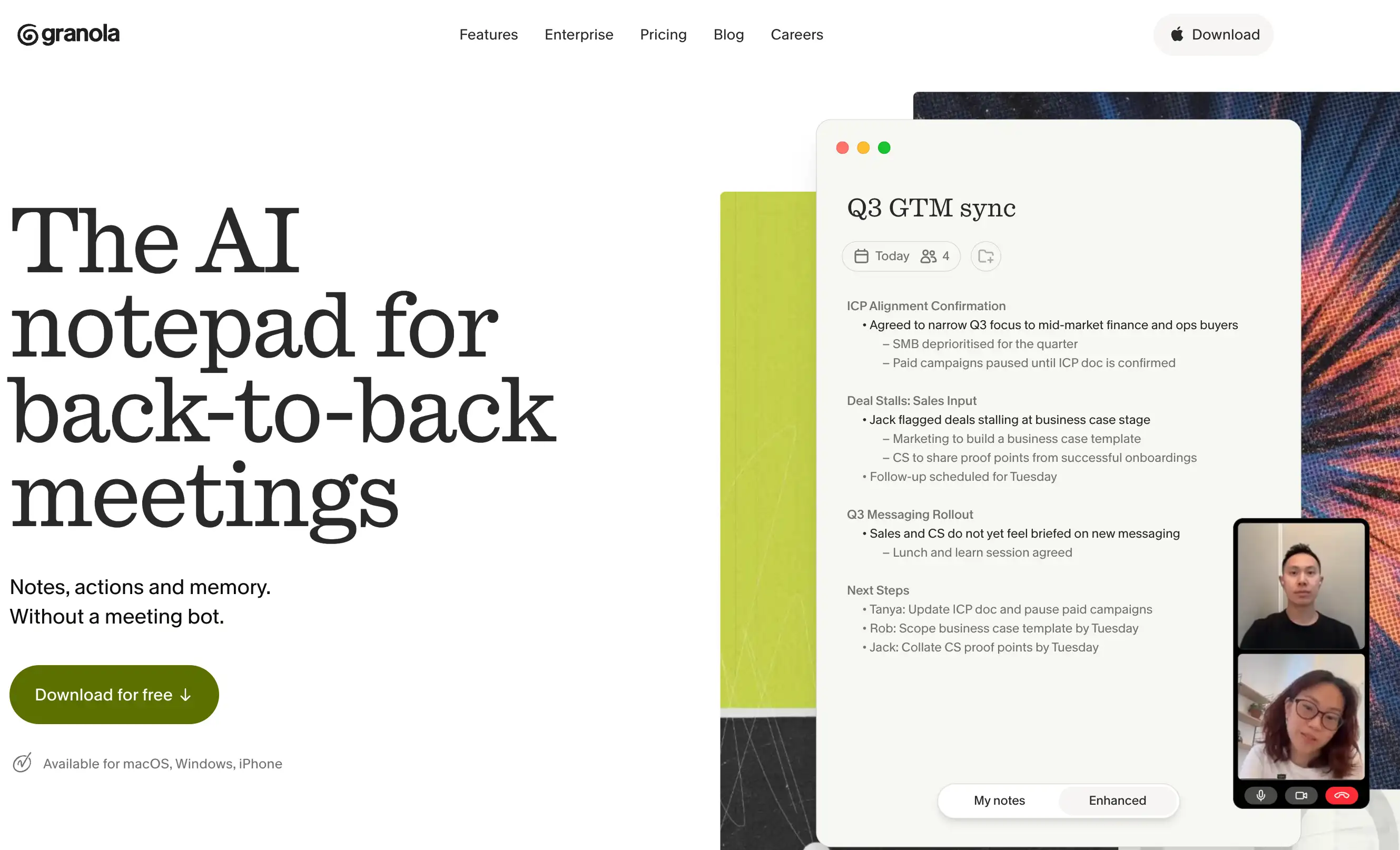
It sits closer to how a lot of operators already work. You write a few rough notes during the call, maybe just names, objections, next steps, or half-sentences that would make no sense to anyone else. Granola listens in the background and turns that mess into something usable afterward.
That is the appeal. It is not asking the whole team to adopt a new meeting process. It is not dropping a bot into the attendee list. It is not making every call feel like it has suddenly become “recorded content.” For founders, consultants, investors, managers, and individual reps, that lightness is the reason people like it.
The notes are also more personal than a standard transcript summary. Granola can enhance what you wrote, create action items, help with follow-ups, and let you ask questions across your past meetings. It also has meeting briefs, so you can see useful context before an external call instead of starting from a blank page.
The tradeoff is that Granola is still mostly a personal note layer. It is excellent when one person wants better notes with less friction. It is less convincing if the team needs a full revenue workflow around CRM updates, pipeline review, forecast risk, renewal handoffs, or manager inspection.
There is also a practical governance point. Bot-free does not mean “no rules.” Teams still need to be clear about consent, recording policies, sharing, and what should or should not be captured in customer meetings.
Use Granola when you want notes that feel close to how you already work. Do not use it as the system of record for revenue execution unless your workflow is intentionally lightweight.
Pricing / trial: Basic plan is free. Business is $14/user/month. Enterprise is $35/user/month.
Free vs Paid: What You Actually Get
Free plans usually cover limited minutes, basic summaries, and small storage. Enough to test transcription quality and recap usefulness.
Paid tiers unlock longer retention, admin controls, CRM integrations, team workspaces, analytics, and governance.
The moment your workflow involves CRM logging or cross-team policies, you’ll likely need paid.
How to Make These Tools Stick in Your Workflow
Adoption depends less on features and more on plumbing:
- Connect calendar and conferencing platform first
- Define recording consent and retention rules early
- Route summaries to Slack for distribution
- Store canonical notes in Notion or a wiki for retrieval
- Standardize CRM logging templates for sales and CS
- Use different summary templates for discovery calls, standups, 1:1s, and exec reviews
When automation kicks in meeting ends → summary posts → tasks created → CRM updated you realize how much invisible time you were wasting.
Which Tool Should You Pick?
Start with your primary use case:
- Revenue pipeline, forecasting, handoffs: EchoIQ
- Team knowledge base + search: Fireflies
- Coaching + analytics: Avoma
- Fast recaps: Fathom
- Live notes: Otter
- Async highlights: tl;dv
- Structured agendas: Fellow
- Personal notes: Granola
The simplest rule: choose the tool that removes the most manual work from your current workflow.
- For sales teams, that’s CRM logging and follow-ups.
- For managers, it’s agendas and action items.
- For distributed teams, it’s highlights and async handoffs.
Everything else is just feature noise.
{{startup}}
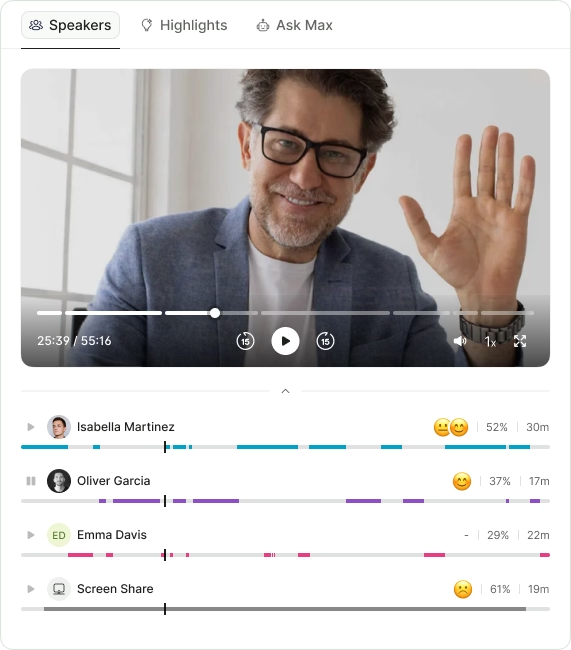
Every capability walked through one by one, with screenshots from real calls.
- Call summaries
- Sentiment analysis
- Next steps
- Search any call in seconds
- Call summaries
- Sentiment analysis
- Next steps
- Search any call in seconds
.avif)