.webp)




.svg)

Key Takeaways (TL;DR)
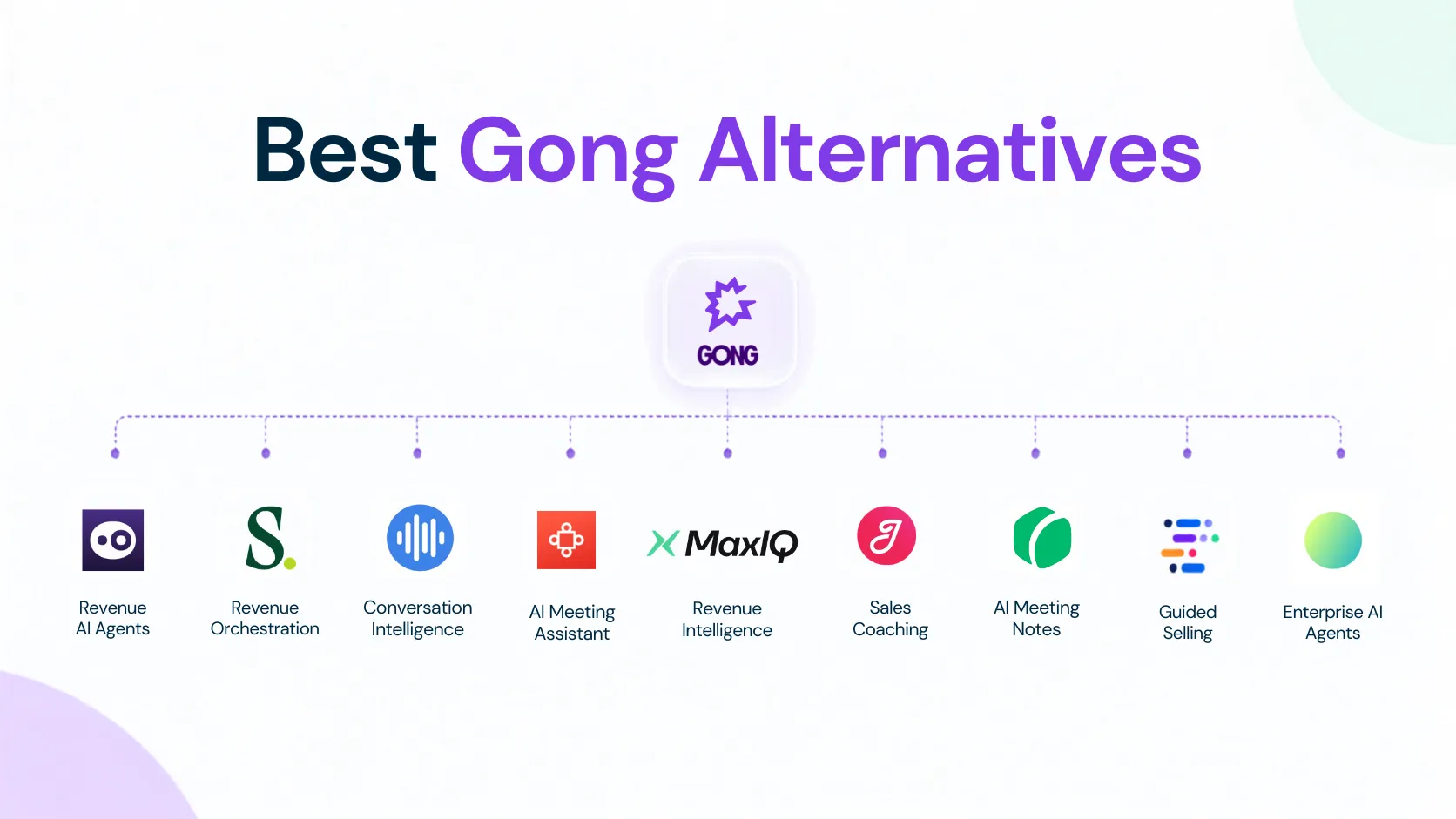
Compare nine Gong alternatives by coaching, CRM updates, forecasting, and total cost.
- MaxIQ: One platform that connects conversations to pipeline, forecasts, handoffs, and renewals.
- Jiminny and Chorus: Call review and coaching, with Chorus worth considering for ZoomInfo users.
- Avoma and Grain: Recordings, notes, and sharing; check coaching plan requirements.
- Salesloft and Revenue.io: Coaching and follow-up within daily selling workflows. Revenue.io runs inside Salesforce.
- Oliv AI and Coworker AI: Automate CRM updates, follow-ups, and tasks.
Gong earned its reputation by giving sales leaders a clear view into customer conversations. But for many teams, the frustration starts with Gong pricing: the contract keeps growing while most of the day-to-day value still comes from call recording, summaries, and coaching.
Revenue teams now expect those conversations to do more. A budget concern should show up in the next deal review. A weak next step should affect forecast confidence. Renewal risk should reach customer success before it turns into a surprise.
That is why teams start looking beyond Gong. Some teams are simply paying for more Gong than they use. They need reliable recordings, summaries, and coaching, not the weight of a full enterprise platform. A lighter conversation intelligence tool may be enough.
Others have a different problem. The calls are captured, but the useful information still does not travel very far. CRM fields stay outdated, forecasts still rely on rep judgment, and customer success still has to piece together context after the deal closes.
The 9 gong alternatives below are judged on that difference: what they are actually good at, what they leave unsolved, and which teams should seriously consider them.
What to Compare Beyond Call Recording
Nearly every tool on this list can record a call, write a summary, and pull out next steps. Those features no longer tell you much.
The real differences show up here:
- Coaching: Can managers find the calls that need attention, score them consistently, and coach without listening to every recording?
- CRM work: Does the tool only suggest updates, or can it reliably write back fields, notes, contacts, and next steps?
- Deal and forecast impact: Do buyer concerns stay inside the transcript, or do they appear in pipeline reviews, deal health, and forecast calls?
- What happens after the sale: Can customer success see promises, risks, and implementation details without asking sales to explain the account again?
- The full cost: Look beyond the entry price. Include platform fees, add-ons, AI credits, onboarding, storage, and the seats that actually need access.
Pick the two areas your current setup handles poorly. That will make the table below much easier to use and stop you from comparing nine tools on features your team may never touch.
Gong Alternatives at a Glance
Find the tool that matches the problem you are actually trying to fix.
| Tool | Best for | Why choose it over Gong | Pricing |
|---|---|---|---|
| MaxIQ | Revenue teams connecting conversations to pipeline, forecasting, renewals, and expansion | Keeps customer signals connected to deal inspection, forecasts, handoffs, and post-sale work | Usage-based pricing |
| Salesloft | Teams already using Salesloft that want call coaching and follow-up in the same workflow | Connects call analysis with sales engagement, CRM updates, and follow-up tasks | Custom quote; confirm which products are included |
| Chorus by ZoomInfo | ZoomInfo users evaluating call recording and sales coaching | Brings conversation intelligence into an existing ZoomInfo vendor relationship | Custom quote |
| Avoma | Teams starting with meeting notes and adding coaching or forecasting as needed | Offers a meeting assistant with separate conversation intelligence and revenue intelligence add-ons | From $19/recording seat/month, billed annually; coaching and forecasting cost extra |
| Oliv AI | Teams wanting standalone conversation intelligence with optional AI agents | Offers conversation intelligence on its own, with agents available for CRM updates, deal follow-up, and forecast preparation | Converse starts at $19/user/month; AI agent usage is billed separately |
| Jiminny | Sales teams focused on call review and regular manager coaching | Supports coaching scorecards, call playlists, performance tracking, and CRM logging | Custom pricing |
| Grain | Teams needing meeting notes, shareable clips, and coaching | Combines meeting capture, AI notes, clip sharing, and CRM sync | Free and paid plans; AI coaching requires Business or above |
| Revenue.io | Salesforce teams needing calling, coaching, and live rep guidance | Combines a dialer, sales engagement, conversation intelligence, and real-time coaching within Salesforce | Custom quote |
| Coworker AI | Teams automating follow-up work across CRM, email, Slack, and project tools | Turns meeting context into CRM updates, follow-up emails, and tasks across connected tools | Pro starts at $29.99/user/month, billed annually; check connector and meeting-retention limits |
The 9 Best Gong Alternatives in 2026
Each section explains what the tool is built for, where it differs from Gong, what to watch before switching, and the latest available pricing.
1. MaxIQ
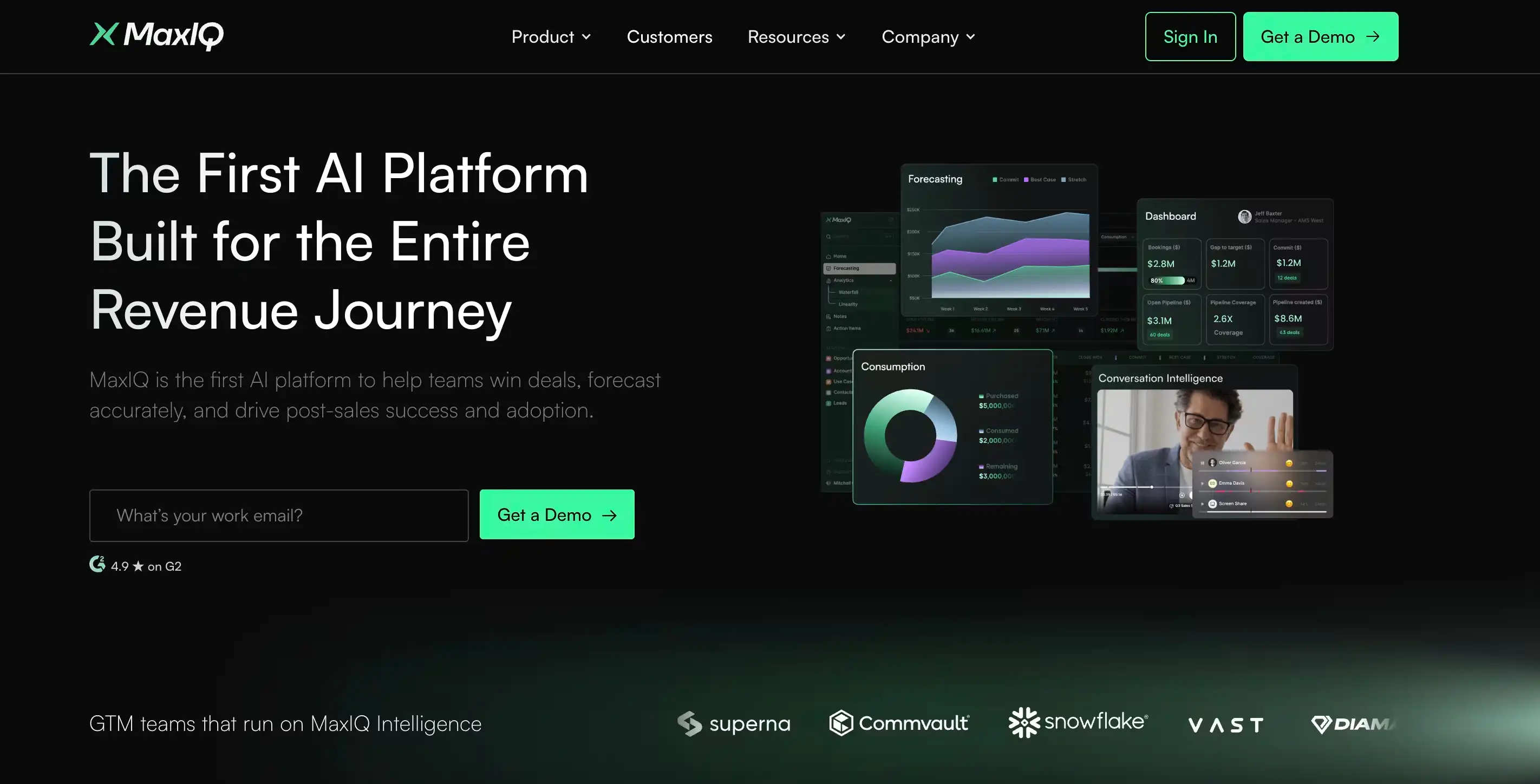
Best for: Revenue teams that need conversation insights to carry into pipeline reviews, forecasting, handoffs, renewals, and expansion.
MaxIQ is worth considering when Gong is doing its job on the call side, but the rest of the revenue process still runs separately.
The valuable part of a conversation is not just the transcript. It is the budget concern that should change deal confidence, the weak next step that should appear in a pipeline review, or the implementation risk customer success needs before kickoff.
MaxIQ keeps those signals connected to the account and opportunity. EchoIQ handles call recording, summaries, and conversation intelligence, while the wider platform brings that context into deal inspection, forecasting, and post-sale work.
This makes MaxIQ a stronger fit for teams that do not need another place to review calls. They need what customers said to influence what the revenue team does next.
Pricing: Usage-based pricing.
Salesloft (formerly Clari Copilot)
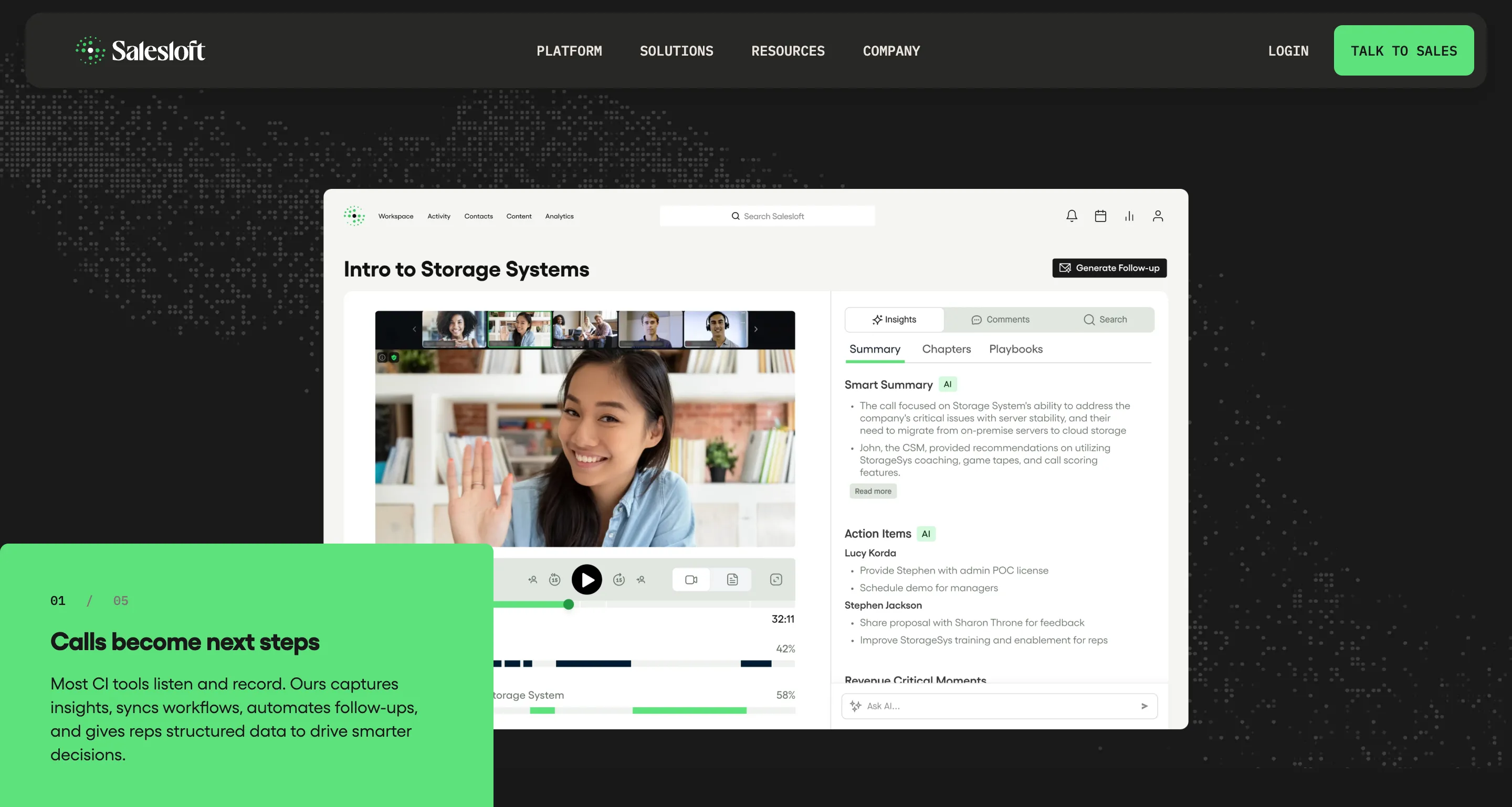
Best for: Teams already using Salesloft that want call coaching and follow-up work in the same platform.
Salesloft records sales calls, writes summaries, and helps managers find moments worth coaching. During a call, reps can get guidance on handling objections. Afterward, it can draft follow-up emails, update the CRM, and turn next steps into tasks. See Salesloft’s features.
If your reps already work in Salesloft every day, it belongs on your Gong shortlist. The practical question is whether it reduces the work they do after each meeting and gives managers enough detail to coach.
Before switching, test it with a few calls your team knows well. Check the summaries, suggested CRM updates, and coaching feedback. Also confirm which features are included in your quote, especially if you need forecasting alongside conversation intelligence.
Pricing: Custom quote. Contact Salesloft for pricing.
3. Chorus by ZoomInfo
.webp)
Best for: teams that want a familiar Gong-style conversation intelligence tool, especially if ZoomInfo is already in the stack.
Chorus is one of the closest alternatives to Gong. It records calls, transcribes meetings, tracks topics, supports coaching, and helps managers review what is happening across sales conversations. ZoomInfo also positions Chorus around syncing customer interactions and contact data back to the CRM, which is useful for teams already using ZoomInfo for prospect and account intelligence.
The reason buyers shortlist Chorus is simple: it does not ask the team to rethink the whole revenue process. It feels like a more direct conversation intelligence replacement.
The thing to check is whether you need more than call review. Chorus can help with sales conversation visibility, but if the bigger pain is forecast trust, post-sale risk, or revenue workflow automation, it may still leave you stitching tools together.
Pricing: quote-based.
4. Avoma
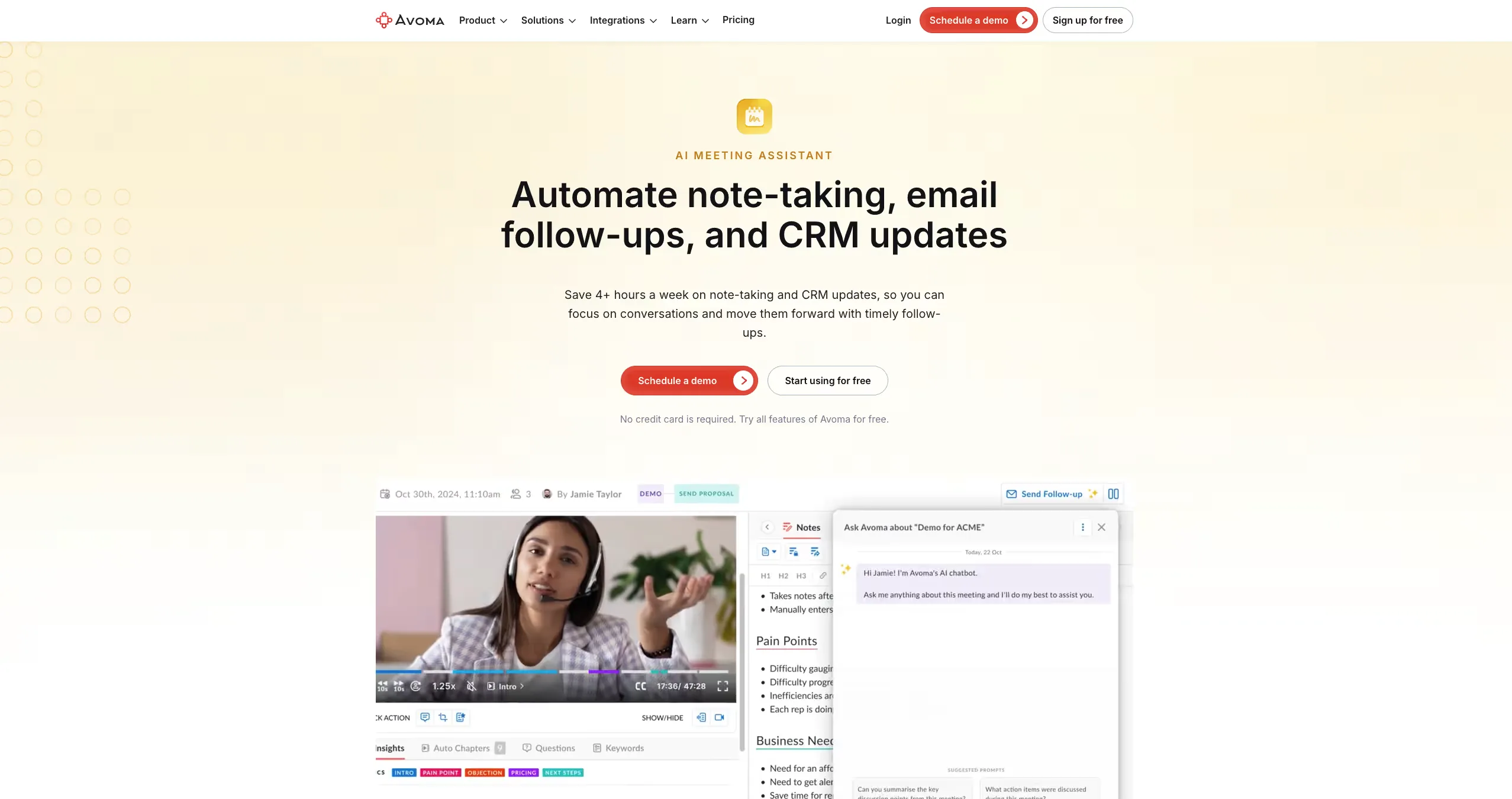
Best for: smaller sales teams that want meeting notes, coaching, and light revenue intelligence without Gong-level weight.
Avoma sits between a notetaker and a full conversation intelligence platform. It can record meetings, write summaries, help with follow-ups, support coaching, and push some meeting data back into the CRM.
That makes it a good fit for teams that want more than basic transcripts but are not ready for a heavy enterprise rollout.
The thing to watch is pricing shape. Avoma starts affordably, but conversation intelligence and revenue intelligence are separate add-ons, so the real cost depends on what your team actually needs.
Pricing: starts around $19 per user/month for the meeting assistant, with CI and revenue intelligence add-ons.
5. Oliv AI
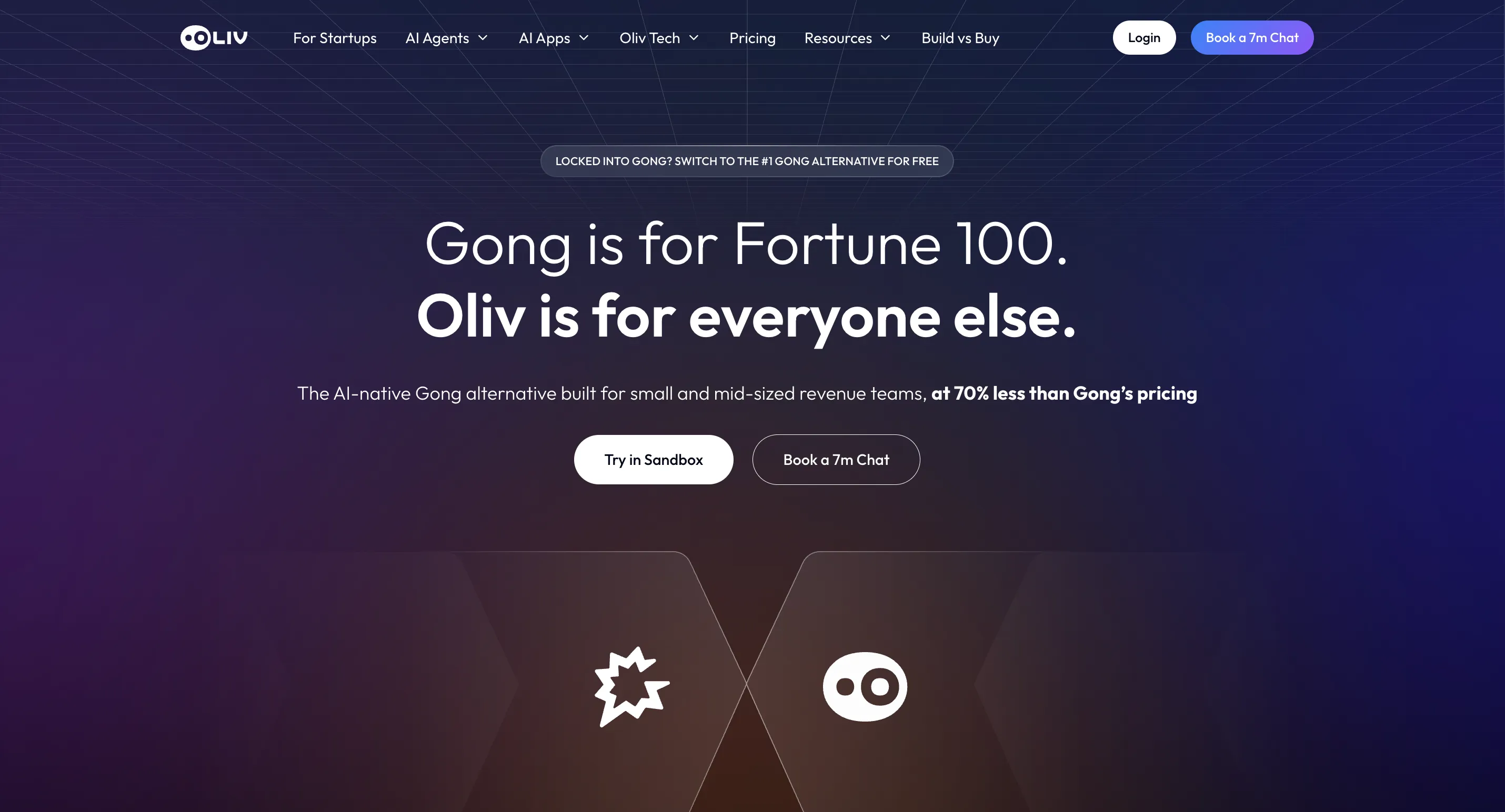
Best for: Teams that use one part of Gong and want to replace just that part, not buy another platform.
Oliv is worth considering when the issue with Gong is the bundle rather than the recording. Many teams buy the whole contract and use one piece of it.
Oliv sells that piece on its own, as a layer on top of Salesforce, HubSpot and 100+ other tools rather than a replacement for them. Calls, emails and meetings feed a context graph agents work from.
The difference from a lighter recorder is what happens after the call. CRM Manager writes deal fields, Deal Driver raises deals that moved, and Forecaster prepares the forecast.
It fits teams unbundling on purpose. Teams that would rather hold one vendor for everything will find it unnecessary.
Pricing: Conversation intelligence from $19 per seat per month. No platform fee, and free view-only seats.
6. Jiminny
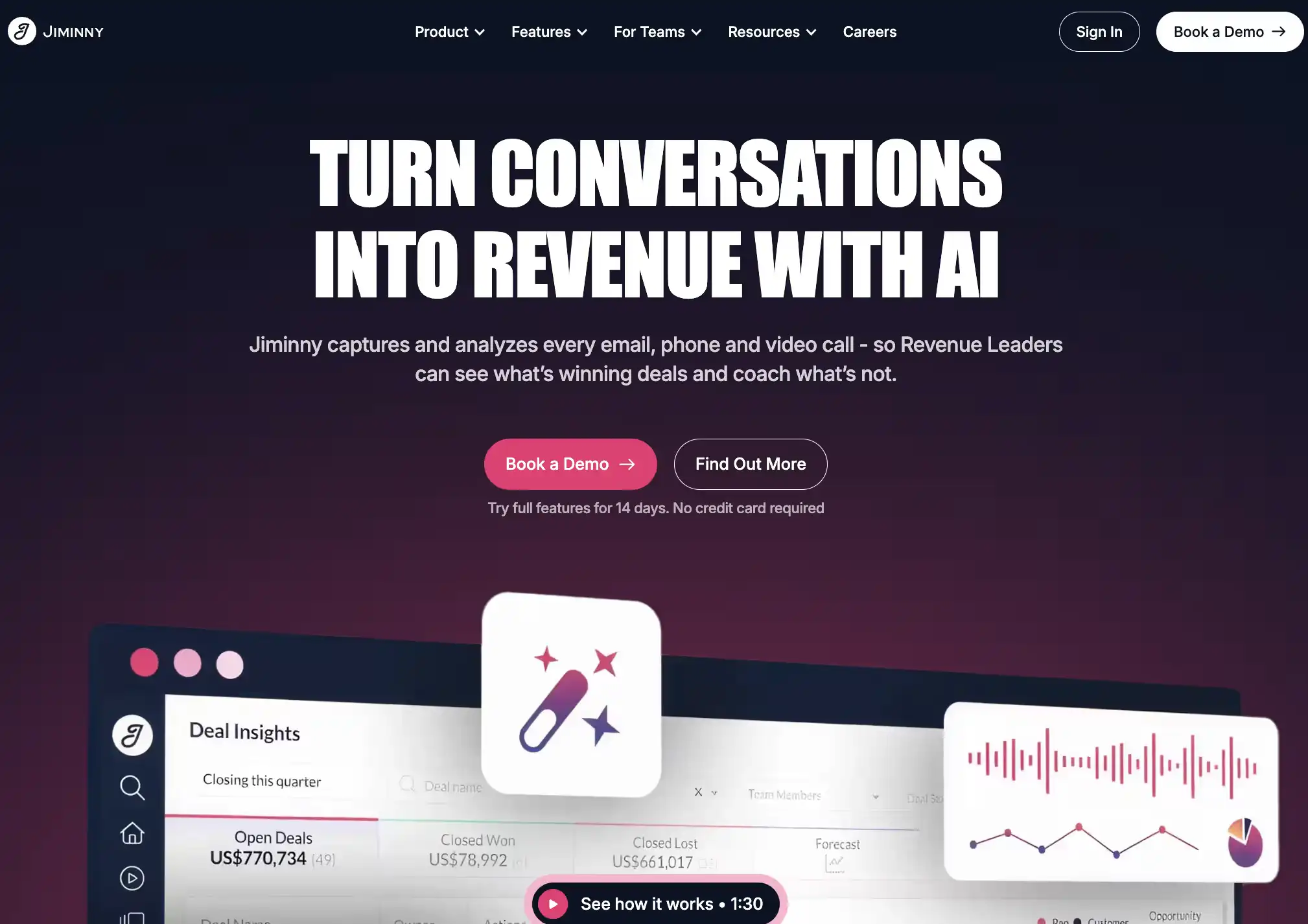
Best for: Mid-market sales teams that want strong call coaching and conversation intelligence without Gong’s enterprise weight.
Jiminny is one of the closer alternatives to Gong. It records and analyzes customer conversations, then helps managers find the calls and moments that are actually worth coaching.
Its strength is making coaching easier to run consistently. Managers can track rep performance, spot recurring weaknesses, and bring call insights into the CRM without listening to every recording themselves.
Jiminny makes sense when Gong feels too expensive or difficult to roll out, but moving to a basic meeting recorder would leave too much behind. Teams looking mainly for forecasting or cross-tool workflow automation may need something broader.
Pricing: Custom pricing based on the number and type of seats. A 14-day trial is available.
7. Grain
.webp)
Best for: growing sales teams that want meeting notes plus lighter conversation intelligence.
Grain is a good fit when the team wants cleaner call summaries, account insights, clips, and coaching moments without moving into a heavy enterprise CI rollout.
Its strength is usability. Reps can capture calls, share useful moments, sync notes to the CRM, and give managers enough context to coach without making the tool feel like another inspection layer.
Where it may feel light is complex revenue work. If the main problem is forecast accuracy, pipeline inspection, or post-sale risk, Grain may not go deep enough.
Pricing: free plan available; paid plans vary by team needs.
8. Revenue.io
.webp)
Best for: Salesforce-heavy sales teams that want live call guidance and rep execution in one workflow.
Revenue.io is a better fit for teams that live inside Salesforce every day. It brings calling, conversation intelligence, coaching, and next-best-action guidance into the same sales workflow, instead of making reps jump between tools.
The value is strongest during active selling. Reps can get real-time guidance, managers can coach from activity and conversation data, and Salesforce stays closer to the work happening across calls, emails, and meetings.
It is less of a clean Gong swap for teams that only want call review. Revenue.io makes more sense when the sales motion depends on Salesforce, high call volume, and in-the-moment execution.
Pricing: custom quote, seat-based.
9. Coworker AI
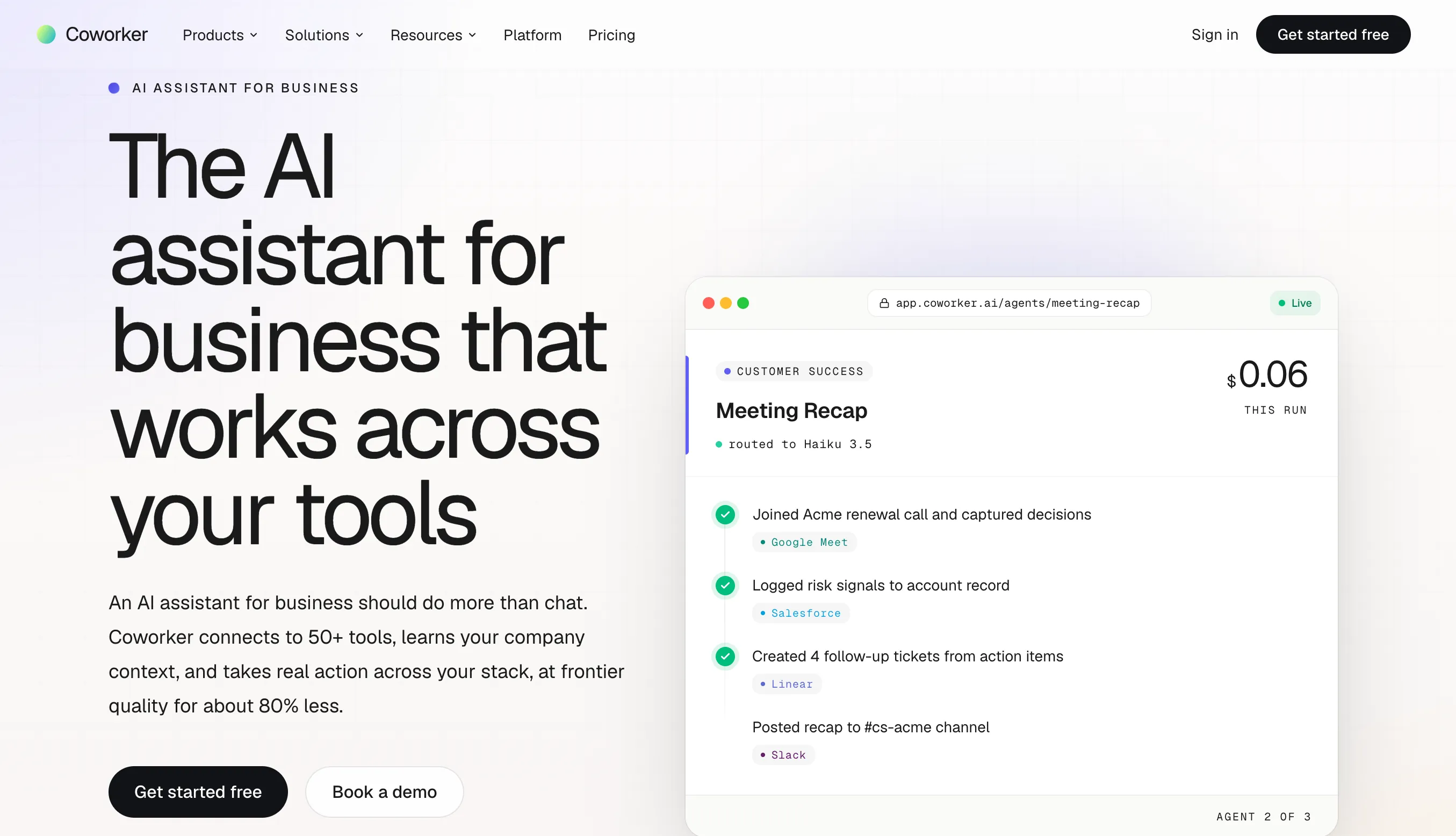
Best for: Teams that want meetings to trigger follow-up work across CRM, email, Slack, and project tools.
Coworker is less focused on deep call coaching than Gong. Its strength is what happens after the meeting.
It can turn conversations into CRM updates, follow-up emails, Slack summaries, tasks, and deal alerts across tools such as Salesforce, HubSpot, Gmail, and Jira. It can also connect with Gong, so some teams may use it as an execution layer rather than a full replacement.
Choose Coworker when your team already has call insights but still spends too much time moving information between systems.
Pricing: Starts at $29.99 per user/month, billed annually.
Gong Alternatives for Small Sales Teams
Before asking for quotes, count who needs to record calls and who only needs to watch recordings or read notes. Then list the features your managers use each week. Recording, coaching, and forecasting can carry separate charges.
Avoma and Grain are worth checking when recordings and meeting notes cover most of your needs. Their entry plans have limits that matter:
- Avoma: The Startup plan costs $19 per recording seat per month, billed annually, and supports up to 25 paid seats. View-only access is free. Coaching scorecards and forecasting require separate paid add-ons. Teams with more than 25 recording seats need the Organization plan, at $29 per seat per month billed annually. Avoma pricing
- Grain: A free plan is available but limited to 20 meetings, and AI coaching requires Business or above. Only people who record, upload, or import meetings need a paid seat; everyone else can join as a free viewer. Grain pricing
Early-stage teams can also look at MaxIQ Free for Startups, which covers conversation intelligence and pipeline visibility.
Before you compare with your Gong renewal, ask each vendor for a first-year total that includes:
- Subscriptions and add-ons (include call scoring if managers rely on it, and forecasting if you use Gong for forecasts)
- Setup or recording-import fees
- Discounts
- Any overlap period when you'd pay for both tools during the switch
Our Gong pricing breakdown explains which Gong charges to check.
How to Test a Gong Alternative Before You Buy
Vendor demos make every tool look better than it will feel on a normal Monday.
Bring a few calls from your own team instead: a good deal, a stalled deal, a lost deal, and one where the rep says everything is fine but the manager is not so sure. Ask the vendor to run those calls through the product.
Then ignore the transcript for a moment. Check whether the tool found what actually mattered. Did it catch the budget concern, the missing decision-maker, the vague next step, or the implementation risk without someone explaining the deal first?
More importantly, see where that information goes. Does it update the CRM? Change deal health? Show up in the forecast? Reach customer success before the handoff?
Give the output to the manager or rep who would use it every week. If they still need to listen to the full call, rewrite the notes, or explain the account again, the new tool has not removed much work.
Test the sales coaching workflow
Bring a call where a buyer pushes back on price. Ask the tool to find that moment, assess the rep’s response, and explain what the rep could have done differently. Check the feedback against the recording.
Then have a manager try three things:
- Score the call using your team’s own coaching criteria.
- Correct an inaccurate score and leave feedback beside the relevant moment.
- Find another call from the same rep to see whether the feedback helped.
Use the same calls and scorecard for each tool. Pay attention to how much editing the manager needs to do before the feedback is useful.
If you use Gong Enable, include your training process in the trial. It offers AI role-play and structured lessons as well as call reviews, so check whether the replacement covers the training your reps currently use. Gong Enable features
Questions Worth Asking Before You Sign
The useful part of a demo often starts after the polished walkthrough is over.
Ask these questions before the contract reaches procurement:
- What will we actually pay in year one?
Include platform fees, onboarding, AI credits, integrations, support, and any paid add-ons. - What work will reps and managers stop doing?
The answer should be specific. Fewer CRM updates, less call listening, faster prep, or cleaner handoffs. - What happens when the AI gets something wrong?
Ask what needs approval, what can be corrected, and which actions happen automatically. - Can we take our data with us?
Check what happens to recordings, transcripts, notes, and CRM data if you leave. - Who has to change their workflow for this to work?
A good product can still fail if adoption depends on reps doing more admin than they do today.
A strong vendor should answer with real examples. If every answer ends with “it depends,” expect the rollout to feel the same way.
When Keeping Gong Makes More Sense
Not every team needs to replace Gong.
If managers use call libraries every week, coaching is already part of the sales rhythm, and reps trust the workflow, switching tools may create more disruption than savings.
The same is true when the problem is adoption rather than product fit. A cheaper platform will not help if managers still do not review calls or reps ignore the insights.
Before moving, be honest about what Gong is doing well today. If the team would lose a working coaching process, searchable call history, or a system managers rely on, make sure the alternative can replace that before the contract ends.
Sometimes the right decision is to reduce seats, remove unused add-ons, or renegotiate the plan rather than replace the platform entirely.
Final Takeaway
The best Gong alternative is not always the tool with the most call features.
It is the one that fixes the reason your team started questioning Gong.
For some teams, that reason is cost. For others, it is coaching. For many revenue teams, the bigger issue is that conversation data is not changing what happens in the business.
That is the evaluation that matters.
Every capability walked through one by one, with screenshots from real calls.
- Prep with deal context
- CRM updates auto-fill
- Instant call summaries
- Search every conversation
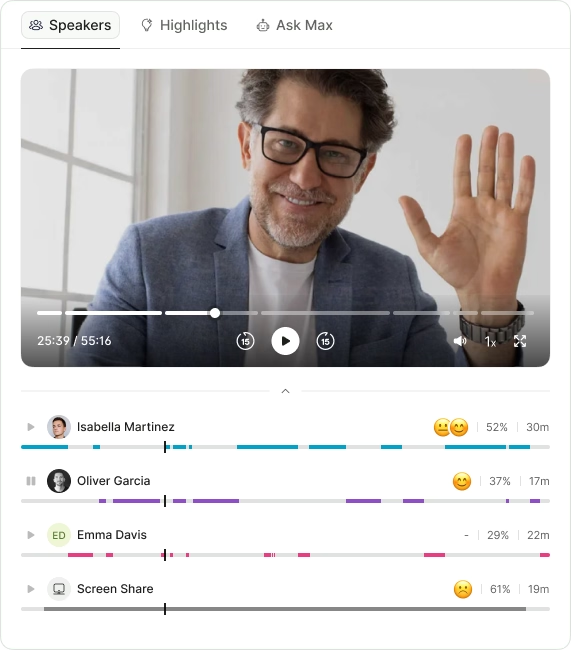
- Call summaries
- Sentiment analysis
- Next steps
- Search any call in seconds
- Prep with deal context
- CRM updates auto-fill
- Instant call summaries
- Search every conversation
.avif)