.webp)




.svg)

.avif)
Key Takeaways (TL;DR)
The best AI sales call analysis tools in 2026 depend on what the call needs to do after it ends. If the insight only needs to become a note, lighter tools like Fathom or Fireflies are enough. If it needs to improve coaching, update CRM, flag deal risk, or support forecast confidence, you need a stronger platform.
- MaxIQ: Best when call insights need to connect to deal execution, forecasting, CRM context, handoffs, and post-sales visibility.
- Gong: Best for enterprise teams that want mature conversation intelligence, call review, and rep coaching.
- Clari Copilot: Best for teams already using Clari and wanting call analysis tied to forecast and pipeline workflows.
- Avoma or Jiminny: Best for mid-market teams that want call summaries, objection tracking, playlists, and coaching without a heavy rollout.
- Chorus or Revenue.io: Best when call analysis needs to sit inside a broader ZoomInfo or Salesforce-led GTM workflow.
- Fireflies or Fathom: Best for simple meeting notes, transcripts, searchable calls, and fast follow-up.
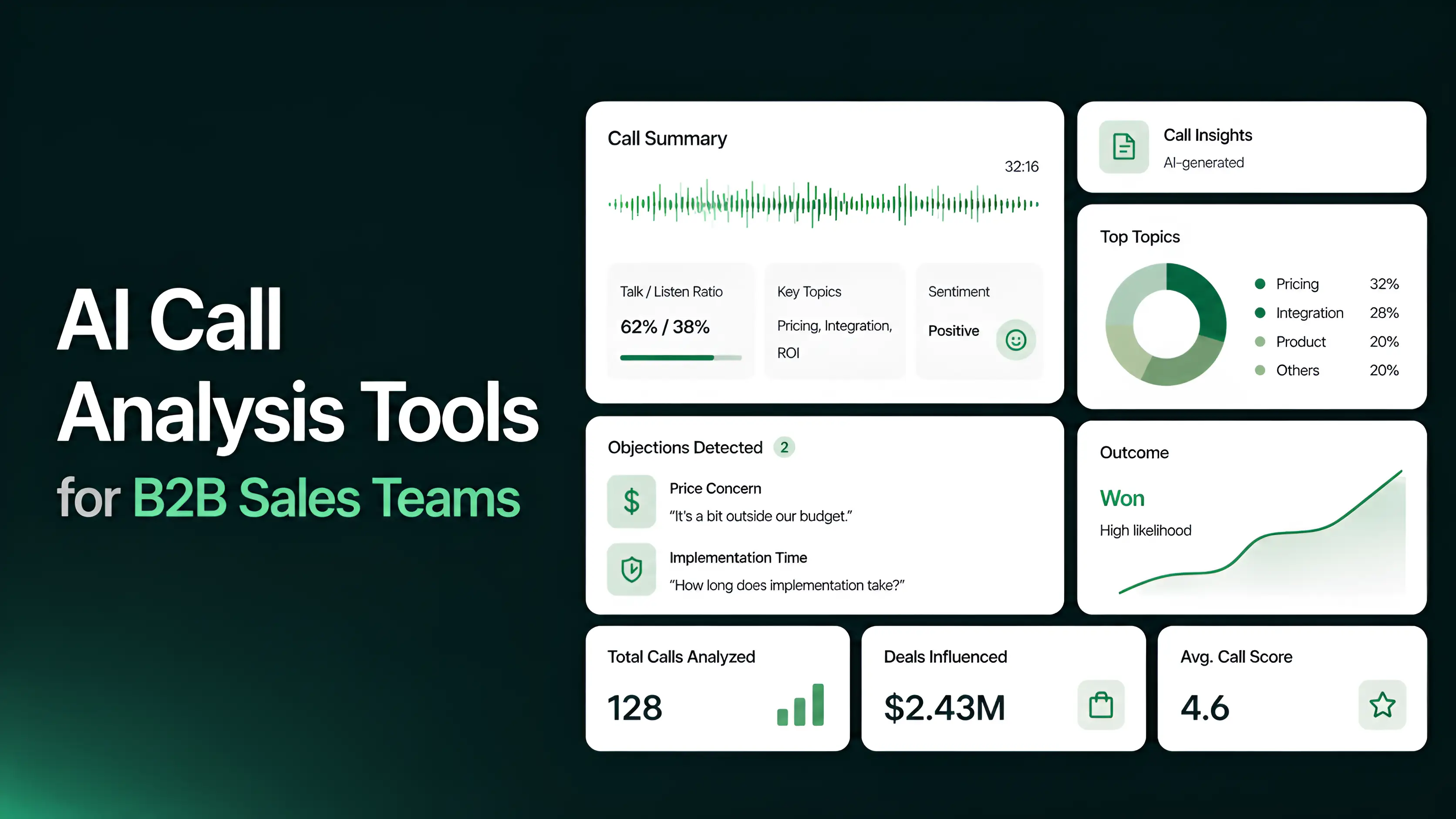
Sales teams are not struggling to record calls anymore. The harder part is turning those calls into something managers and reps can actually use. Salesforce reports that reps spend 60% of their time on non-selling work, including manually entering customer notes into CRM. That is exactly where AI call analysis tools are starting to matter.
A transcript tells you what was said. AI call analysis helps explain what mattered: the buyer’s pain points, objections, competitors mentioned, next steps, coaching moments, and deal risks that should make it back into the CRM. The best tools do not just summarize the conversation. They help teams improve the work that happens after it.
In this guide, we’ll compare the best sales call analysis software 2026, including what each tool is best for, pricing, CRM call integration, and how to choose the right fit for your team.
Table of Contents
- What is AI sales call analysis?
- What to look for before picking any tool?
- 9 Best AI Sales Call Analysis Tools in 2026
- How to choose the right sales call analysis software for your team?
What is AI sales call analysis?
AI sales call analysis is the process of using AI to review sales conversations and pull out the parts that matter for selling: pain points, objections, next steps, competitor mentions, pricing concerns, and coaching moments.
It is different from basic transcription. A transcript tells you what was said. Call analysis tells you what the sales team should do with it.
For reps, that might mean cleaner follow-up notes and less manual CRM work. For managers, it means coaching from real moments instead of asking, “How did the call go?” For RevOps, it means call data can become part of the deal record instead of staying buried in recordings no one has time to review.
What to look for before picking any tool?
Do not start with the tool that has the most AI features. Start with the work your team needs the call to do after it ends.
A good sales call analysis tool should help with five things.
1. Transcription accuracy
Everything starts with the transcript. If the tool misses speakers, mixes up names, or gets key terms wrong, the summary and coaching notes will be weak too.
This matters more for sales teams than it looks. Pricing, competitors, product names, decision dates, and objections are often mentioned once. If the system gets those wrong, the CRM update is wrong too.
2. CRM integration
The tool should not create another place for call notes to sit. It should move the useful parts of the conversation into Salesforce, HubSpot, or whatever CRM your team actually uses.
Look for more than “integrates with CRM.” Check whether it can sync next steps, objections, stakeholders, MEDDICC fields, call summaries, and deal risks back to the right account or opportunity.
3. AI insights depth
A basic AI summary is not enough anymore. Most tools can produce one.
The better question is whether the tool can identify what changed in the deal. These sales call insights reveal if the buyer raised a new objection, if urgency got weaker, or if a competitor was mentioned. Those are the moments managers and reps actually need.
4. Coaching features
Call analysis should make coaching easier, not just give managers more recordings to review.
Useful coaching features include sales call scoring, playlists, talk ratio analysis, objection handling, and rep-level patterns. The goal is to help managers find the few moments worth coaching instead of listening to full calls every week.
5. Revenue context
A call insight matters more when it is tied to the deal, forecast, handoff, or account. If a buyer mentions procurement risk, that should not stay inside a transcript. If a customer mentions a promised outcome, that should carry into the account context.
The strongest tools do not stop at call analysis. They connect the conversation to the revenue workflow that comes next.
9 Best AI Sales Call Analysis Tools in 2026
1. MaxIQ
Best for: Revenue teams that want sales call analysis tied to deal execution, forecast confidence, and account context.
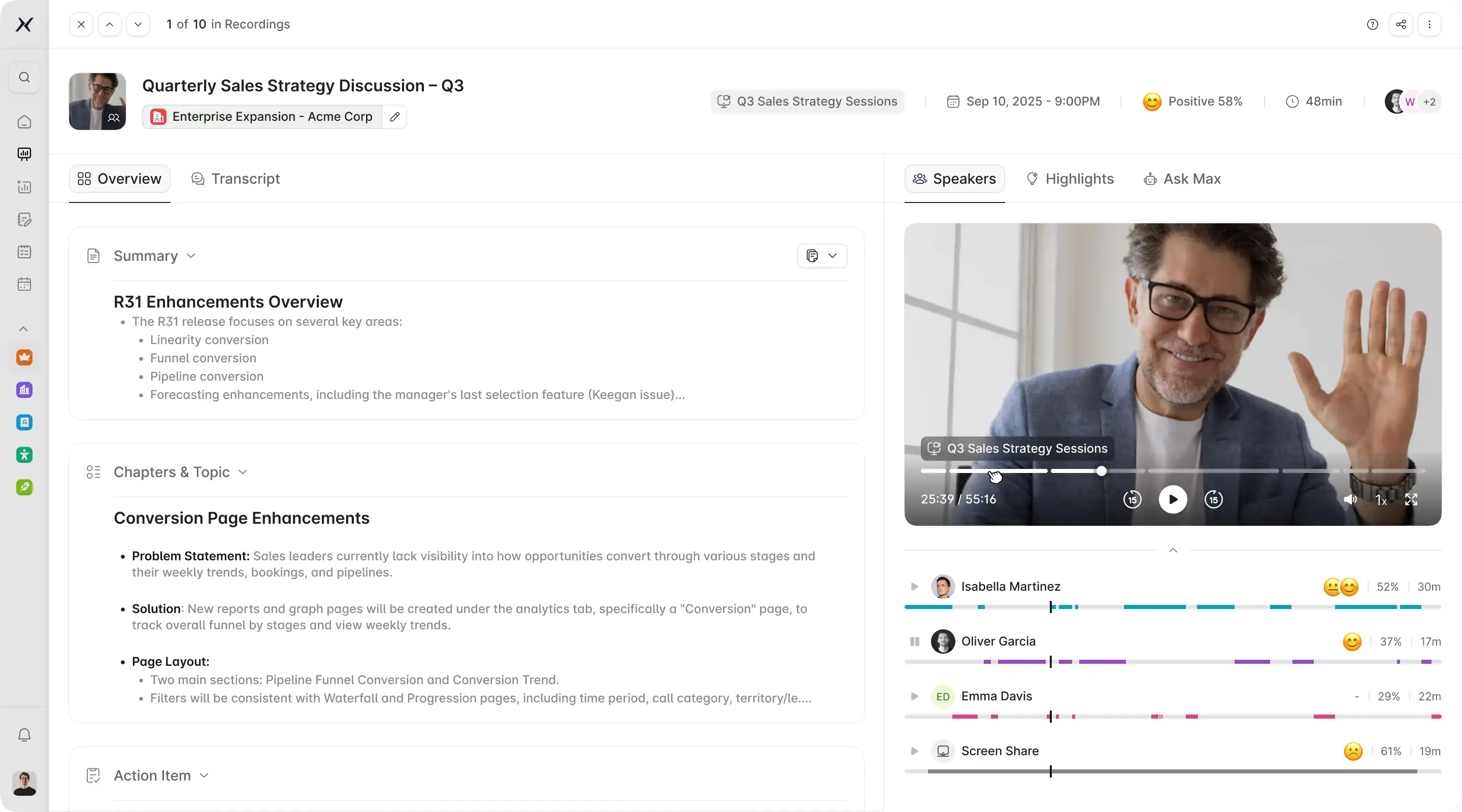
MaxIQ is an AI sales call analysis tool built for revenue teams that need more than sales call recording and analysis. It connects conversation intelligence, CRM call integration, and deal intelligence from calls to the broader MaxIQ revenue intelligence platform.
That matters because most call analysis tools stop at summaries, transcripts, and coaching clips. Those are useful, but they do not always help a manager understand whether the deal is stronger or weaker after the call. MaxIQ is built to make the call useful inside the revenue process.
Key features
Meeting recordings, transcripts, and summaries
MaxIQ captures customer conversations and turns them into usable call records. Reps get the core takeaways, next steps, and context without having to manually write everything after the meeting.
Revenue-context call intelligence
MaxIQ does not treat a call as an isolated recording. It connects call signals to the opportunity or account, so teams can understand how the conversation affects deal health, buyer engagement, risk, and forecast confidence.
CRM updates from conversations
Important details from calls can be pushed back into CRM context, reducing the usual gap between what the buyer said and what the CRM shows. This is especially useful when reps forget to update next steps, pain points, stakeholders, or deal risks.
Deal and forecast context
Because EchoIQ sits inside MaxIQ’s broader revenue intelligence platform, call insights can support pipeline inspection and forecasting. If a buyer raises procurement risk, delays timeline, mentions a competitor, or weakens commitment, that context can inform deal reviews instead of staying buried in the transcript.
Rooms for sharing clips
MaxIQ’s newer Rooms feature lets teams create and share clips from EchoIQ recordings with internal or external users. That is useful for sharing key customer moments, onboarding context, executive visibility, or deal-specific proof without sending a full recording.
Sales-to-CS handoff context
MaxIQ helps preserve what was promised during the sales cycle. When a deal closes, the customer context can carry forward into onboarding and customer success instead of getting lost in call notes or rep memory.
Where MaxIQ is strongest
MaxIQ is strongest when call analysis needs to connect to the broader revenue journey. It is a good fit for teams that want to use conversation data for deal inspection, forecast reviews, handoffs, and post-sales visibility.
Where it may not be the best fit
If you only need a lightweight meeting recorder or a free AI note taker, MaxIQ may be more platform than you need. It makes the most sense when sales call analysis needs to support revenue execution, not just note-taking.
Pricing
{{ci-card}}
CRM integration
Best fit for Salesforce-led revenue teams using MaxIQ to connect pipeline, forecasting, conversations, and account context.
2. Gong
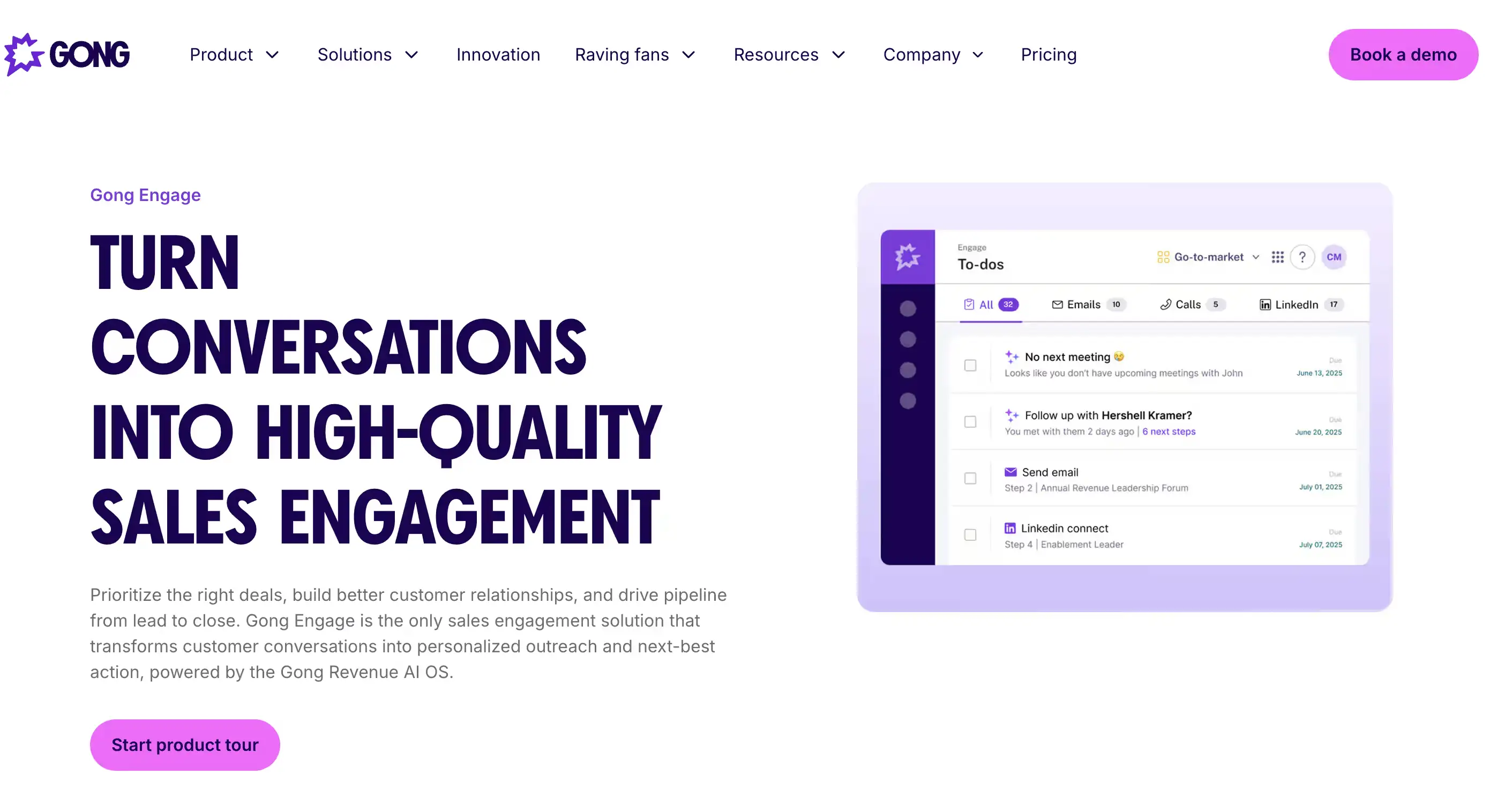
Best for: Enterprise sales teams that want mature conversation intelligence and rep coaching.
Gong records and transcribes sales calls, analyzes buyer and rep behavior, and helps managers coach from real conversations instead of secondhand deal updates.
It is strong for sales call recording and analysis, talk pattern review, objection tracking, competitor mentions, and call-based coaching. Gong also connects conversation insights to deal context, which makes it useful for teams that want more than basic transcripts.
Where it may fall short: Gong can be heavy if your team only needs AI notes or simple call summaries. It also needs strong manager adoption to avoid becoming a large call library.
Pricing: Contact sales.
CRM integration: Integrates with Salesforce and other major GTM tools.
3. Clari Copilot
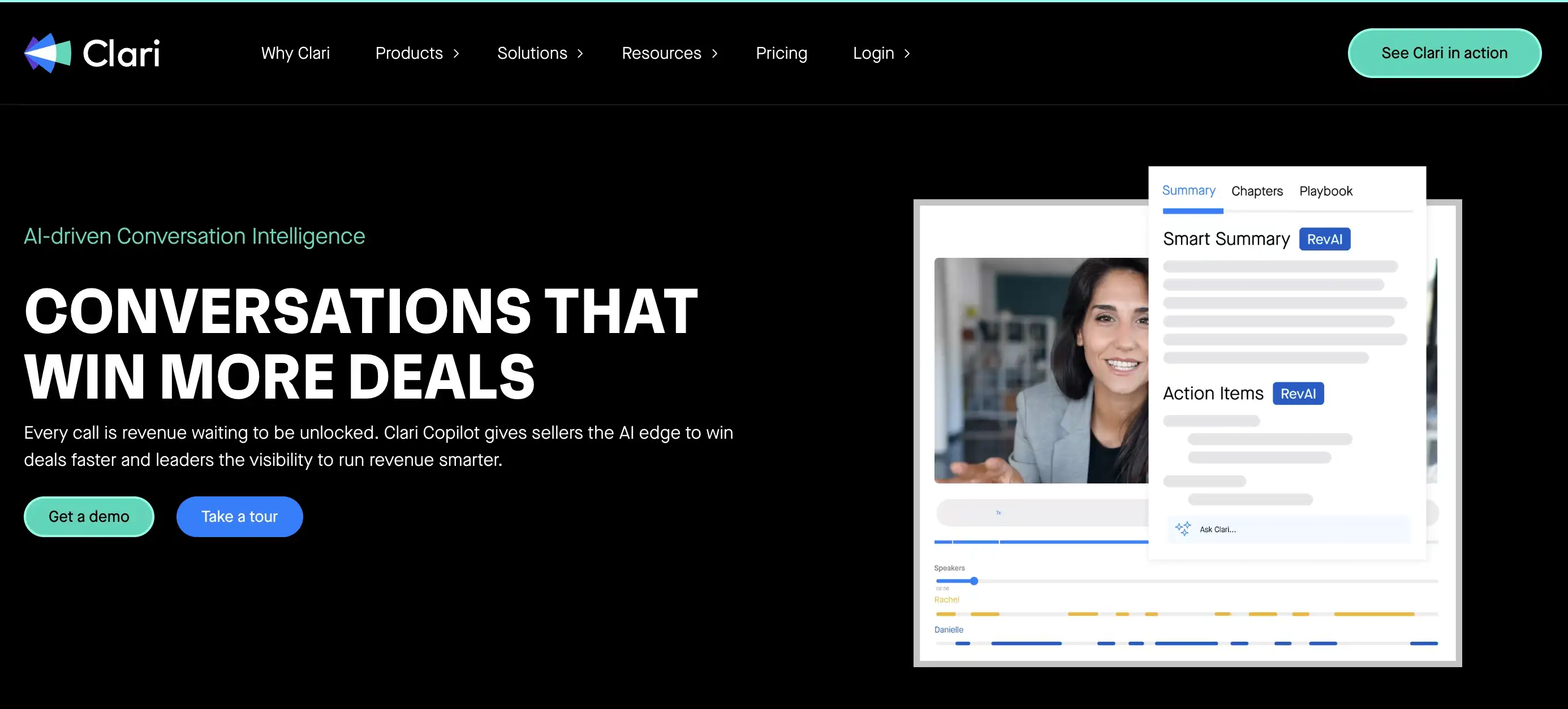
Best for: Sales teams already using Clari for forecasting, pipeline inspection, and revenue governance.
Clari Copilot is a strong fit when call analysis needs to sit close to forecast and pipeline workflows. It records and analyzes sales conversations, highlights deal risks, and helps managers coach reps from real customer interactions. For teams already running Clari, the value is that conversation intelligence can support the broader revenue operating rhythm instead of sitting in a separate call tool.
It works well for leaders who want AI call analysis for sales teams tied to forecasting context. Managers can use call insights to inspect deals, understand buyer objections, and improve rep coaching without moving too far outside the Clari workflow.
Where it may fall short: Clari Copilot makes the most sense if your team is already invested in the Clari ecosystem. If you only need lightweight sales call recording and analysis, it may be more than you need.
Pricing: Quote-based.
CRM integration: Strong fit for Salesforce-heavy revenue teams using Clari.
4. Avoma
Best for: Mid-market sales teams that want call analysis, meeting summaries, and coaching without a heavy enterprise rollout.
Avoma combines sales call recording and analysis with AI summaries, conversation intelligence, and coaching workflows. It is useful for teams that want to review calls, track objections, capture next steps, and improve rep follow-up without buying a heavier revenue intelligence platform.
It also works well for managers who want a practical AI sales coaching tool. They can review call moments, track rep patterns, and use conversation data to coach more consistently.
Where it may fall short: Avoma may not go as deep as enterprise platforms for complex forecasting, pipeline inspection, or full revenue context.
Pricing: Public pricing available, with paid plans and add-ons.
CRM integration: Integrates with Salesforce, HubSpot, and common sales tools.
5. Chorus by ZoomInfo
Best for: Teams already using ZoomInfo that want conversation intelligence inside a broader GTM data stack.
Chorus records, transcribes, and analyzes sales calls so managers can review buyer objections, competitor mentions, next steps, and rep performance. It is a strong fit for teams that want AI call analysis for sales teams but also care about account data, prospecting context, and ZoomInfo’s broader go-to-market ecosystem.
Where Chorus can be useful is connecting call insights with sales intelligence. If your team already relies on ZoomInfo for account and contact data, Chorus can keep conversation analysis closer to the rest of your GTM workflow.
Where it may fall short: Chorus is less attractive if your team is not already using ZoomInfo or does not want call analysis bundled into a larger GTM platform.
Pricing: Contact sales.
CRM integration: Integrates with Salesforce and major sales tools.
6. Revenue.io
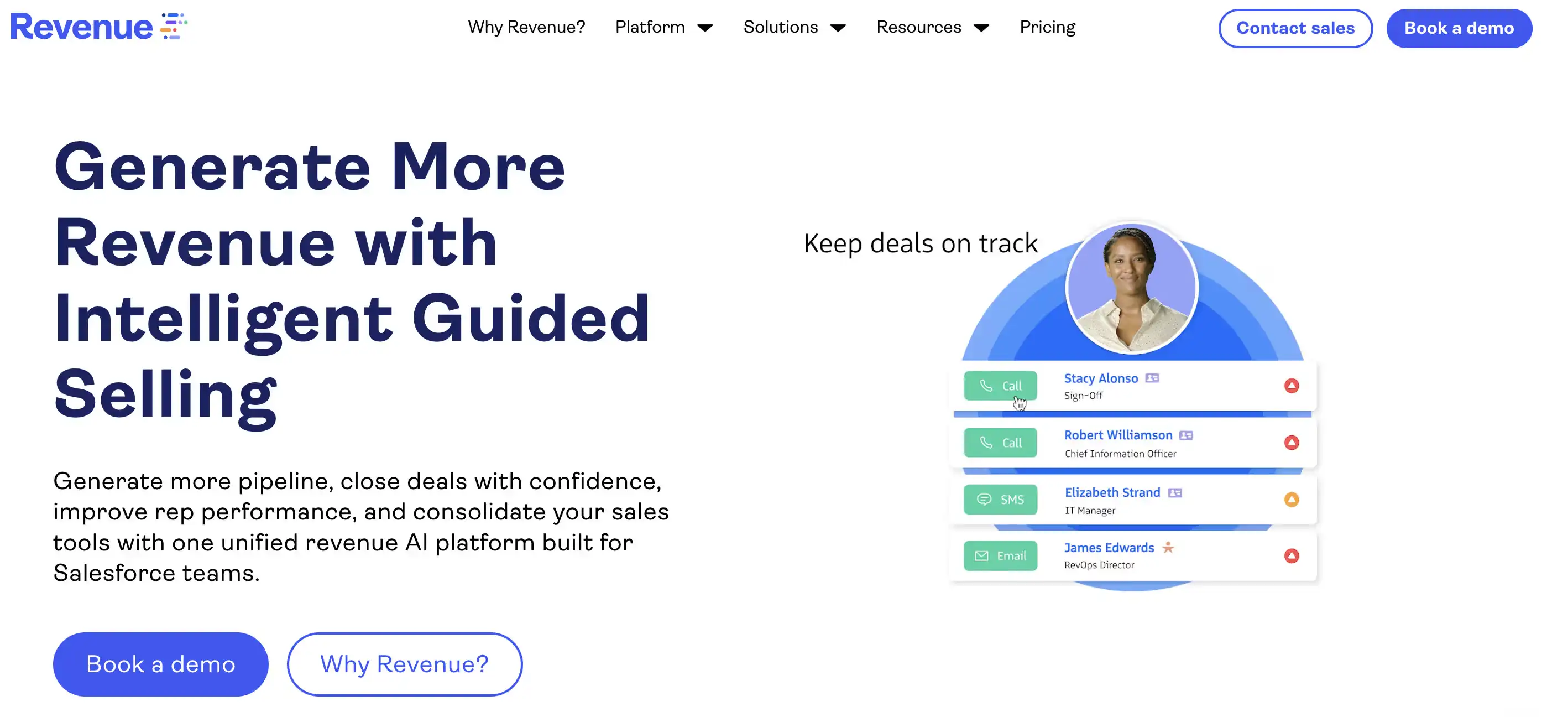
Best for: Salesforce-heavy revenue teams that want call analysis tied to sales execution and real-time coaching.
Revenue.io is more than a simple recording tool. It blends conversation intelligence, sales engagement, and call analytics into a Salesforce-native workflow. This is useful for teams that want reps to act on call data in the moment, rather than just reviewing a library of recordings days later.
Its strength lies in connecting calling activity directly to execution. Managers can coach from real-time insights, while reps receive guidance and CRM context inside the environment where they already spend their time.
Where it may fall short: Revenue.io is built specifically for Salesforce-led teams. If your revenue stack is not centered on Salesforce, or if you only need lightweight meeting summaries, it may be more than you need.
Pricing: Contact sales.
CRM integration: Built for Salesforce-native workflows and revenue context.
7. Jiminny
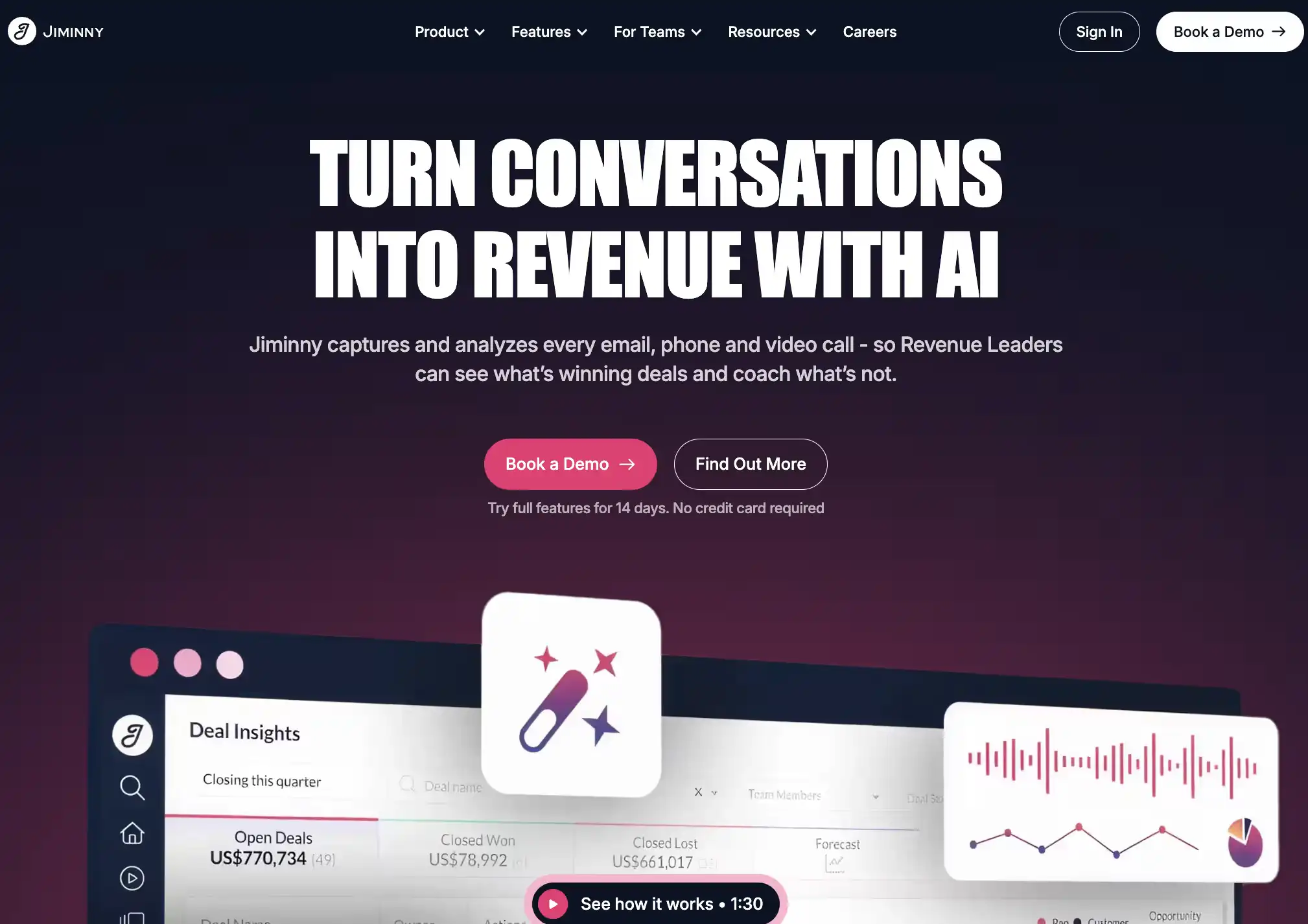
Best for: Sales teams that want practical call coaching and manager visibility without overcomplicating the workflow.
Jiminny is an AI sales call analysis tool that focuses on capturing customer conversations so managers can coach from real moments. It captures recordings and transcribes calls, helping teams build call libraries, playlists, and scorecards without turning call review into a heavy administrative process.
Its strength is coaching adoption. The tool helps managers identify the moments that matter, track how reps handle objections, and build more consistent feedback loops using real conversation data rather than secondhand updates.
Where it may not be the best fit
Jiminny is built for coaching and call visibility. It may fall short for teams that need deep forecast inspection, pipeline intelligence, or full revenue context tied to the broader deal journey.
Pricing
Public pricing is available by seat type.
CRM integration
Integrates with Salesforce, HubSpot, and common sales tools.
8. Fireflies.ai
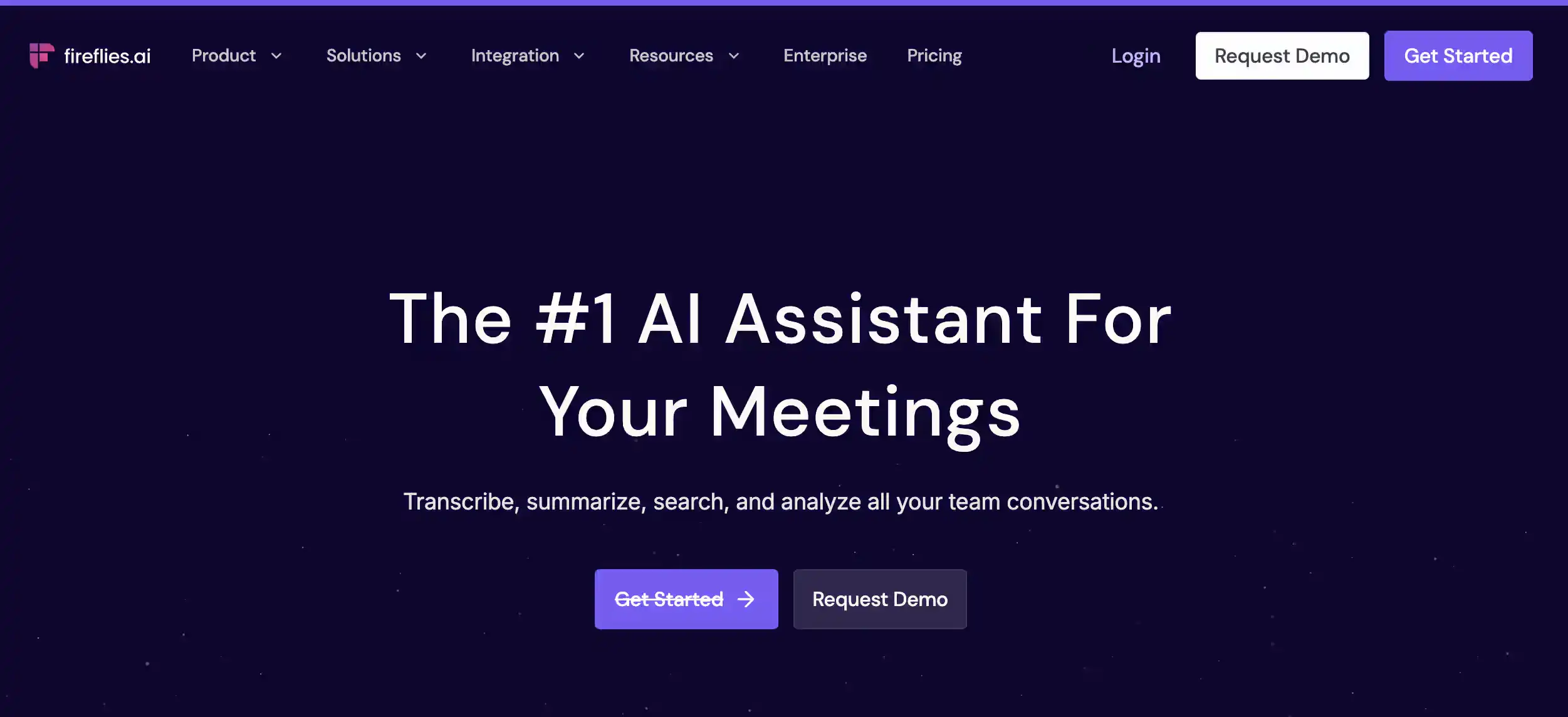
Best for: Teams that need an accessible way to capture meeting records, generate AI summaries, and make call data searchable.
Fireflies.ai is a practical option for teams that need straightforward sales call recording and analysis without the complexity of an enterprise-level platform. It captures customer conversations, produces transcripts, and creates summaries of key takeaways, making it easier for teams to reference past meetings.
The tool’s strength lies in its speed and ease of use. It helps reps eliminate manual note-taking by capturing calls across major meeting platforms. For smaller sales organizations, Fireflies provides the core benefits of conversation visibility before they require deeper revenue intelligence or complex coaching workflows.
Where it may fall short: Fireflies is primarily a meeting assistant. It may not provide the depth needed for advanced deal inspection, automated rep coaching, or connecting call insights directly to forecasting and revenue context.
Pricing: Free plan available, with paid tiers for teams.
CRM integration: Connects with major CRMs, though the level of data syncing varies by plan and specific workflow needs.
9. Fathom
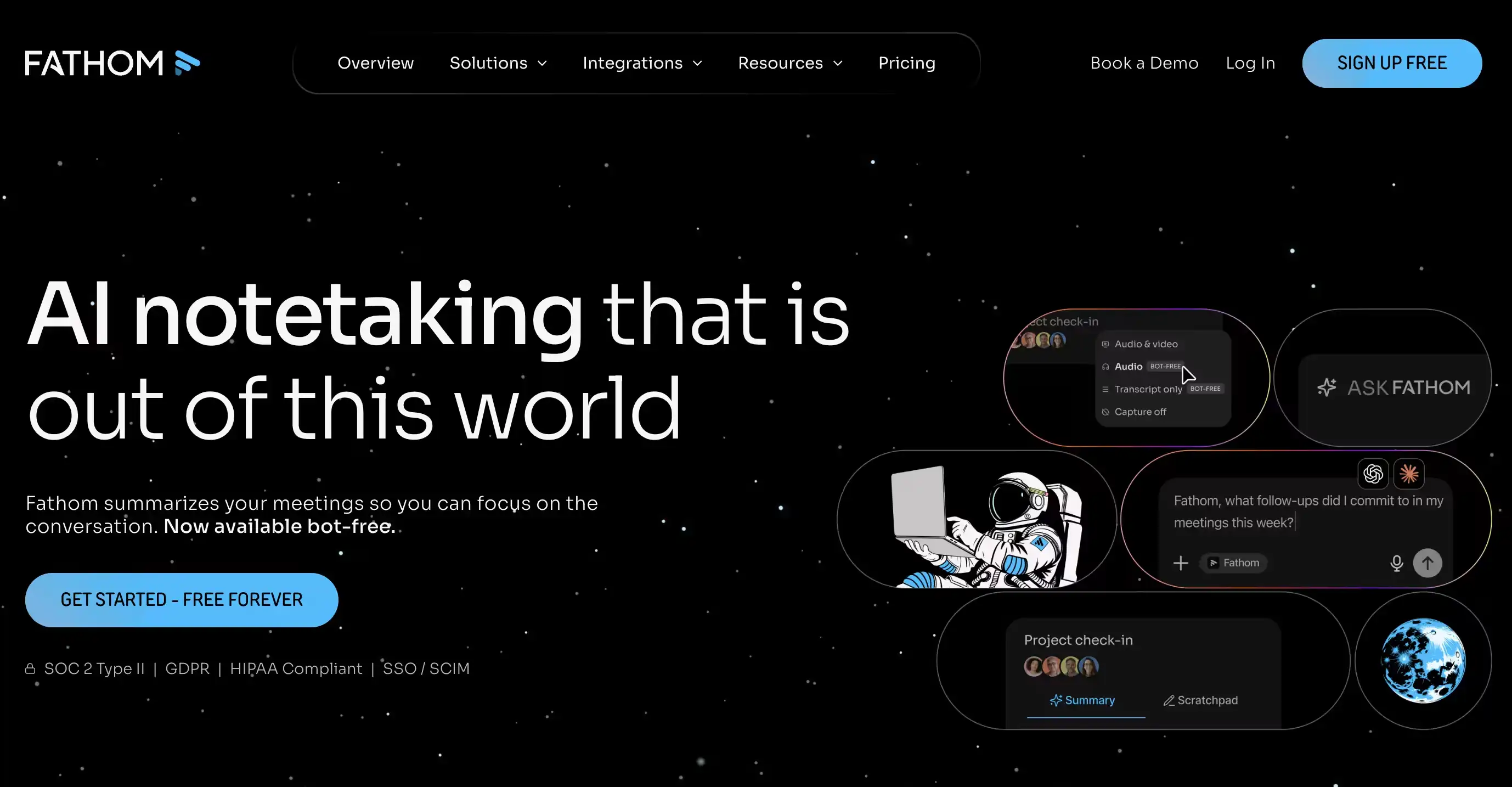
Best for: Individual reps or smaller teams that need quick AI note-taking and simple meeting summaries without the enterprise overhead.
Fathom is a lightweight option for sales teams focused on capturing conversations and automating meeting recaps. It records customer calls, identifies key highlights, and produces AI-driven summaries so reps can spend less time on manual entry and more time on follow-ups.
The tool is strongest when it comes to speed and user adoption. It allows reps to quickly generate usable meeting notes, share specific call clips, and sync highlights to the CRM. For growing teams still refining their sales motion, Fathom provides immediate visibility without the complexity of a broader revenue intelligence platform.
Where it may fall short: Fathom is primarily an AI meeting assistant. It may lack the depth required for advanced coaching workflows, detailed deal inspection, or connecting call data to forecasting and full revenue context.
Pricing: Free for individuals, with paid tiers for team collaboration.
CRM integration: Connects with major CRMs to automate call logging and note syncing.
How to choose the right sales call analysis software for your team?
The right tool depends on what you want call data to change.
If your team only needs clean notes, transcripts, and fast follow-up, start with a lighter tool like Fathom or Fireflies.ai. They are easier to roll out and usually enough for small teams that do not need deep coaching or deal inspection yet.
If you are a mid-market sales team, look for a balance between coaching, CRM sync, and adoption. Avoma and Jiminny are good fits when managers want better call reviews, objection tracking, playlists, and rep coaching without a heavy enterprise setup.
If you are an enterprise RevOps team, go deeper on CRM integration, governance, coaching workflows, and revenue context. MaxIQ, Gong, Clari Copilot, Chorus, and Revenue.io make more sense when call insights need to connect to pipeline, forecast reviews, manager inspection, or broader GTM workflows.
The main question is simple: after the call ends, where should the insight go?
If it only needs to become a note, a lightweight tool is enough. If it needs to shape coaching, update CRM, flag deal risk, or support forecast confidence, you need a stronger sales call analysis platform.
Every capability walked through one by one, with screenshots from real calls.
.avif)


.webp)