.webp)




.svg)


Key Takeaways (TL;DR)
Replacing Clari starts with identifying what your team actually needs: forecasting, deal inspection, conversation intelligence, CRM reporting, or post-sale visibility.
- MaxIQ: Forecasting, deal inspection, conversation intelligence, renewals, and expansion in one platform.
- Aviso: Predictive forecasting, scenario planning, and AI revenue workflows.
- Terret: Forecast explanations, pipeline risk analysis, and revenue execution.
- Gong: Conversation-led deal analysis and forecasting.
- Salesforce: Forecasting inside Salesforce.
- HubSpot: CRM, sales activity, and forecasting in one system.
- Forecastio: Dedicated forecasting and pipeline intelligence for HubSpot.
- Revenue Grid: Salesforce activity capture, pipeline visibility, and deal guidance.
- Outreach: Sales engagement, deal execution, and forecast preparation.
Compare the tools using your own deals, CRM setup, pricing requirements, and weekly admin workload before choosing one.
If you're replacing Clari, it's usually for one of three reasons: the renewal cost is hard to justify, weekly forecast reviews still run on spreadsheets, or the platform takes more admin work than your team can give it.
The Clari–Salesloft merger adds a fourth. Since the deal closed in December 2025, both companies operate under the Salesloft brand, while Clari Forecast keeps its name. Before you renew, check what the combined offering means for your contract, your modules, and the roadmap for the features you rely on.
Start with the job you need the replacement to do. Forecast submissions, manager rollups, deal inspection, conversation intelligence, and renewal forecasting are different jobs. A tool that handles one may leave you buying another product for the rest.
This guide compares nine Clari alternatives on forecasting depth, CRM fit, pricing, and the work each one actually covers. If MaxIQ is already on your shortlist, our MaxIQ vs. Clari comparison goes deeper.
What do you need to replace in Clari?
Most teams rely on Clari for some mix of forecasting, pipeline inspection, conversation intelligence, and renewal forecasting. Before booking demos, list which of these your team actually uses each week. That's a better starting point than comparing every feature a vendor offers.
- Forecasting: Rep submissions, manager adjustments, rollups, and forecast history. Ask the vendor to show how the tool handles your structure: overlays, split teams, multiple products, or multiple currencies.
- Pipeline inspection: Changes in deal value, close dates, stages, and buyer activity. In the demo, pick a real deal and ask the tool to explain why it needs attention.
- Conversation intelligence: If you use call recording and coaching, confirm whether they're included, sold as an add-on, or require a separate tool.
- Renewals and expansion: If existing customers contribute to your number, ask the vendor to show renewal and expansion forecasting next to new business, not in a separate report.
- CRM data and admin effort: Check what the tool captures automatically and what still depends on reps. Then ask who maintains it and how many hours a week that takes.
Hold every vendor to the same list. A lower quote only means something if it covers the capabilities your team needs.
How do you compare Clari alternatives?
Use the same process with every vendor: a scripted demo, a scorecard, and a short pilot using your own data. The checklist above tells you what to test. These steps make the results easier to compare.
1. Script the demo. Send each vendor the same three to five anonymized deals and your forecast structure before the call. Ask them to run a forecast review using that sample instead of relying only on their demo environment. Have them explain one risk flag and one forecast change using the underlying deal activity.
2. Score each vendor the same way. Rate every requirement as included, an add-on, a workaround, or not supported. Note what reps would still update manually and what RevOps would need to maintain each week.
3. Run a pilot on live forecasts. Use the pilot to test submissions, CRM sync, deal inspection, and the time your team spends preparing for forecast reviews. Record each tool’s forecast at the same checkpoints, such as week 4 and week 8. Compare those forecasts with actual results after the period closes.
4. Compare total cost. Get quotes that cover the modules, seats, implementation, and support you need. List included capabilities separately from paid extras.
5. Check the contract and data terms. Ask for single-module pricing, renewal terms, any agreed price caps, and exit terms in writing, especially if you’re renewing with the combined Clari–Salesloft company. Review the vendor’s security report, data-processing terms, retention policy, and the format and cost of exporting your forecast history.
A demo shows what’s possible. A pilot shows whether your team can use the product in its regular forecast process.
9 Clari alternatives at a glance
Compare each platform by its primary use case and pricing model. Some tools replace Clari’s forecasting workflows, while others focus on conversation intelligence, CRM reporting, or sales execution.
1) MaxIQ
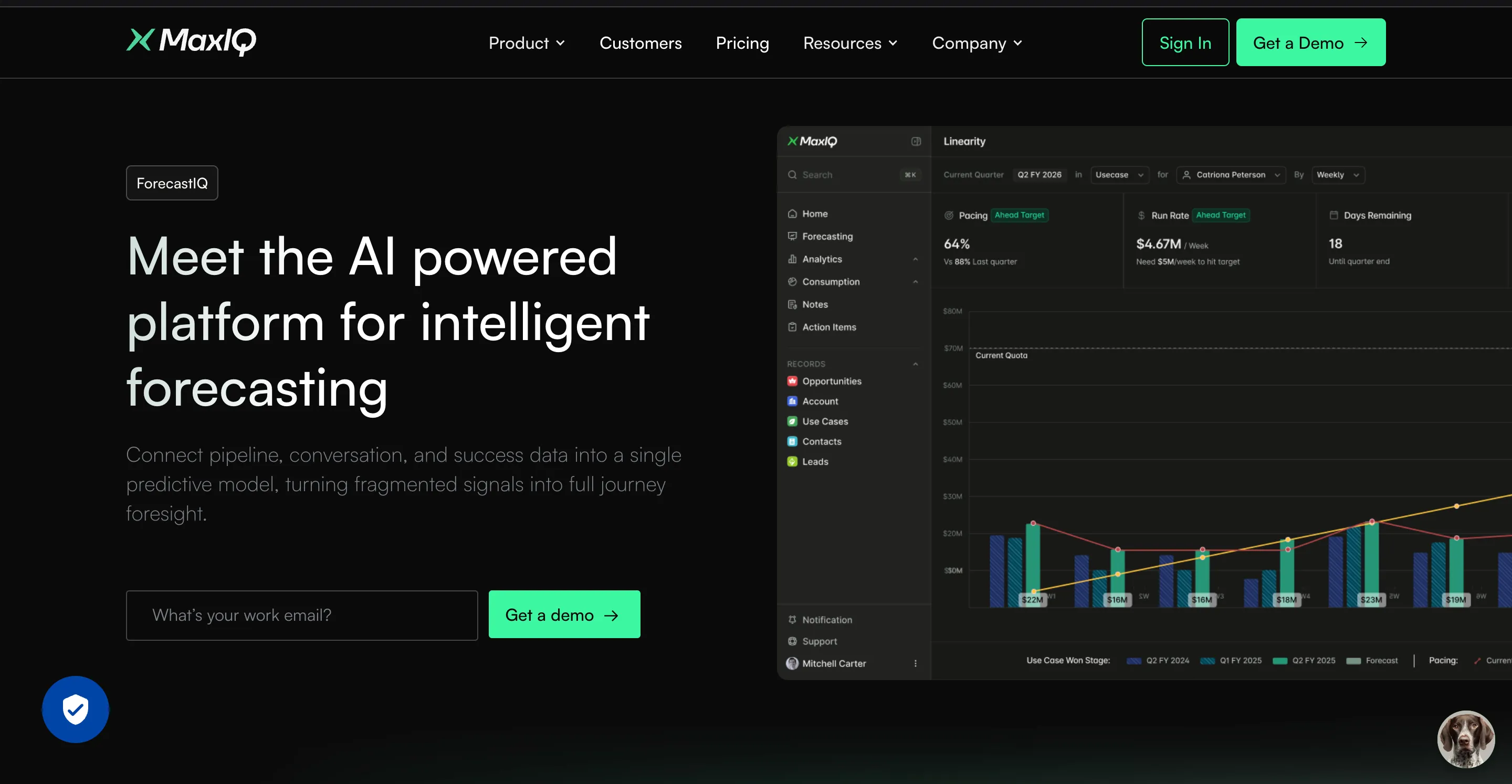
MaxIQ is built for revenue teams that want forecasting, pipeline inspection, conversation intelligence, and post-sale visibility in one platform.
Best for: Sales and RevOps teams that need to connect forecast numbers with the deal activity, buyer conversations, renewals, and expansion signals behind them.
What it covers:
- ForecastIQ: Predictive forecasting using pipeline, conversation, and customer-success data
- InspectIQ: Deal inspection, pipeline health, risk detection, and next-best actions
- EchoIQ: Meeting intelligence, conversation context, CRM updates, and sales-to-customer-success handoffs
- SuccessIQ: Visibility into onboarding, customer health, renewals, and expansion
- CRM integration: Salesforce. MaxIQ also connects with Gmail, Google Calendar, Google Drive, Office 365, and Slack.
- Pricing: Usage-based pricing based on team size and use .case
Why consider it over Clari: MaxIQ connects new business and post-sale revenue in the same system. Managers can move from a forecast number to the deals, conversations, and customer signals behind it.
What to check: Confirm that the CRM objects, custom fields, revenue types, and workflows match your team’s setup during the evaluation.
2) Aviso AI
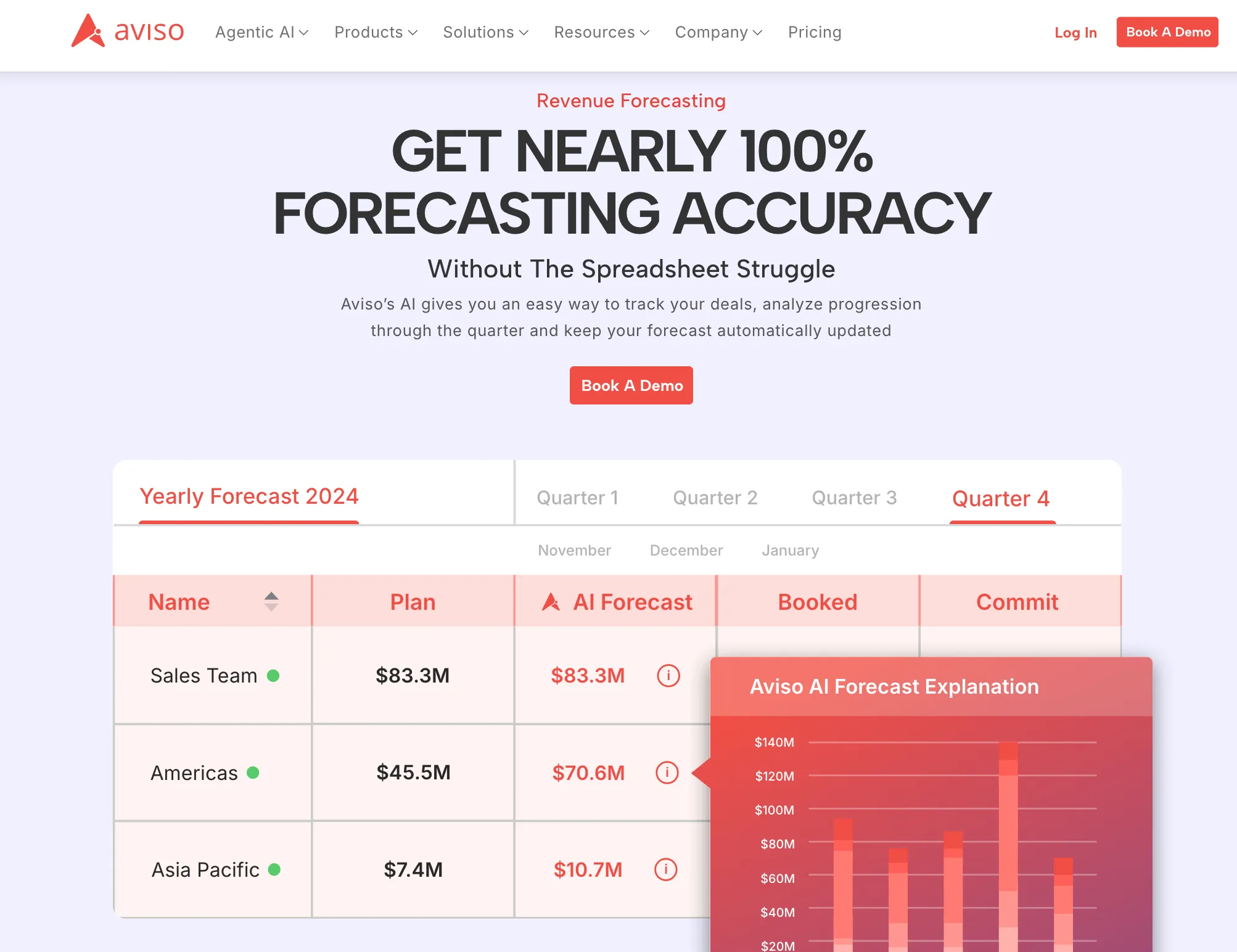
Aviso is an AI revenue platform focused on forecasting, pipeline management, deal guidance, and revenue execution.
Best for: Revenue teams that want predictive forecasting, scenario planning, and deal-risk visibility across a Salesforce-led revenue process.
What it covers:
- Predictive revenue forecasting and customizable forecast hierarchies
- Pipeline inspection, opportunity scoring, and deal-risk analysis
- Scenario planning and out-quarter pipeline planning
- Conversation intelligence and seller coaching
- Consumption forecasting and customer-success workflows
- AI agents for revenue workflows and sales execution
- Custom pricing with white-glove onboarding and migration support
Why consider it over Clari: Aviso is a direct revenue-intelligence alternative with a broad AI and agentic workflow layer. It may fit teams that want forecasting, deal guidance, engagement, and customer-success capabilities in one platform.
What to check: Confirm how Aviso handles your CRM objects, forecast categories, custom fields, usage-based revenue, and the modules included in your proposal. Ask which features require additional implementation or services.
3) Terret (formerly BoostUp)
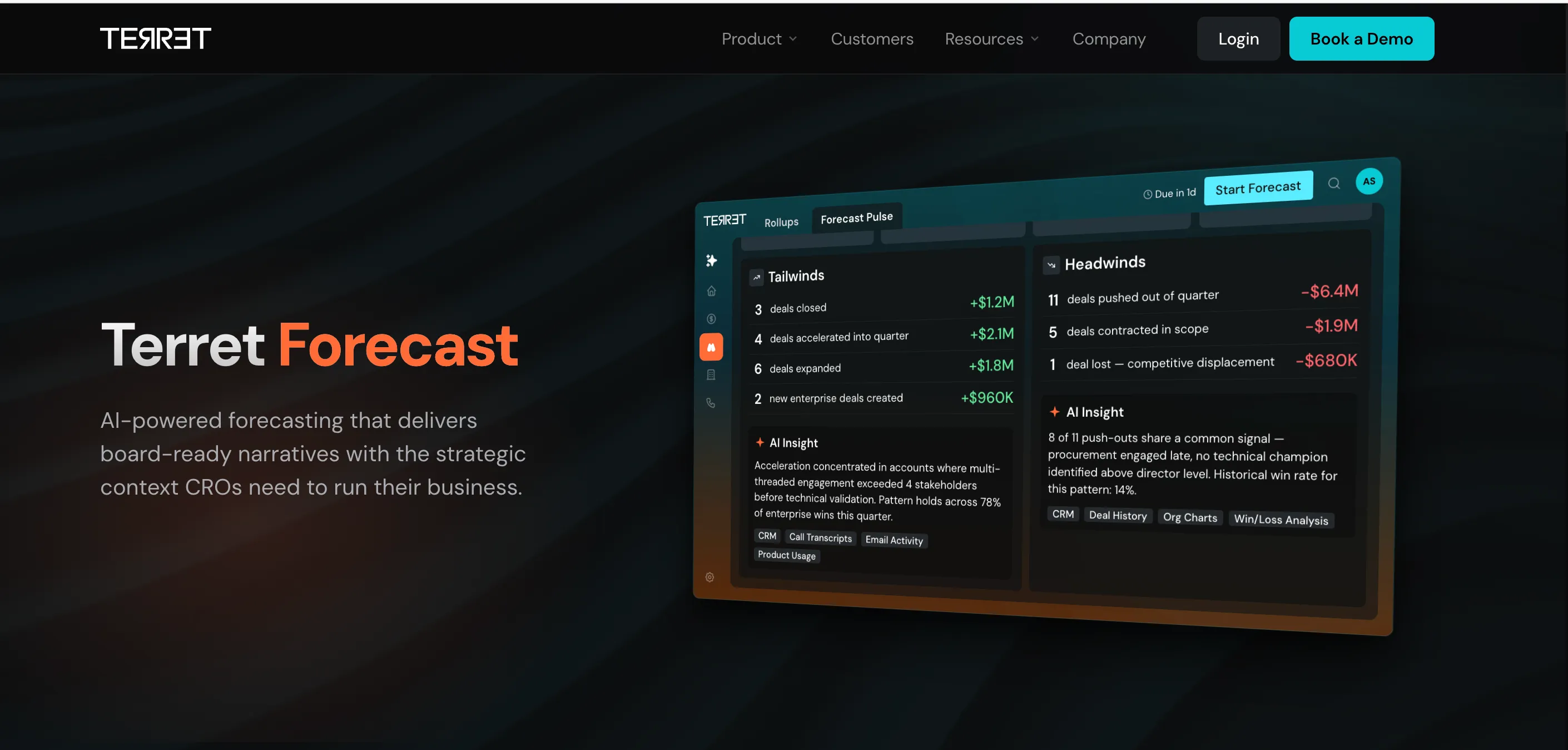
Terret is a revenue intelligence platform built around forecasting, pipeline inspection, conversation intelligence, and revenue execution. It is the current name for BoostUp.
Best for: Revenue teams that want machine-generated forecasts, deal-risk visibility, and context from CRM activity, calls, and email in one system.
What it covers:
- Terret Forecast: Forecast rollups, predictions, risk signals, and board-ready explanations of forecast changes.
- Pipeline inspection: Deal health, stalled opportunities, engagement gaps, and close-date risks.
- Conversation intelligence: Call insights that help explain deal movement and pipeline risk.
- Revenue execution: AI agents and workflows that connect forecast findings to follow-up actions.
- Pricing: Custom quote.
Why consider it over Clari: Terret combines forecast output with the deal, conversation, and pipeline signals behind it. That can help managers spend less time collecting updates and more time deciding what needs action.
What to check: Ask which forecasting, conversation intelligence, and AI-agent capabilities are included in your proposal. Confirm CRM sync, custom fields, historical data migration, and how Terret handles renewals or consumption revenue.
4) Gong
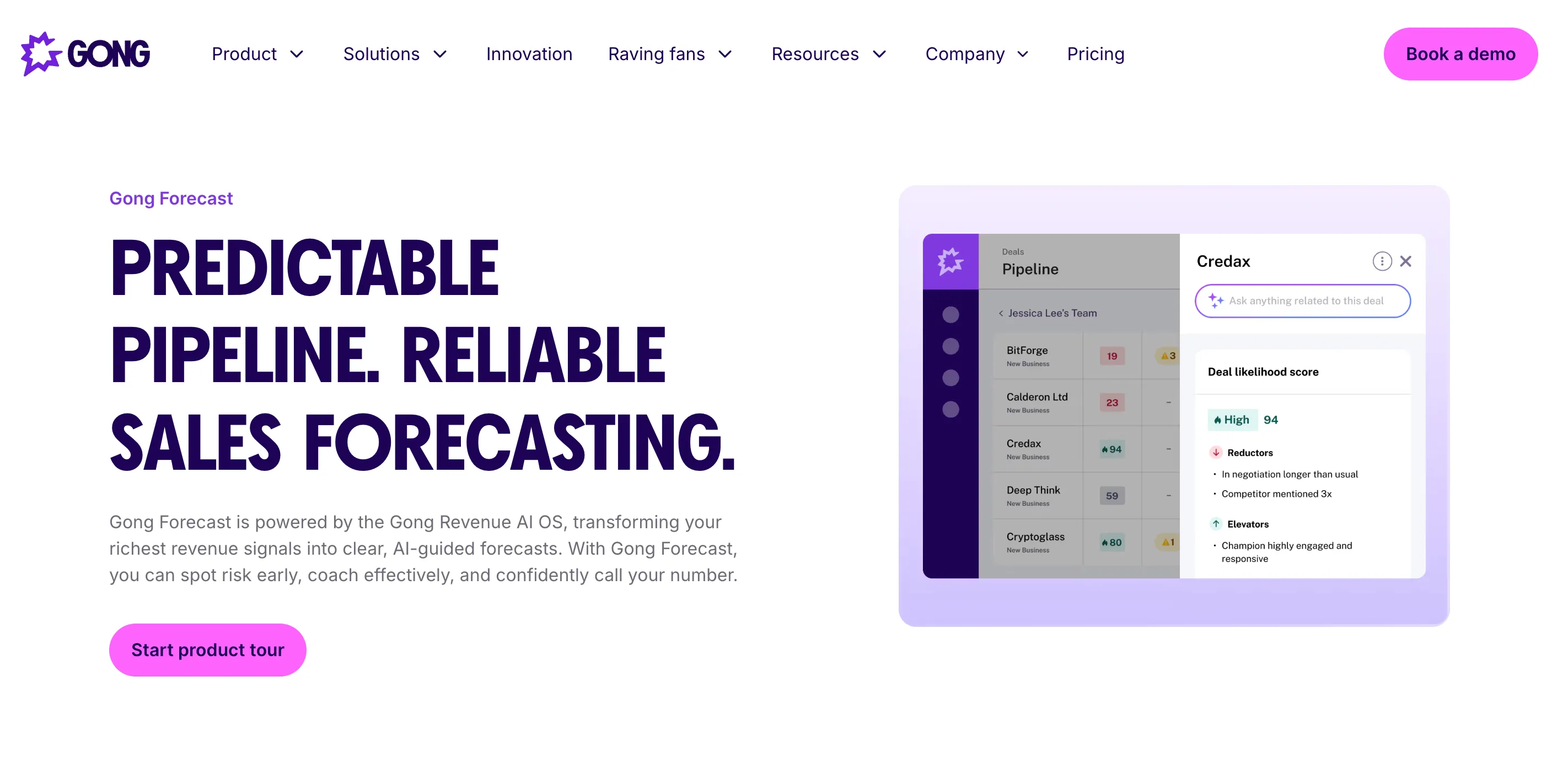
Gong started with conversation intelligence and has expanded into deal management, pipeline inspection, and forecasting. Its forecast tools use CRM data together with signals from customer conversations.
Best for: Sales teams that want call and meeting activity to play a central role in deal reviews, coaching, and forecasts.
What it covers:
- Conversation intelligence: Records, transcribes, and analyzes customer interactions.
- Deal management: Tracks deal health, stalled opportunities, engagement gaps, and buying risks.
- Forecasting: Forecast submissions, pipeline predictions, deal likelihood scores, and forecast visibility.
- Coaching and execution: Helps managers find patterns in calls and turn them into coaching or deal actions.
- Pricing: Custom quote. Pricing depends on users, products, and the package you choose.
Why consider it over Clari: Gong is a strong fit when the evidence behind the forecast lives in calls, meetings, and buyer interactions—not only in CRM fields. It can help managers connect what buyers said with the forecast number.
What to check: Confirm whether you need Gong Forecast, Deal Management, or both. Ask about recording coverage, CRM sync, storage, implementation, and the total cost of adding users or modules.
5) Salesforce Sales Cloud
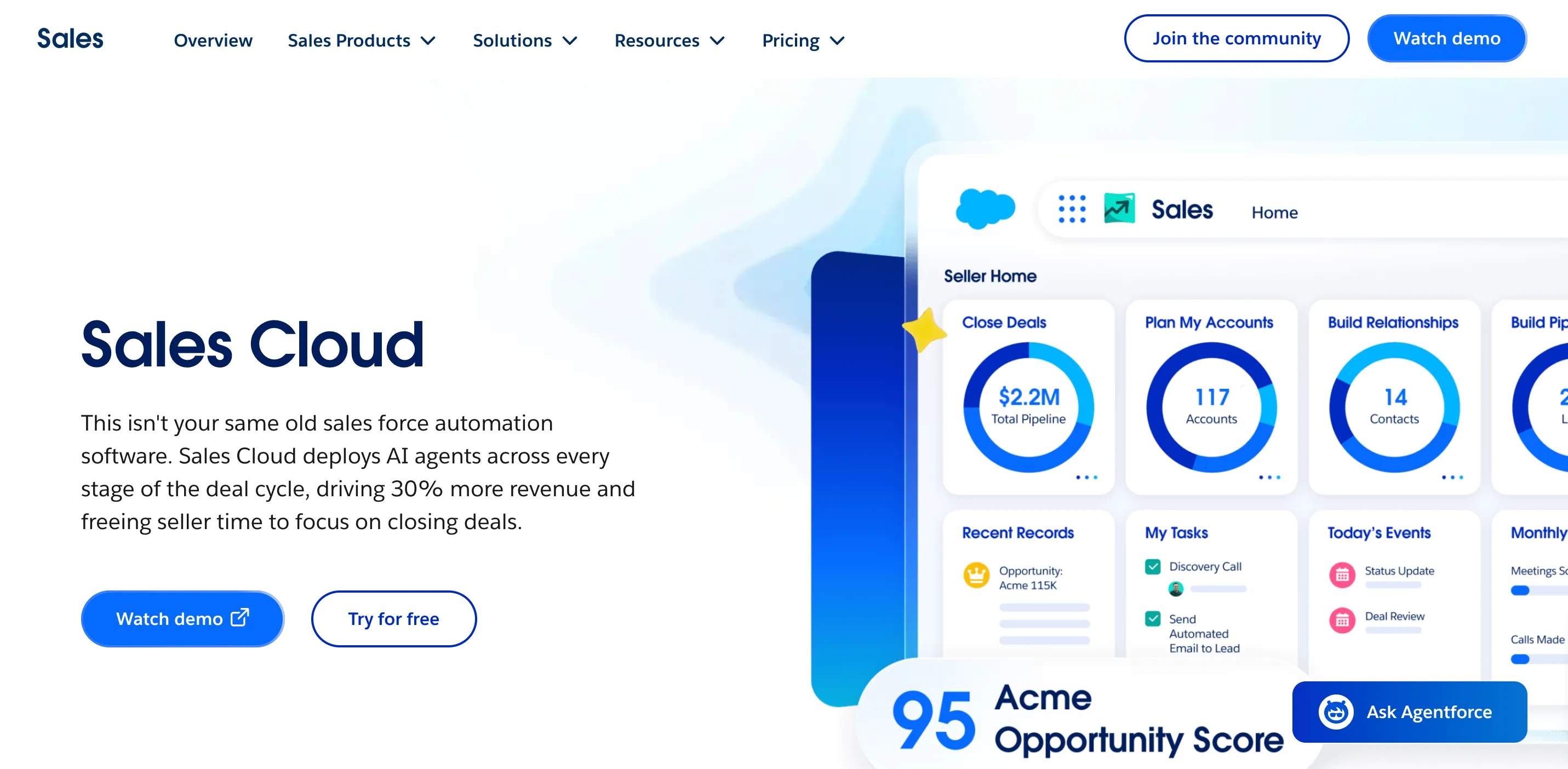
Salesforce Sales Cloud is a CRM-first alternative to Clari. Its forecasting, pipeline inspection, and analytics work inside the Salesforce environment, so it can be a practical choice for teams that already manage their opportunities there.
Best for: Salesforce teams that want forecasting and pipeline reporting without adding a separate revenue platform.
What it covers:
- Collaborative Forecasting: Forecast categories, submissions, rollups, and forecast hierarchy.
- Pipeline inspection: Opportunity changes, stage movement, activity, and pipeline health.
- Revenue Intelligence: Additional dashboards, analytics, AI insights, and forecast visibility.
- CRM customization: Custom objects, fields, permissions, workflows, and reporting.
- Pricing: Sales Cloud starts at $25 per user per month. Revenue Intelligence is an additional product starting at $220 per user per month, billed annually.
Why consider it over Clari: Salesforce keeps the forecast close to the CRM records your team already maintains. It can reduce duplicate systems, but the quality of the forecast still depends on clean opportunity data and careful setup.
What to check: Confirm which edition includes the forecasting features you need. Price the Revenue Intelligence add-on, implementation, admin time, and any required CRM analytics separately.
6) HubSpot Sales Hub
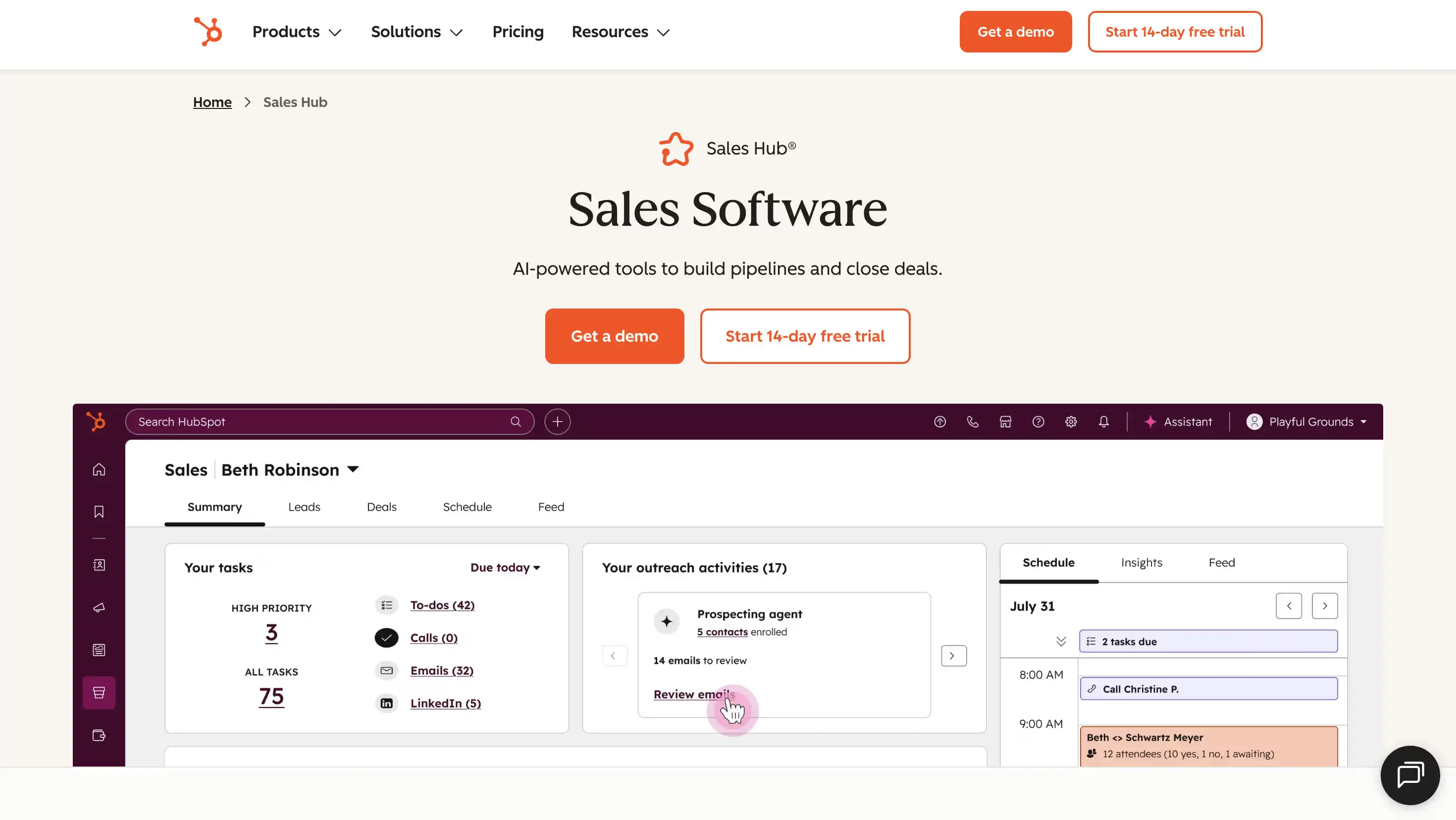
HubSpot Sales Hub is a CRM-native alternative to Clari for teams that already manage sales, marketing, and customer records in HubSpot. Its forecasting tools are available in the Professional and Enterprise plans.
Best for: Growing teams that want forecasting, pipeline management, and sales activity in the same system as their CRM.
What it covers:
- Forecasting: Forecast categories, deal-based forecasts, multiple forecast outcomes, and manager adjustments.
- Pipeline management: Deal stages, activity tracking, sales reporting, and pipeline views.
- CRM and automation: Contact records, workflows, sequences, quotes, and sales tasks.
- AI features: Predictive forecasting and AI-assisted sales tools on eligible plans.
- Pricing: Free tools are available for up to two users. Paid plans start at $7 per seat per month for Starter, $90 for Professional, and $150 for Enterprise. Professional and Enterprise plans also have one-time onboarding fees.
Why consider it over Clari: HubSpot keeps forecasting close to the customer and marketing data your team already uses. It can be a simpler option when you do not need a separate forecasting platform.
What to check: Confirm that Professional or Enterprise includes the forecast views, reporting, automation, and user seats your team needs. Also include onboarding, HubSpot credits, and additional Hubs when calculating the total cost.
7) Forecastio
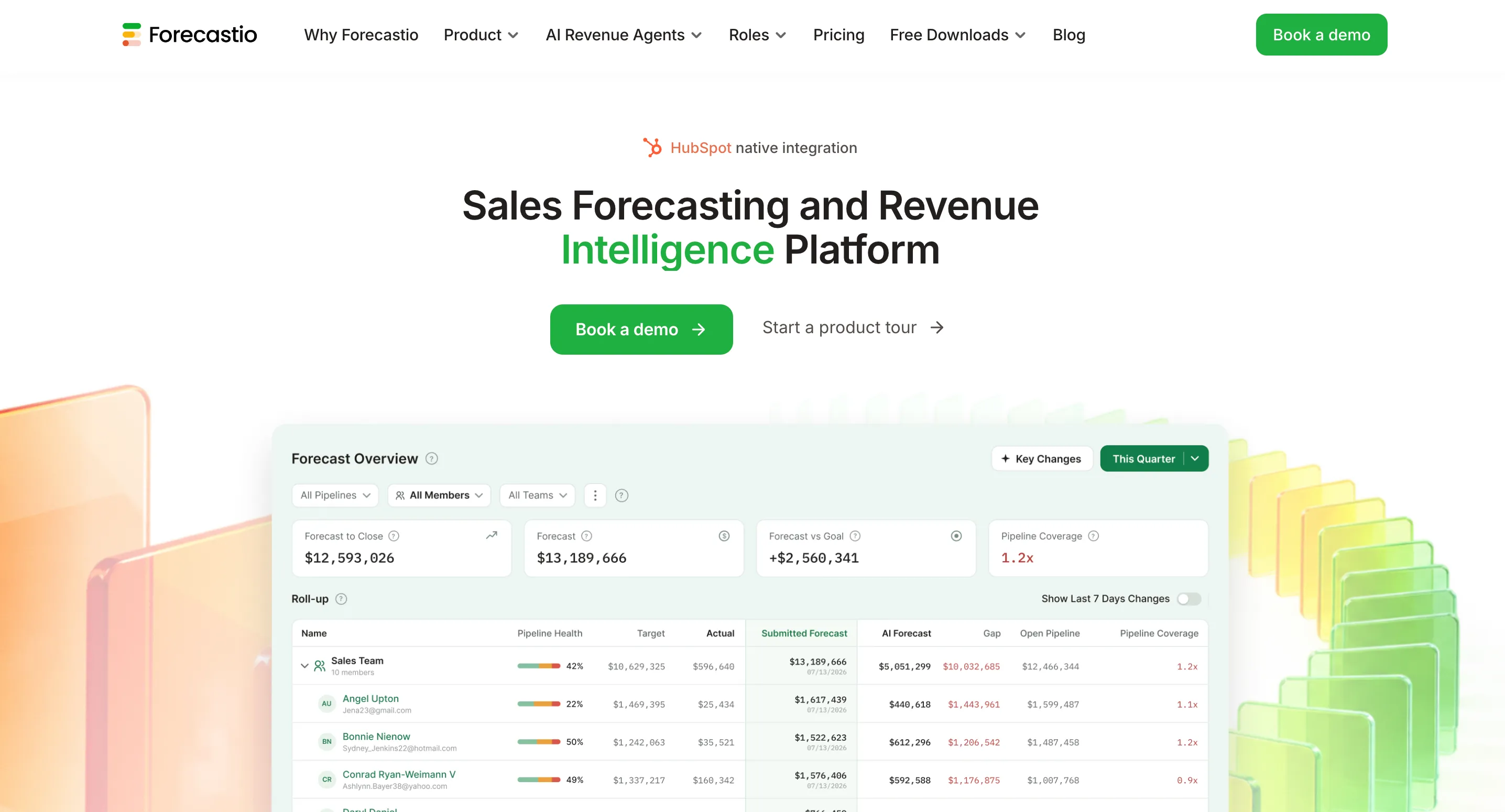
Forecastio is a forecasting and pipeline intelligence app built specifically for HubSpot. It uses historical deal data, time-series analysis, and machine learning to estimate what is likely to close and when.
Best for: HubSpot teams that want more forecasting depth than the standard CRM reports provide.
What it covers:
- AI sales forecasting: Predictions based on historical deal and pipeline behavior.
- Forecast methods: Time-series, weighted pipeline, and machine-learning forecasts.
- Scenario planning: What-if models, forecast categories, and team submissions.
- Pipeline intelligence: Pipeline health, stage bottlenecks, slippage, deal velocity, and risky-deal analysis.
- Forecast tracking: Forecast accuracy history and an audit trail of forecast changes.
- Pricing: Sales Forecasting starts at $249 per month when billed annually, including two seats. Forecasting and Pipeline Intelligence starts at $369 per month, also including two seats. Additional seats cost extra.
Why consider it over Clari: Forecastio is a narrower, more focused option for teams that want advanced forecasting and pipeline analysis without buying a larger revenue platform.
What to check: Confirm how much historical HubSpot data is needed before forecasts become useful. Test the predictions against your own sales motion, and ask how it handles multiple pipelines, renewals, and custom deal properties.
8) Revenue Grid
Revenue Grid is a Salesforce-focused platform that starts with automatic activity capture and adds pipeline visibility, deal guidance, forecasting, and sales execution.
Best for: Salesforce teams that need cleaner activity data and better visibility into what is happening inside their pipeline.
What it covers:
- Activity Capture 360: Captures emails, calendar events, and sales activity and syncs them with Salesforce.
- Pipeline visibility: Tracks deal health, activity gaps, stalled opportunities, and pipeline movement.
- Forecasting: Predictive forecasts and team-level revenue visibility are available in the Ultimate plan.
- Deal guidance: Recommends actions based on deal signals and stage requirements.
- Sales execution: Meeting assistance, sales cadences, relationship intelligence, and team analytics.
- Pricing: Activity Capture 360 starts at $30 per user per month, Knowledge Capture at $49, and Revenue Grid Ultimate at $149. Prices are listed per user and billed annually.
Why consider it over Clari: Revenue Grid can be a better fit if your main problem is incomplete Salesforce activity data and weak pipeline follow-through, rather than a broad revenue planning platform.
What to check: Forecasting is part of the Ultimate plan, so compare the full tier—not only the lower-cost activity capture plans. Also check Salesforce permissions, historical sync, implementation, and whether the deal guidance matches your sales methodology.
9) Outreach
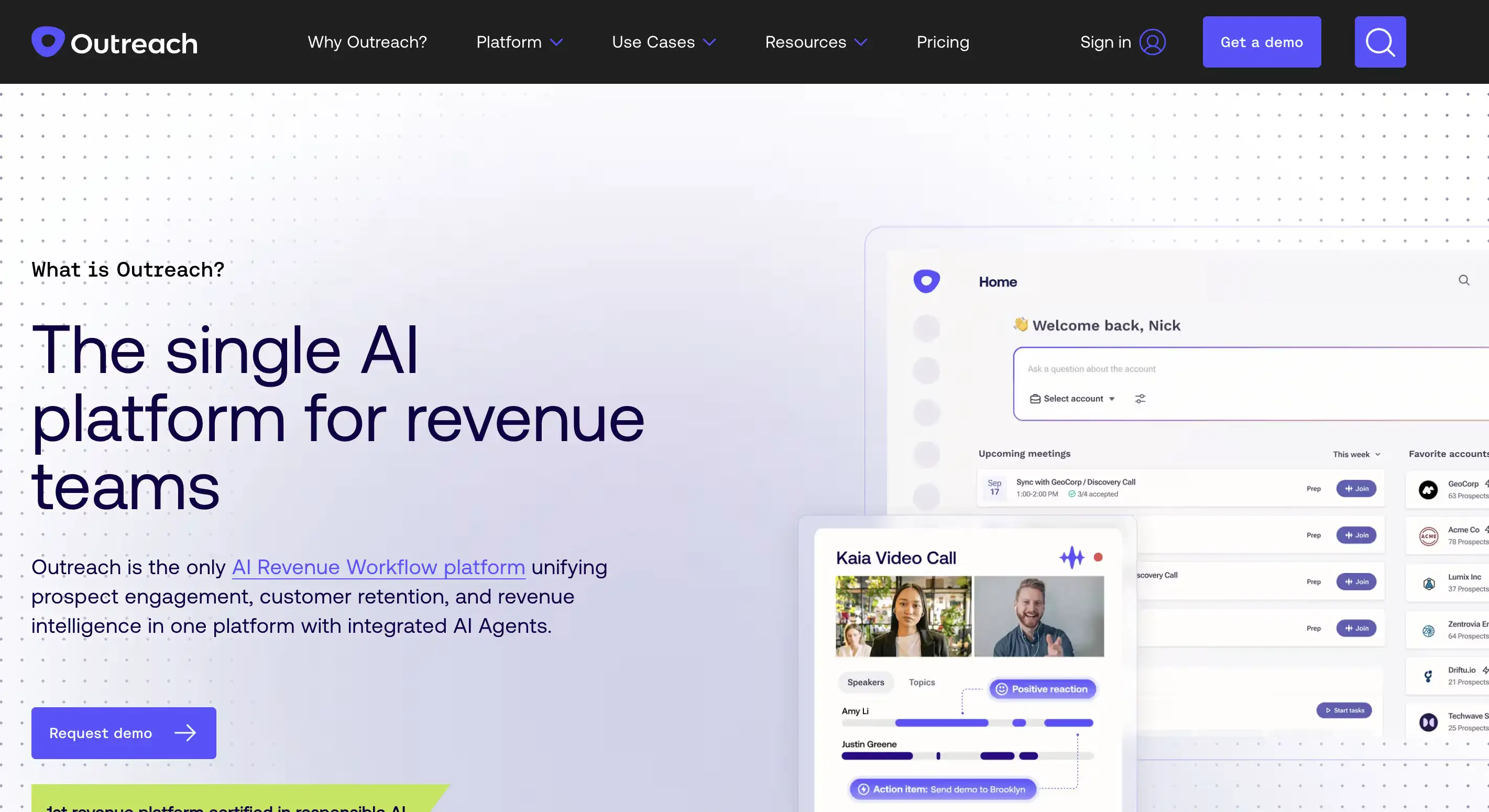
Outreach is a sales execution platform focused on prospect engagement, deal execution, coaching, and forecast preparation. Its forecasting capability is part of the broader Outreach platform rather than a standalone Clari-style forecasting product.
Best for: Sales teams that want to connect sequences, buyer engagement, deal actions, and forecast preparation in one workflow.
What it covers:
- Sales engagement: Multichannel sequences, playbooks, tasks, and engagement tracking.
- Deal execution: Deal workflows, buyer engagement signals, and actions to keep opportunities moving.
- Forecast preparation: Forecast support through Outreach Commit and related revenue workflows.
- Coaching and analytics: Rep activity, performance patterns, and manager visibility.
- AI workflows: AI-assisted actions that help automate sales work and deal follow-up.
- Pricing: Per-user pricing with no platform fee. AI workflows may also use consumption-based credits, and exact pricing depends on the package and add-ons.
Why consider it over Clari: Outreach can make sense when the bigger problem is inconsistent sales execution, weak follow-up, or disconnected engagement data—not just forecast reporting.
What to check: Confirm which forecasting and deal-management features are included in your package. Price user seats, AI credits, data connectors, implementation, and any extra licenses before comparing it with Clari.
Which Clari alternative is right for you?
The right replacement depends on what you need to fix. Use the shortlist below to narrow your options before booking demos.
- Choose MaxIQ if you want forecasting, deal inspection, conversation intelligence, renewals, and expansion in one platform.
- Choose Aviso if you need predictive forecasting, scenario planning, and AI-driven revenue workflows.
- Choose Terret if you want forecast explanations, pipeline risk analysis, and AI actions across the revenue cycle.
- Choose Gong if customer conversations are the main source of deal risk and forecast insight.
- Choose Salesforce Sales Cloud if your team already works in Salesforce and wants forecasting inside the CRM.
- Choose HubSpot Sales Hub if sales, marketing, and customer data already live in HubSpot.
- Choose Forecastio if you use HubSpot and want a dedicated forecasting and pipeline intelligence layer.
- Choose Revenue Grid if incomplete Salesforce activity capture is making pipeline reviews unreliable.
- Choose Outreach if sales engagement, follow-up, and deal execution are bigger problems than forecasting alone.
Before choosing, compare what each tool captures automatically, what reps still need to update, which modules are included, and how much administration the system will require each week.
Every capability walked through one by one, with screenshots from real calls.
.avif)